一点经验网
首页
美食营养
生活百科
知识问答
生活知识
返回
一点经验网
首页
美食营养
游戏数码
手工爱好
生活知识
生活百科
健康养生
运动户外
职场理财
情感交际
母婴教育
时尚美容
知识问答
更多知识
搜索
Keep如何清空社区缓存
2026-05-03 16:23:05
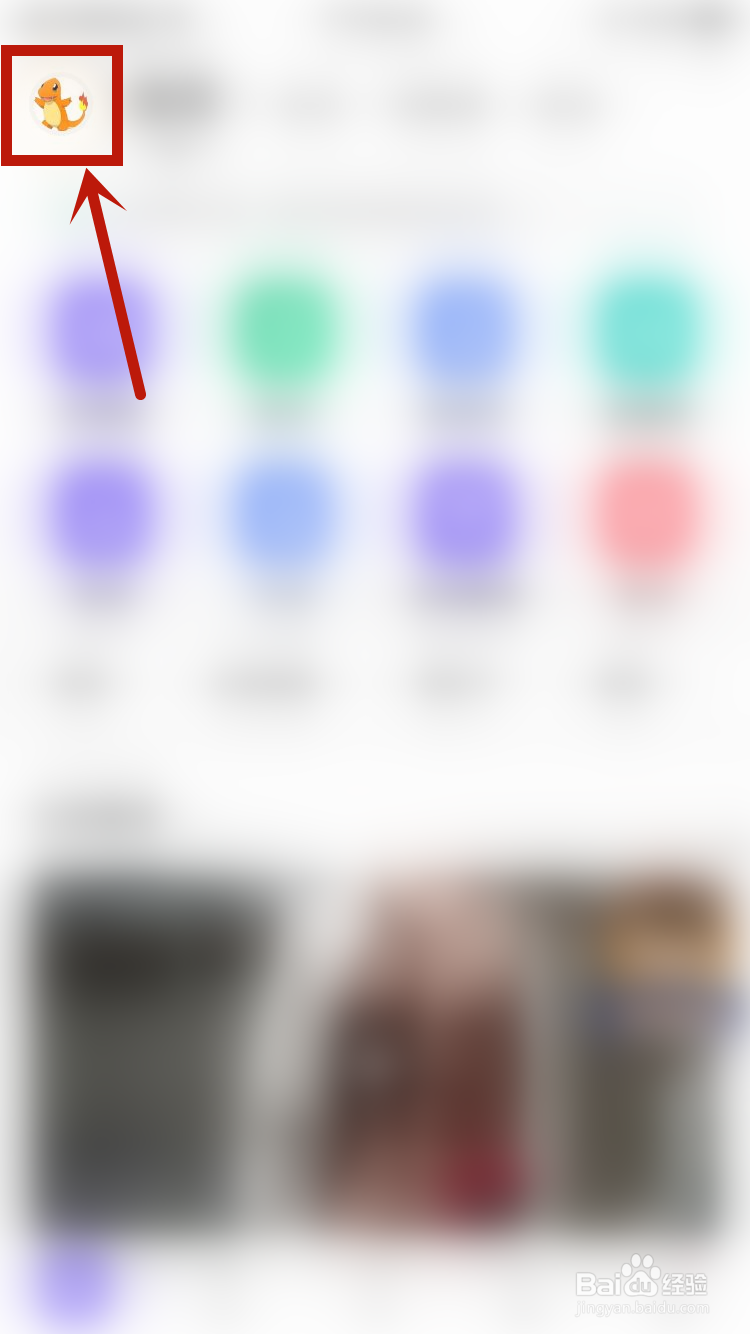
1、进入Keep首页之后,点击头像按钮。
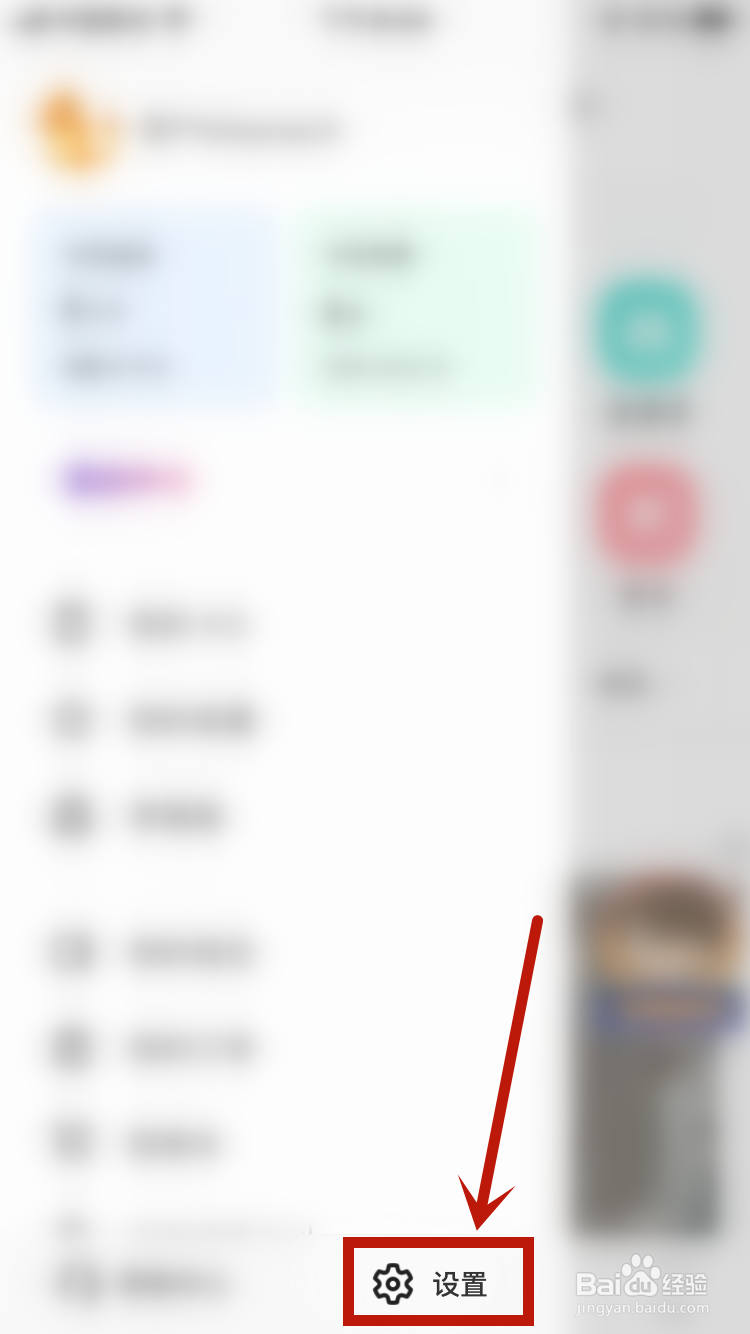
2、进入菜单页面之后,点击设置。
3、进入设置页面之后,点击通用设置。
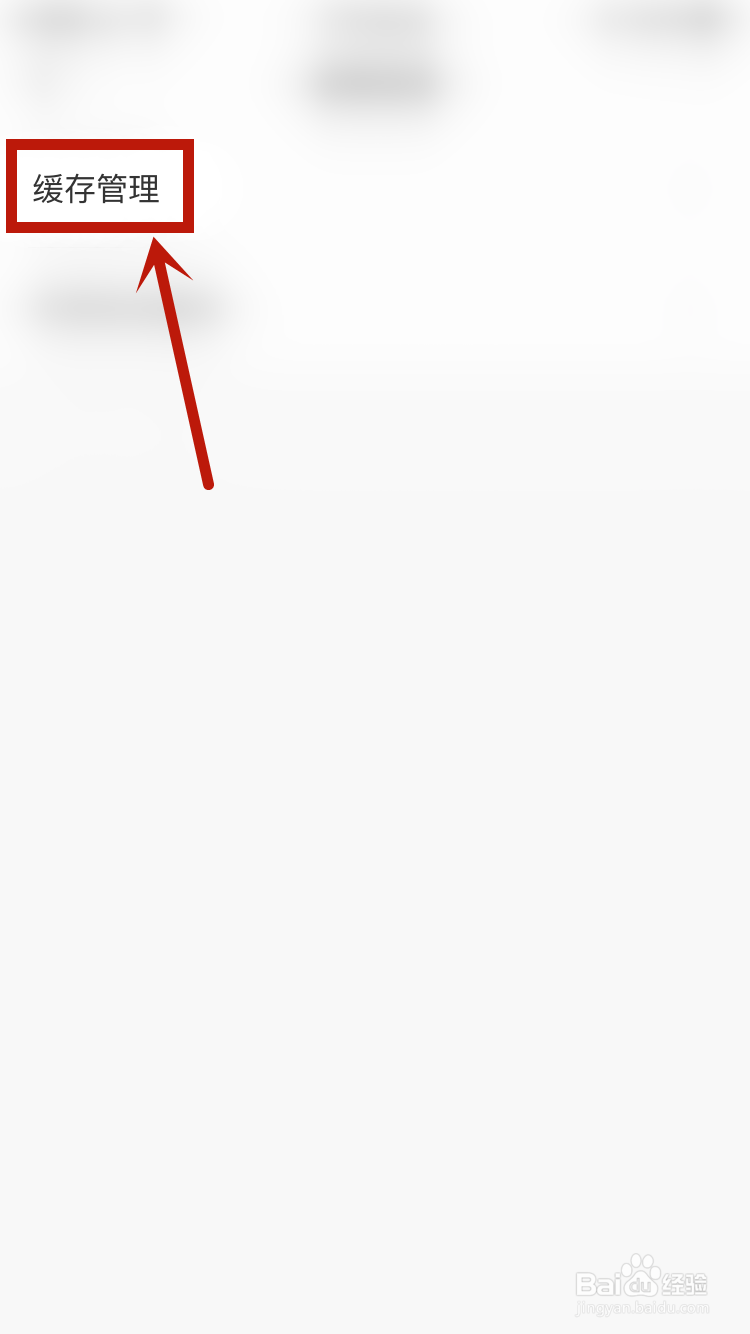
4、进入通用设置页面之后,点击缓存管理。
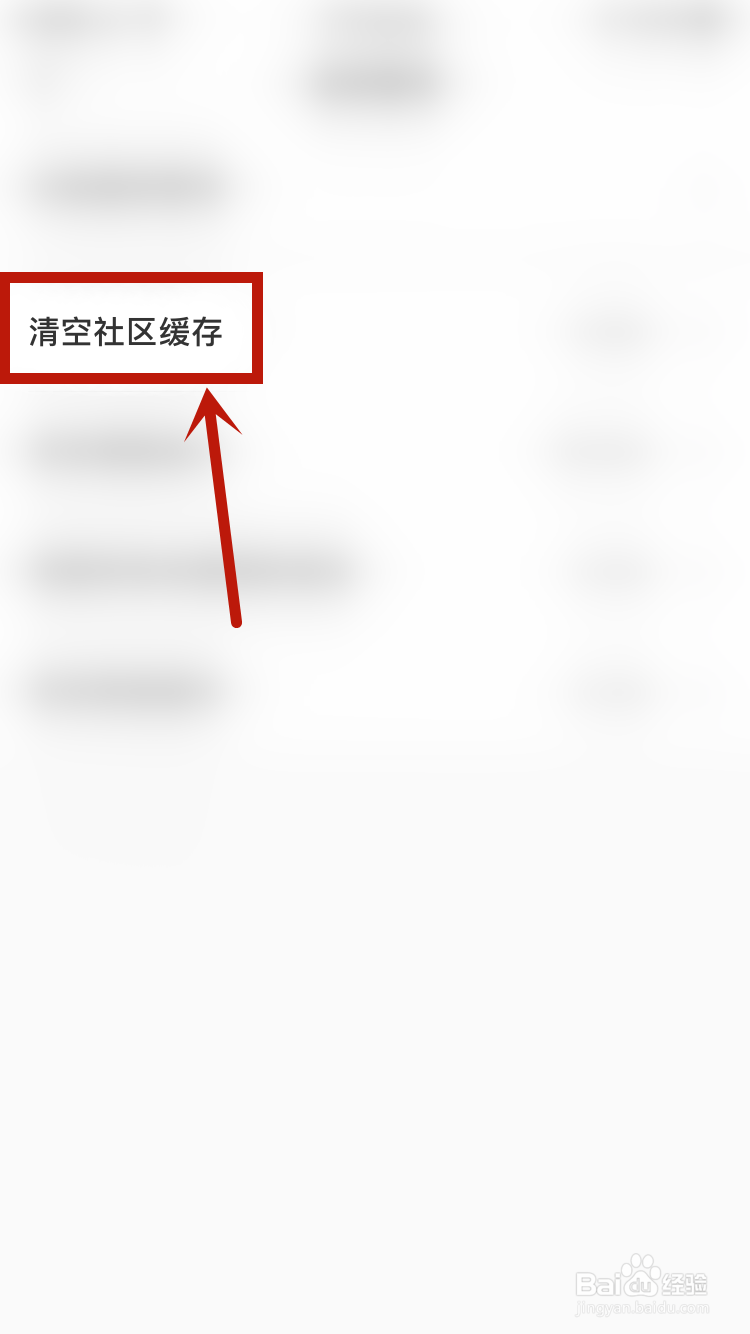
5、点击清空社区缓存,设置就完成了。
相关推荐
如何删除iphone通讯录?
阅读量:175
怎么设置苹果12日历的提醒声
阅读量:112
iPhone双击键盘空格插入“句号”怎样开启
阅读量:131
iPhone手机如何查询序列号
阅读量:64
淘宝天猫买东西一直不发货或未按约定时间发货
阅读量:180
猜你喜欢
台湾卤肉饭的做法
扁豆角的做法
炒馒头的做法
鱿鱼的做法
鲅鱼做法
焱怎么读
电工证要怎么考
宫保鸡丁的家常做法
凉拌腐竹的家常做法
澍怎么读
猜你喜欢
殆怎么读
龙怎么画
结婚证丢失怎么补办
酸菜鱼的家常做法
莲菜饺子馅的做法
素烧茄子的家常做法
红油的做法
奶香馒头的做法
炒鱼片的家常做法
葳蕤怎么读