Windows7如何设置不显示桌面IE图标
1、打开Windows7主界面。

2、点击开始中的“运行”。

3、搜索gpedit.msc。

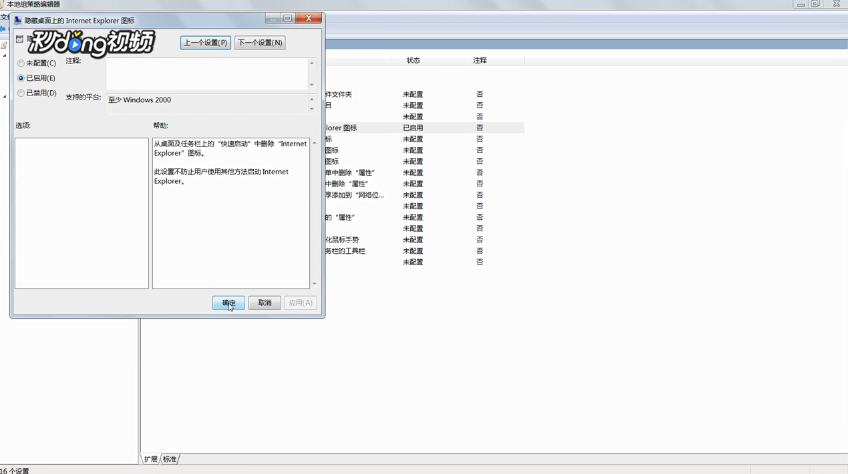
4、点击管理模板中的“桌面”,双击“隐藏桌面上的internet explorer图标”,将“已配置”修改为“已启用”。
阅读量:145
阅读量:30
阅读量:45
阅读量:151
阅读量:104
1、打开Windows7主界面。
2、点击开始中的“运行”。
3、搜索gpedit.msc。
4、点击管理模板中的“桌面”,双击“隐藏桌面上的internet explorer图标”,将“已配置”修改为“已启用”。