Powerpoint中插入条形图的方法
1、打开Powerpoint页面。

2、点击中间的插入图表的图标。

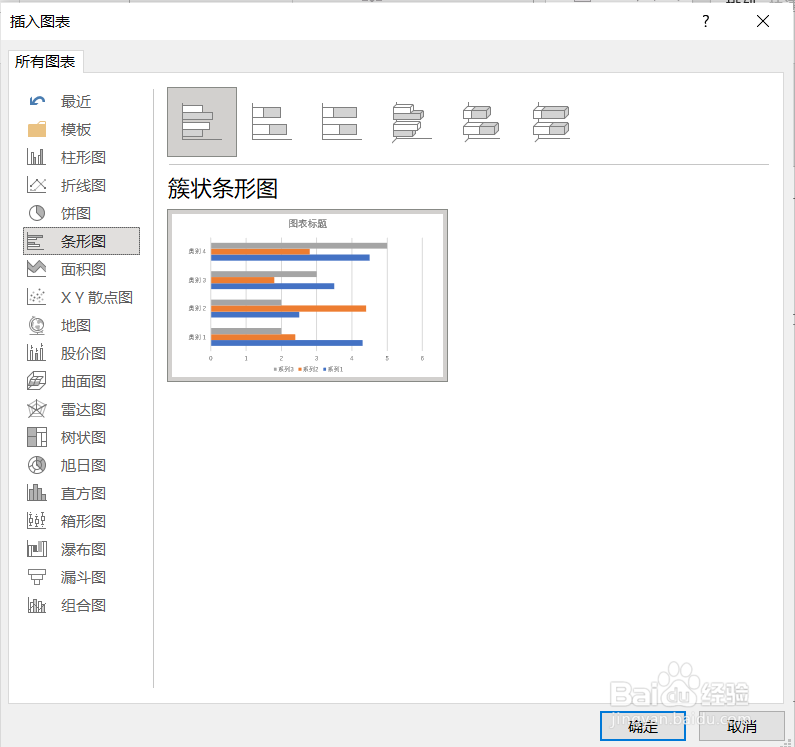
3、在弹出的对话框中选择条形图,然后点击确定。
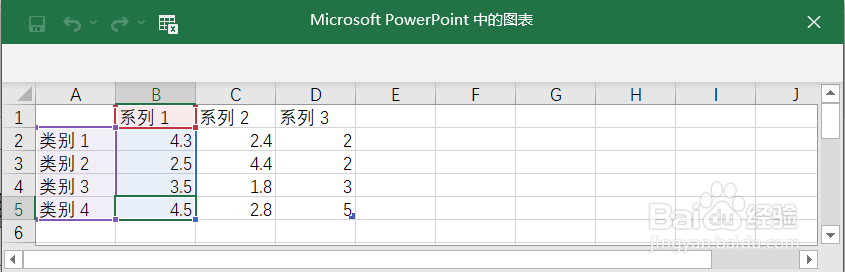
4、在弹出的表格中输入数据。
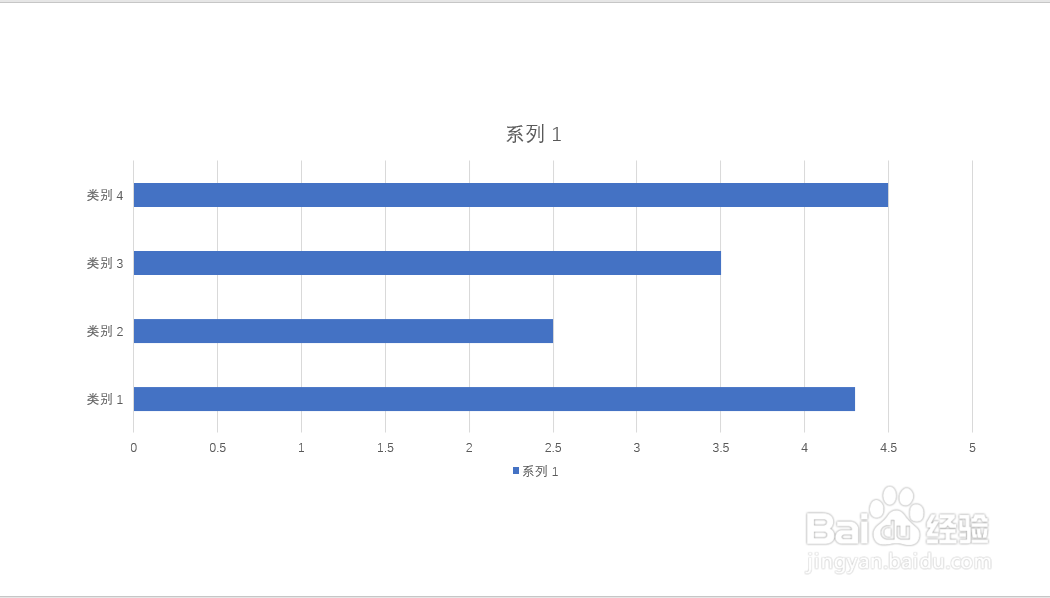
5、关闭表格,条形图就插入Powerpoint页面了。
阅读量:64
阅读量:113
阅读量:21
阅读量:153
阅读量:35
1、打开Powerpoint页面。
2、点击中间的插入图表的图标。
3、在弹出的对话框中选择条形图,然后点击确定。
4、在弹出的表格中输入数据。
5、关闭表格,条形图就插入Powerpoint页面了。