怎么处理开机出错提示bootmgr image is corrupt
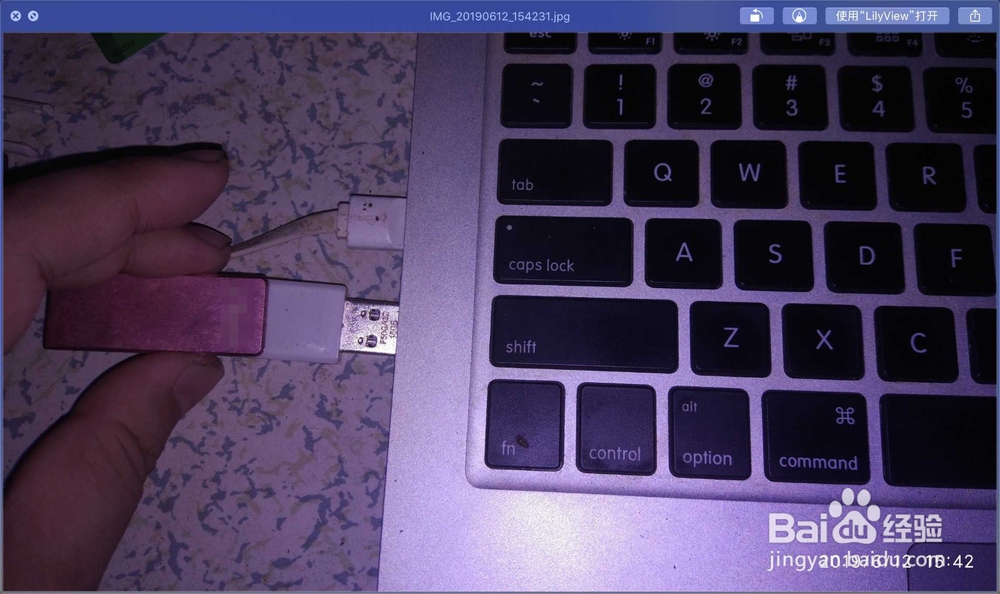
1、插上pe 启动盘到电脑,f2+power重新启动电脑。

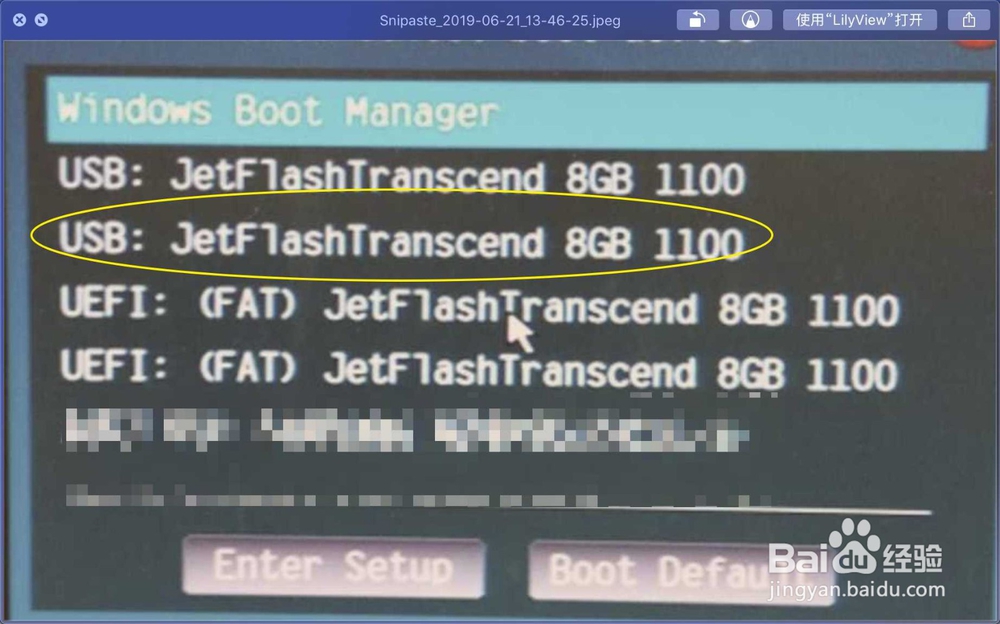
2、选USB上的启动盘,点引导xx。

3、输入1,等待它修复。


4、输入2,退出修复,如图。


5、点击开始关机,关机后,拔出启动盘重开机,那么即可修复问题,如图


阅读量:32
阅读量:172
阅读量:179
阅读量:150
阅读量:192
1、插上pe 启动盘到电脑,f2+power重新启动电脑。
2、选USB上的启动盘,点引导xx。
3、输入1,等待它修复。
4、输入2,退出修复,如图。
5、点击开始关机,关机后,拔出启动盘重开机,那么即可修复问题,如图