htc one s怎么连接wlan
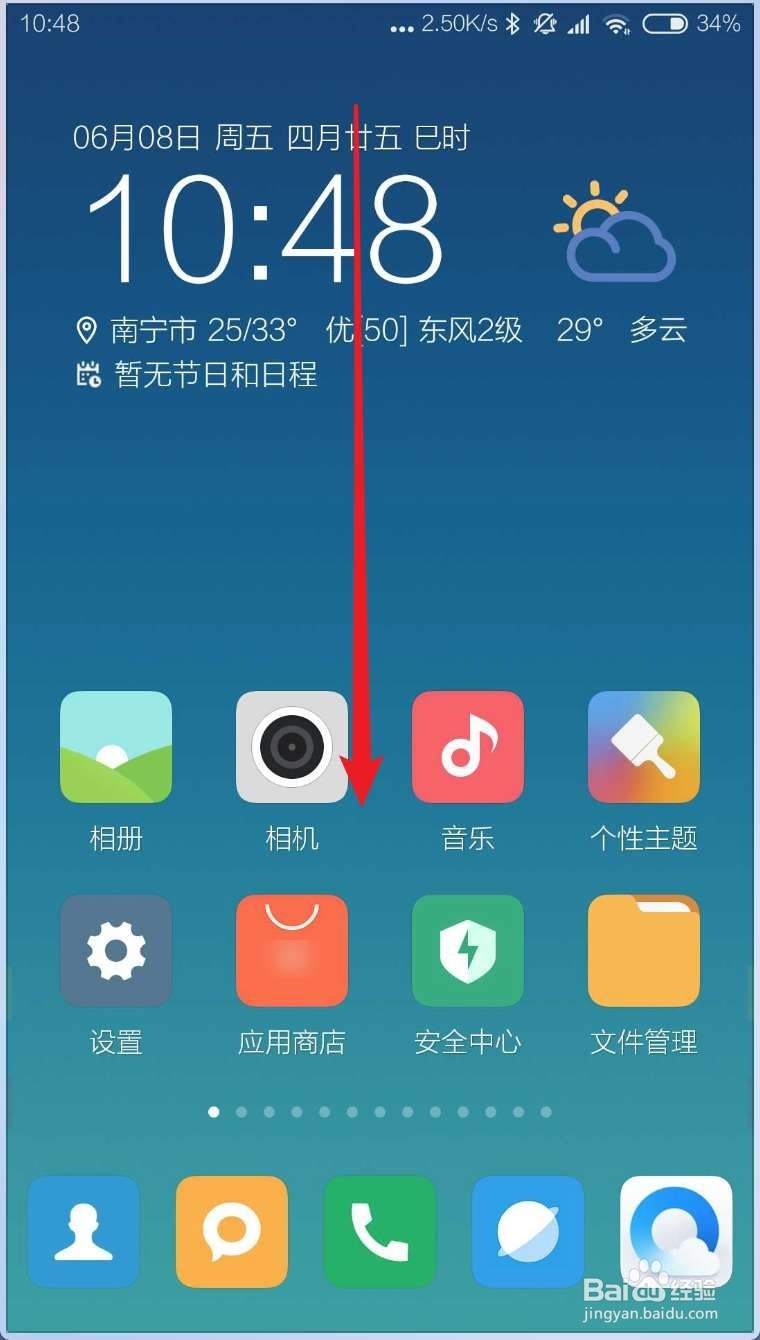
1、解锁你的手机屏幕,然下拉屏幕。

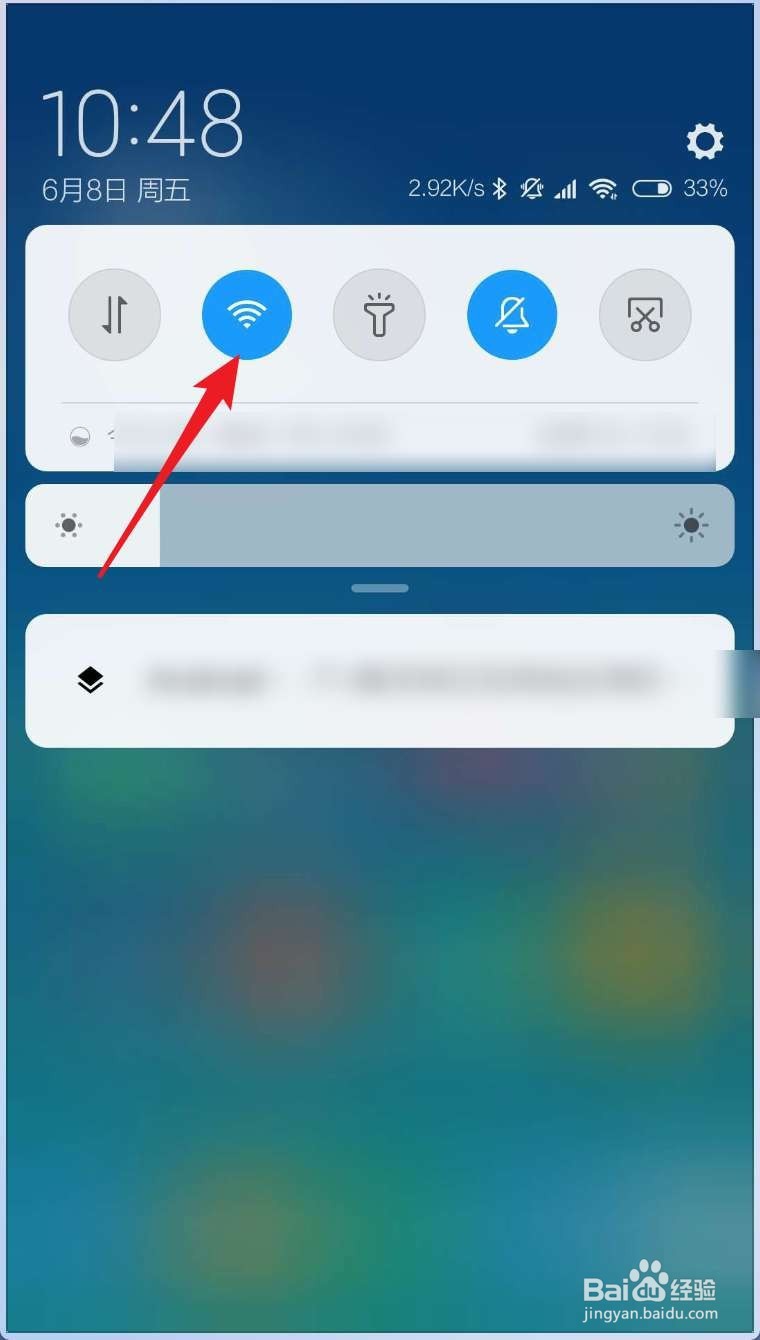
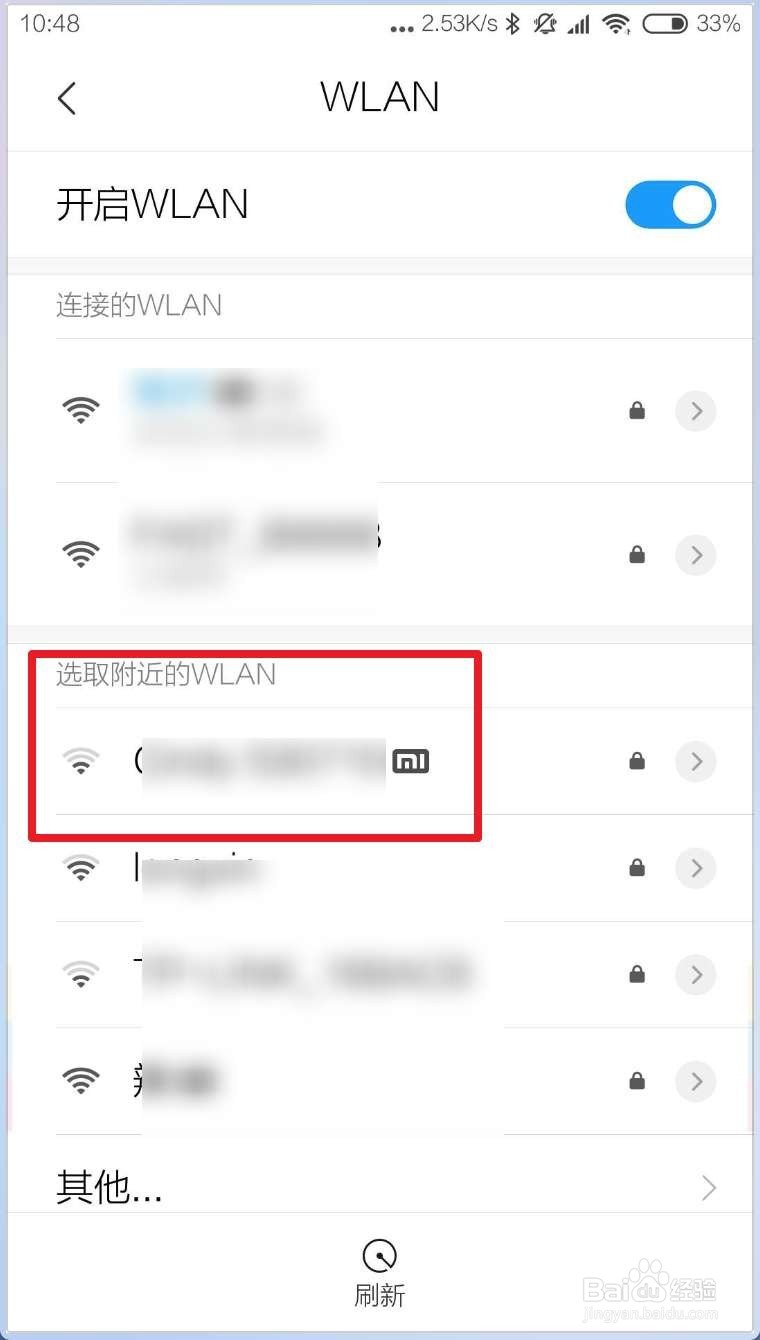
2、点击这个WiFi,选择一个WLAN网络。
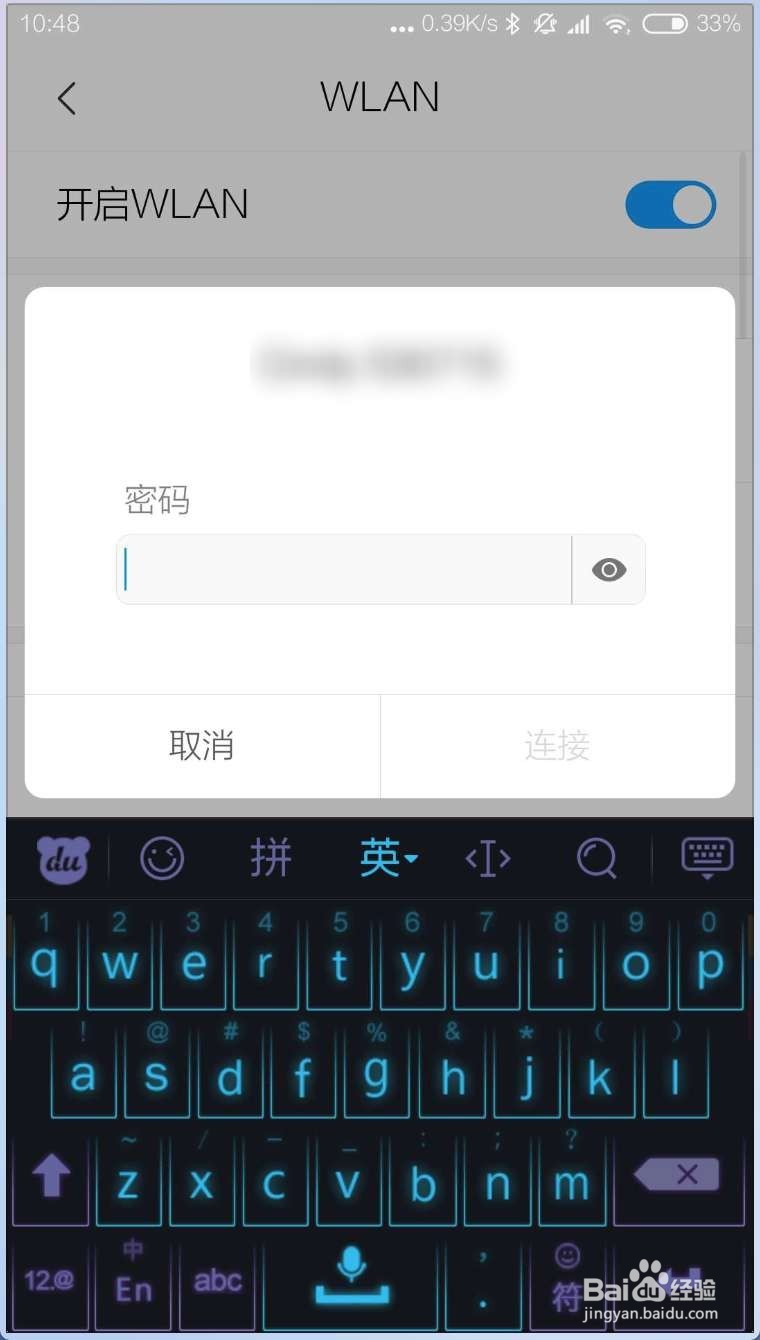
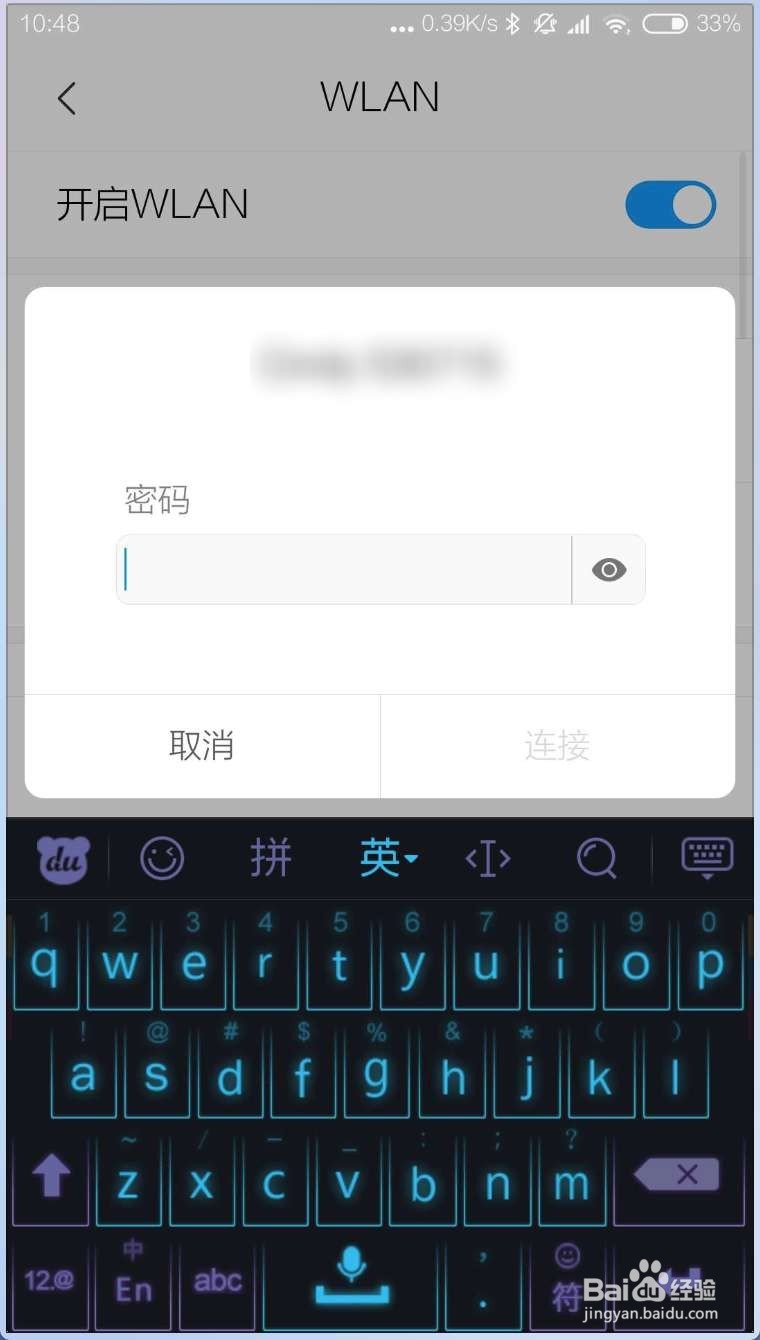
3、输入密码后,就会连接到这个WLAN了。
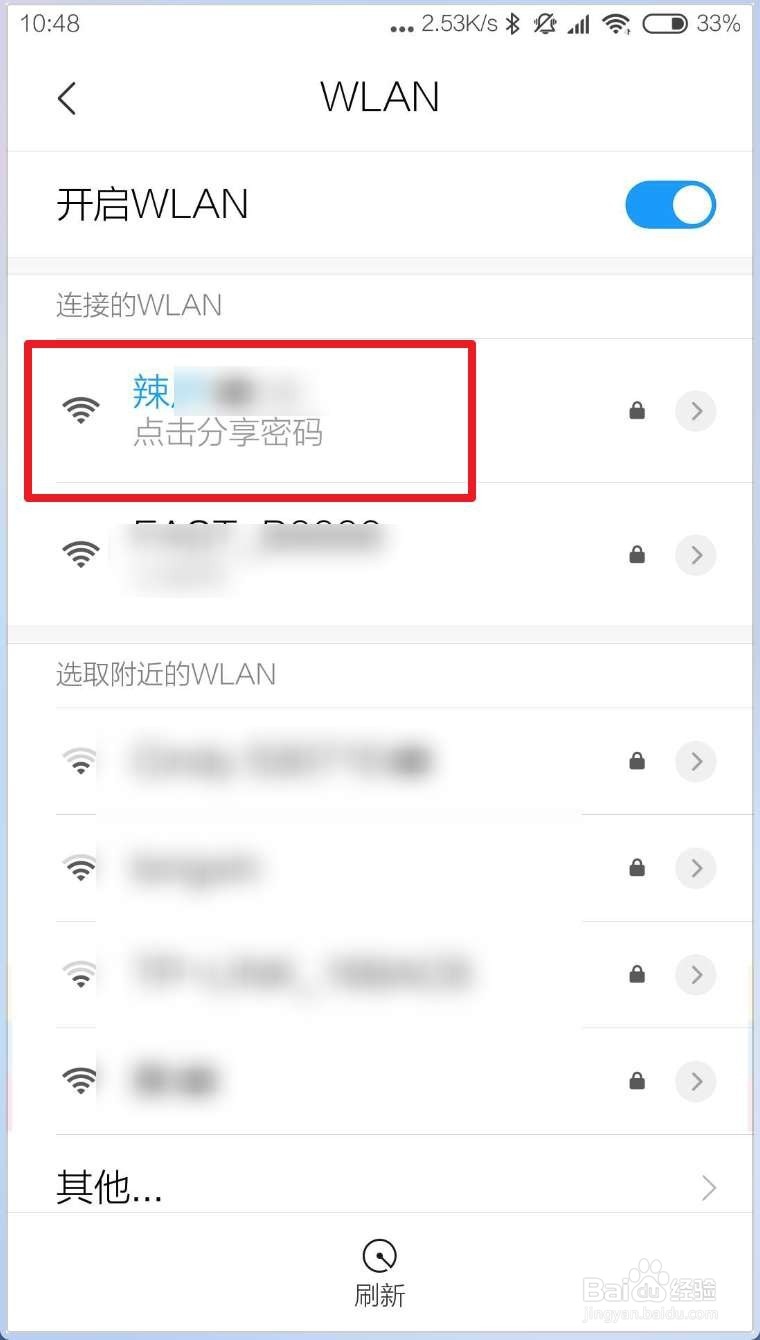
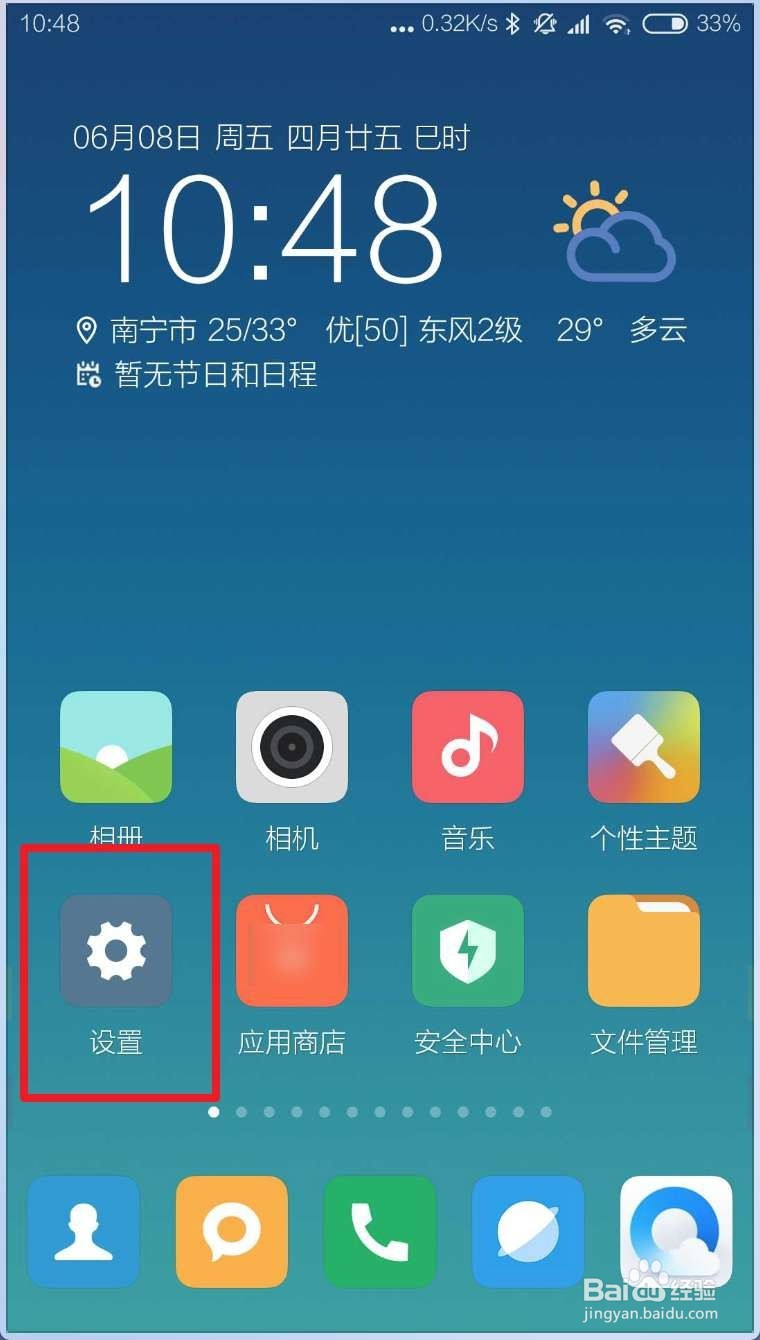
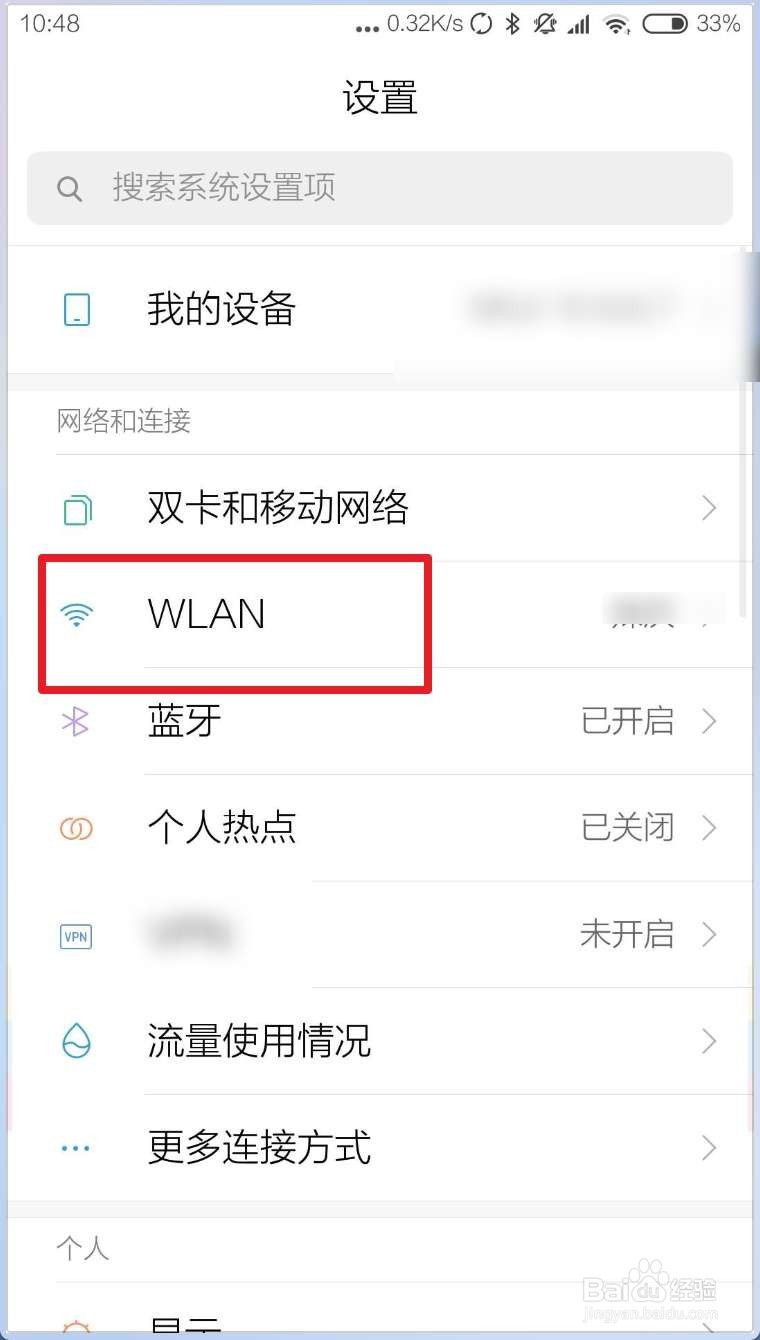
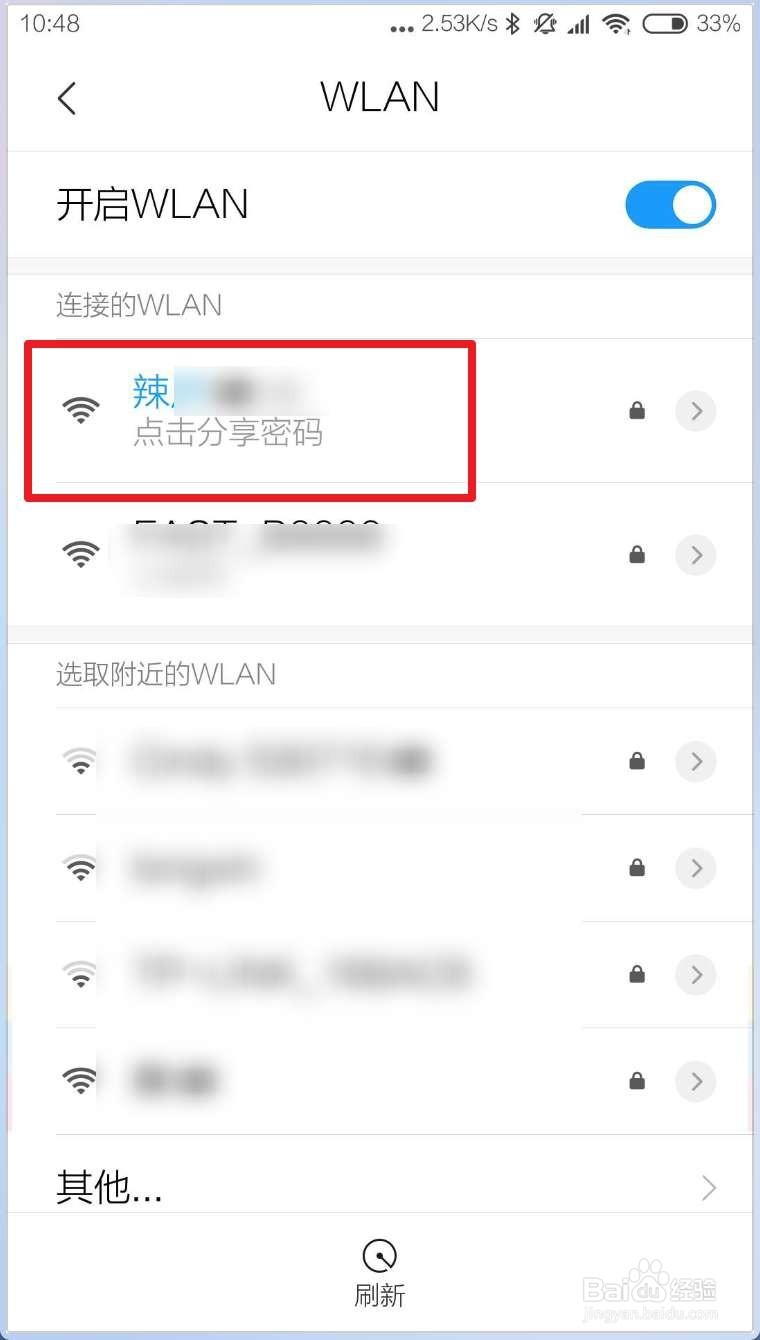
1、点击设置,点击WLAN如图二。
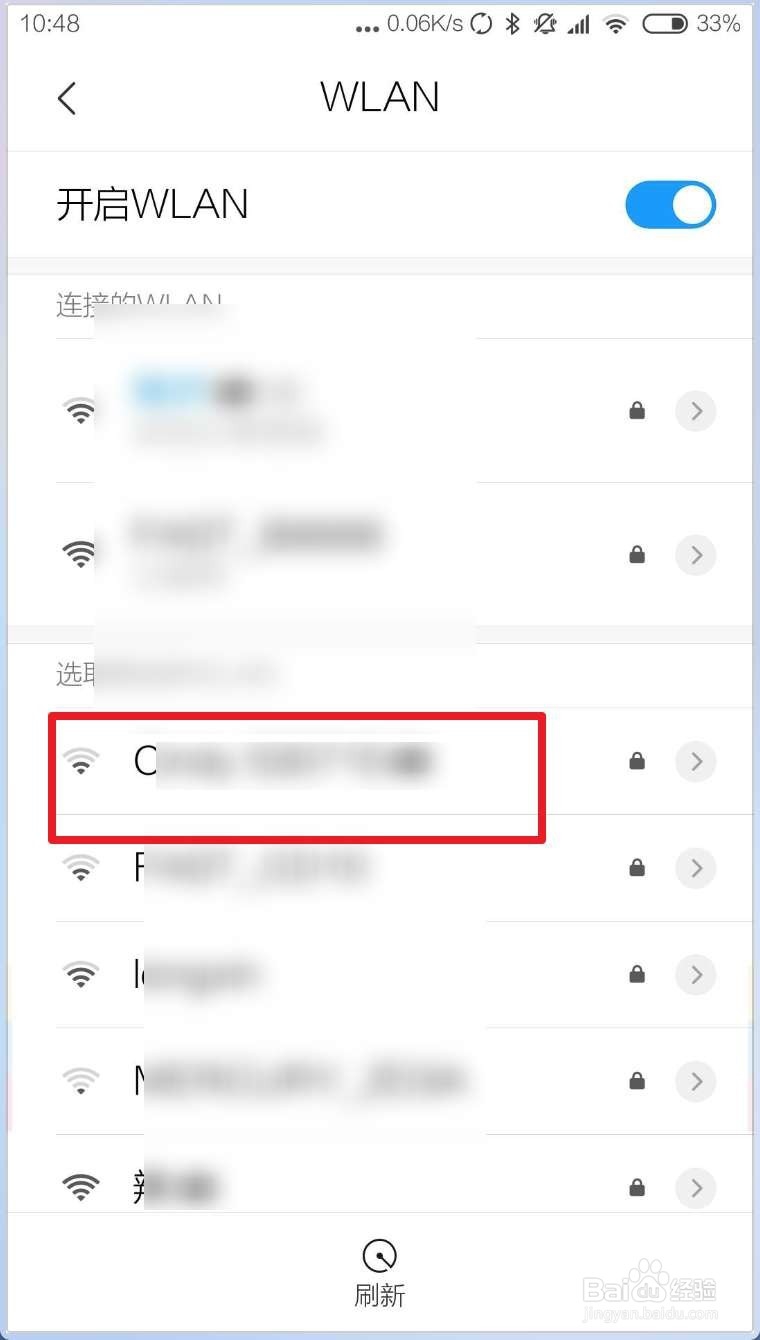
2、点选一个想要连接的WLAN的名字。
3、在弹出的框输入密码确定,接着就会连接到这个WLAN了。
1、解锁你的手机屏幕,然下拉屏幕。
2、点击这个WiFi,选择一个WLAN网络。
3、输入密码后,就会连接到这个WLAN了。
1、点击设置,点击WLAN如图二。
2、点选一个想要连接的WLAN的名字。
3、在弹出的框输入密码确定,接着就会连接到这个WLAN了。