Axure垂直对齐如何设置为垂直居中
1、第一步我们打开Axure

2、第二步在右侧看到样式选中

3、第三步我们就可以选择图标打开

4、第四步我们看到对齐设置

5、第五步我们找到垂直居中勾选

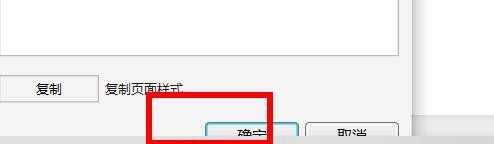
6、第六步我们按下确定就成功设置为垂直居中的对齐方式
阅读量:137
阅读量:100
阅读量:39
阅读量:97
阅读量:184
1、第一步我们打开Axure
2、第二步在右侧看到样式选中
3、第三步我们就可以选择图标打开
4、第四步我们看到对齐设置
5、第五步我们找到垂直居中勾选
6、第六步我们按下确定就成功设置为垂直居中的对齐方式