Tanner L-edit里面多个图案怎么左右对齐
1、先画好需要对齐的图案。

2、左键按住不放,拖住框选所有需要对齐的图案。
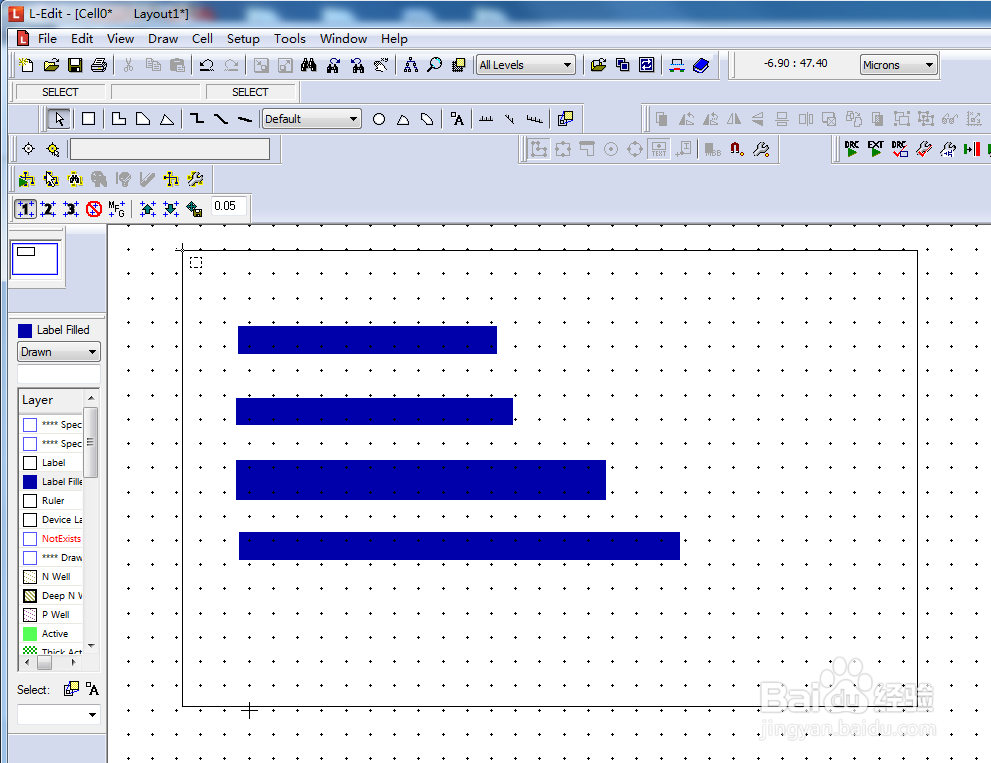
3、选中图案后,点击【Align the selected objects to the left】.
然后通过左边的线可以看到图案已经对齐了。


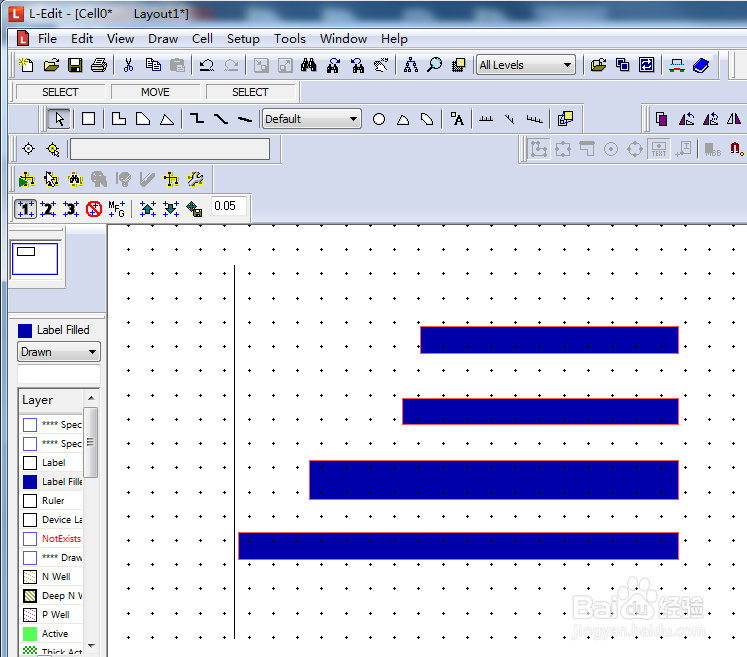
4、同样的,选中图案后,点击【Align the selected objects to the right】.
明显可以看到图案已经右边对齐了。

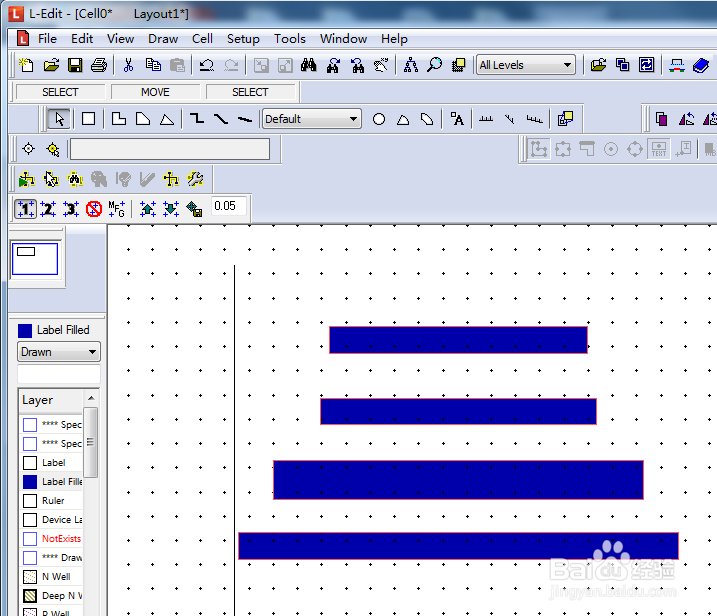
5、选中图案后,点击【Align the selected objects to the horizontal center】.
图案居中对齐了。

阅读量:96
阅读量:142
阅读量:96
阅读量:63
阅读量:160