WebStorm 2021.1.2怎么关闭检查插件更新
1、首先,需要打开一个 WebStorm 的界面中

2、然后点击左上角中的 file 菜单

3、然后点击 file 菜单中弹出了下拉选中的 settings 菜单

4、点击了 settings 菜单之后,点击左侧中 updates 选项
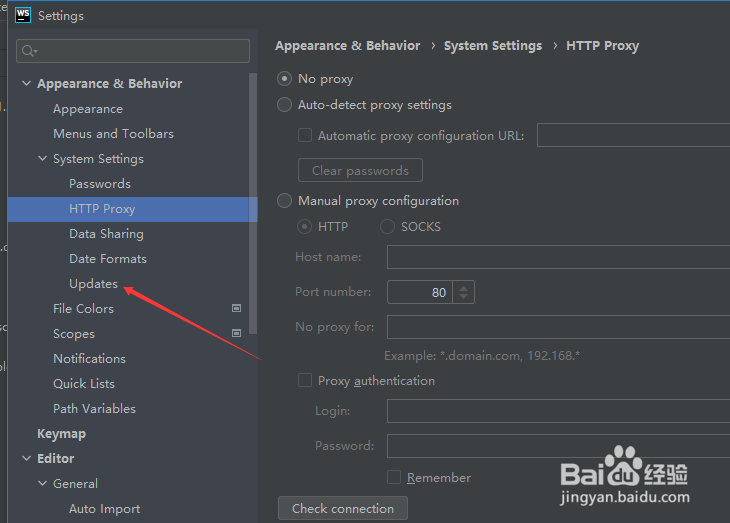
5、进入到了 updates 界面中,去掉勾选上 check for plugin updates 选项

6、去掉勾选上 check for plugin updates 选项之后,点击 ok 按钮

阅读量:165
阅读量:181
阅读量:113
阅读量:45
阅读量:93