ubuntu16.04彻底卸载fcitx输入法
1、进入ubuntu桌面,鼠标右键“打开终端”。

2、刚开始是直接卸载fcitx,但是发现输入法还是可以使用。
sudo apt-get remove fcitx

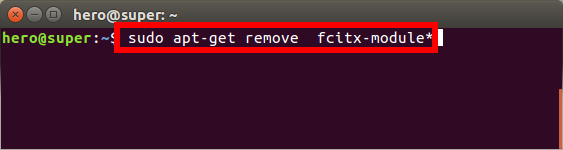
3、接着又卸载了fcitx-module。
sudo apt-get remove fcitx-module*
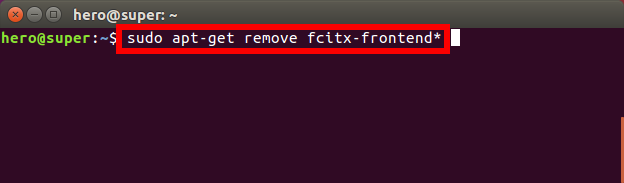
4、然后接着卸载了fcitx-frontend。
sudo apt-get remove fcitx-frontend*
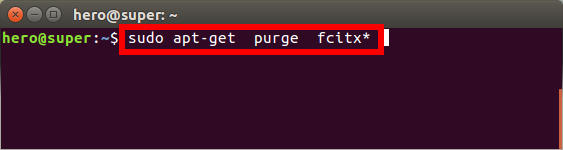
5、最后把fcitx相关的配置等也删除了。
sudo apt-get purge fcitx*
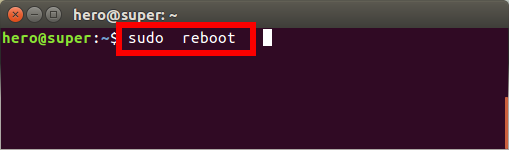
6、重新启动ubuntu系统。
sudo reboot
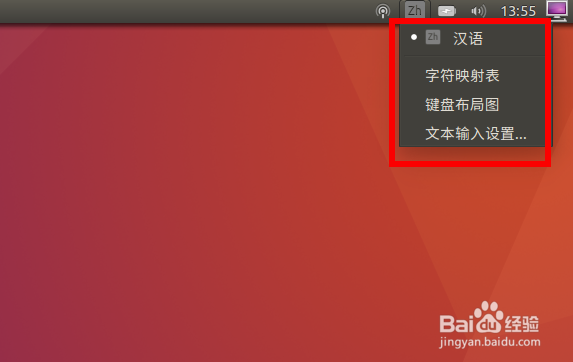
7、再次进入桌面我们发现默认已经是ibus输入法了,fcitx已经被彻底卸载。
阅读量:61
阅读量:22
阅读量:95
阅读量:117
阅读量:138