window10关闭电脑获取手机通知
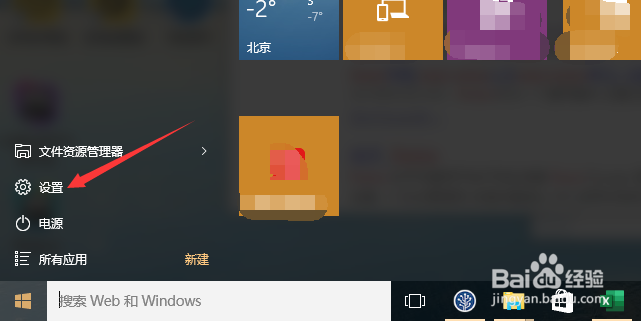
1、进入电脑系统后,点击“开始-设置”。
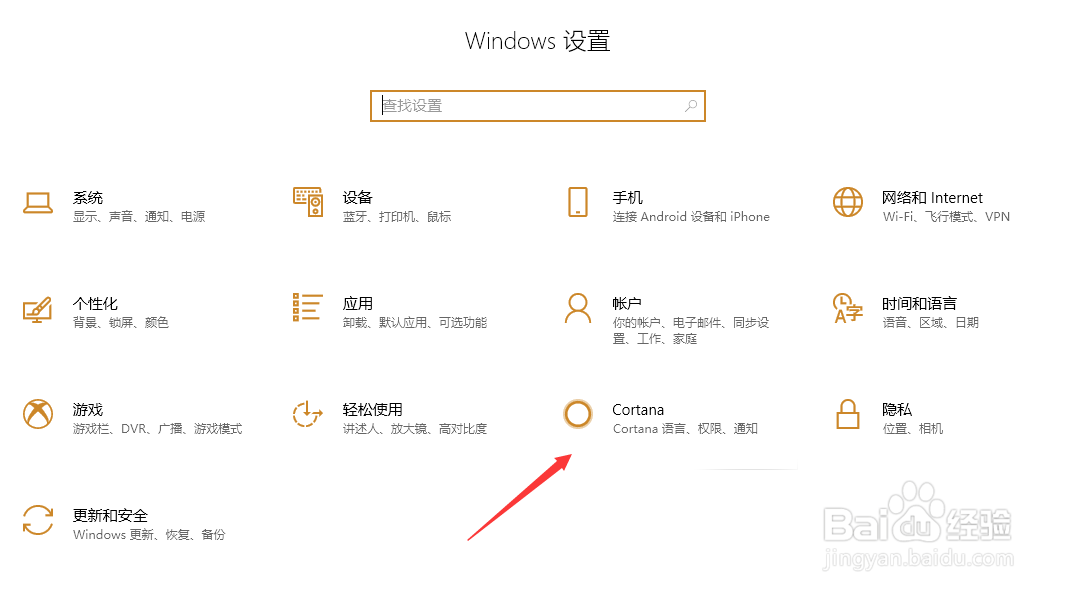
2、点击“Cortana”。
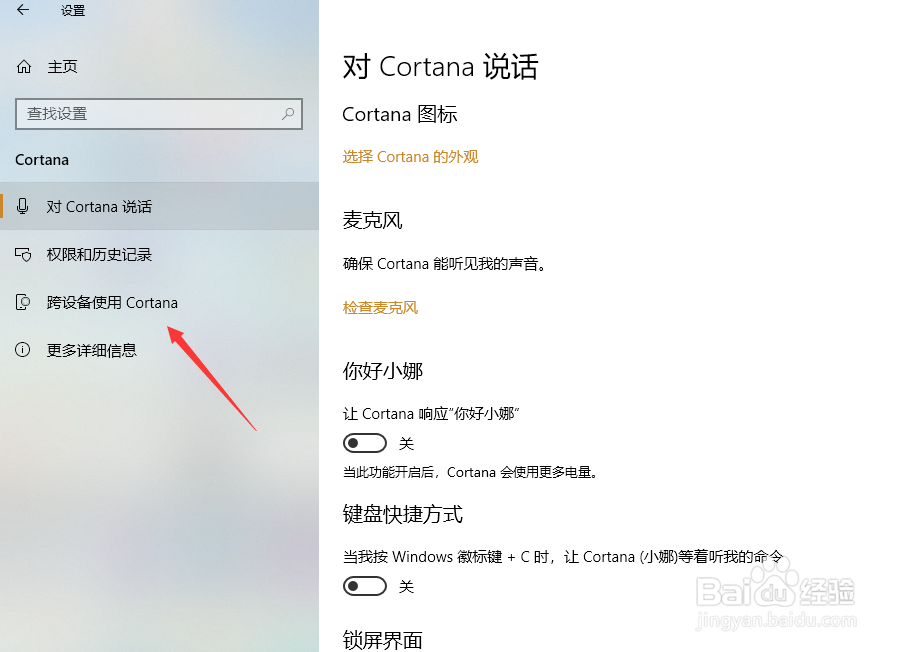
3、点击“跨设备使用Cortana”。
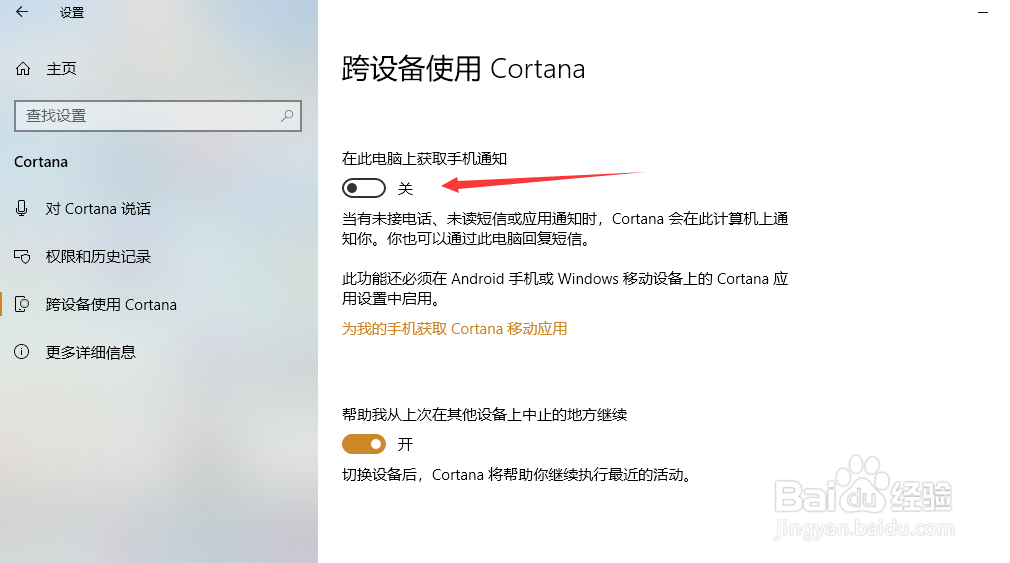
4、关闭“在此电脑上获取手机通知”。
5、总结:
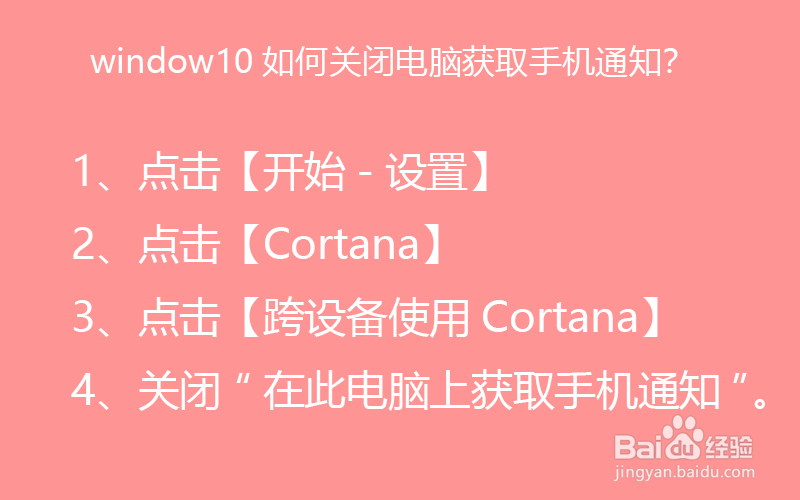
1、点击【开始-设置】
2、点击【Cortana】
3、点击【跨设备使用Cortana】
4、关闭“在此电脑上获取手机通知”。
阅读量:171
阅读量:77
阅读量:140
阅读量:109
阅读量:142
1、进入电脑系统后,点击“开始-设置”。
2、点击“Cortana”。
3、点击“跨设备使用Cortana”。
4、关闭“在此电脑上获取手机通知”。
5、总结: