微信电脑版开机自己启动怎么取消
1、打开微信电脑版2.7.1.65
进入下图界面
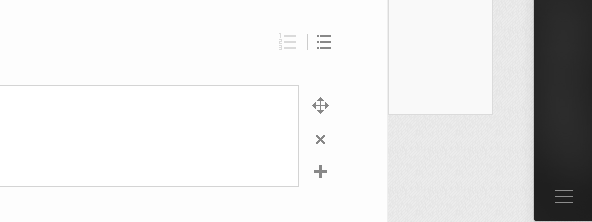
2、我们点击下图框内 图标
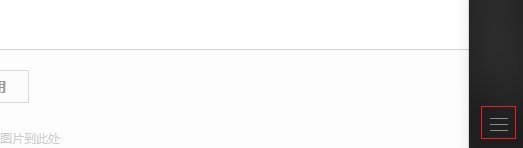
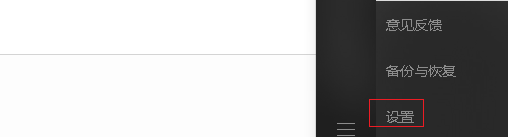
3、我们进入到下图的菜单

4、我们点击下图框内 设置 选项
5、我们点击下图框内 通用设置
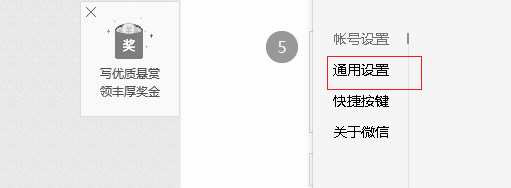
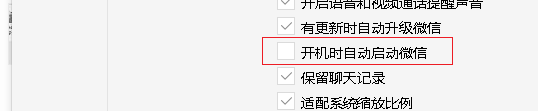
6、我们取消勾选 开机时自动启动微信
阅读量:26
阅读量:149
阅读量:56
阅读量:106
阅读量:55
1、打开微信电脑版2.7.1.65
进入下图界面
2、我们点击下图框内 图标
3、我们进入到下图的菜单
4、我们点击下图框内 设置 选项
5、我们点击下图框内 通用设置
6、我们取消勾选 开机时自动启动微信