怎么使用捞月狗APP关闭私聊通知?
1、第一步:
在手机打开【捞月狗】。

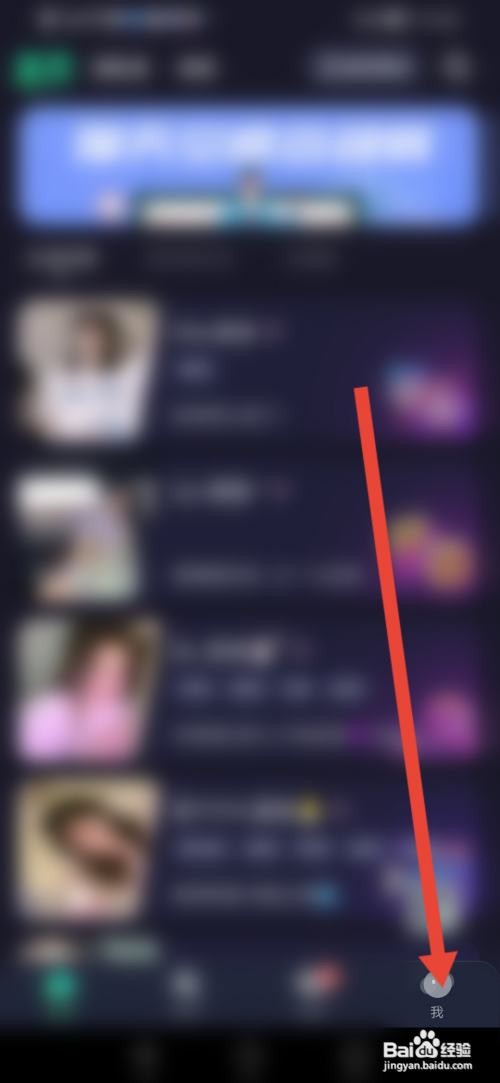
2、第二步:
进入页面,点击【我的】。
3、第三步:
来到我的主页,点击【设置】。

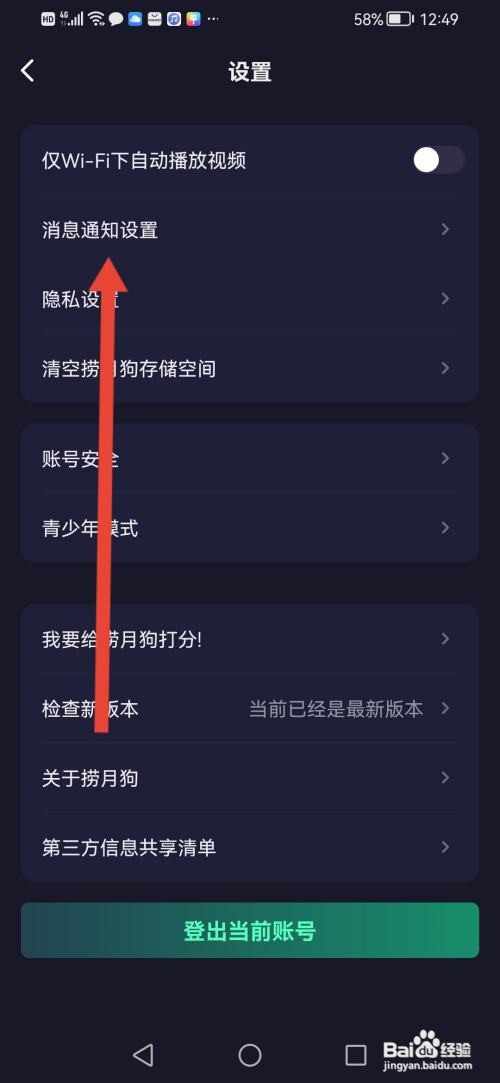
4、第四步:
进入设置,点击【消息通知设置】。
5、第五步:
来到消息通知设置,然后把【私聊通知】的按钮关闭即可。

阅读量:112
阅读量:89
阅读量:99
阅读量:79
阅读量:42
1、第一步:
在手机打开【捞月狗】。
2、第二步:
进入页面,点击【我的】。
3、第三步:
来到我的主页,点击【设置】。
4、第四步:
进入设置,点击【消息通知设置】。
5、第五步:
来到消息通知设置,然后把【私聊通知】的按钮关闭即可。