怎么关闭Flexcil Open the page list by
1、手机打开“Flexcil”App,Flexcil主界面点击右下角的“设定”打开设定界面

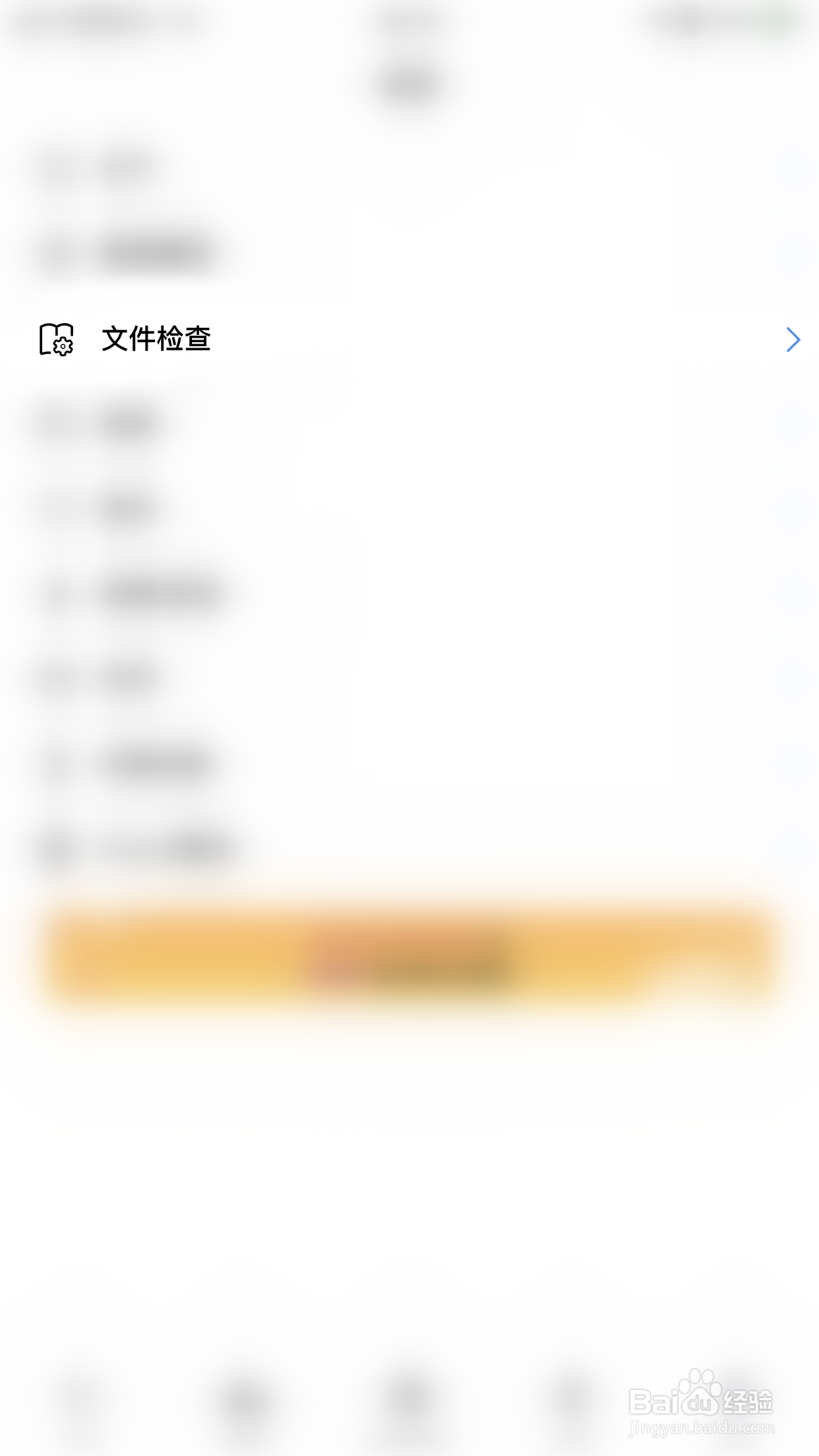
2、设定界面点击“文件检查”打开文件检查界面
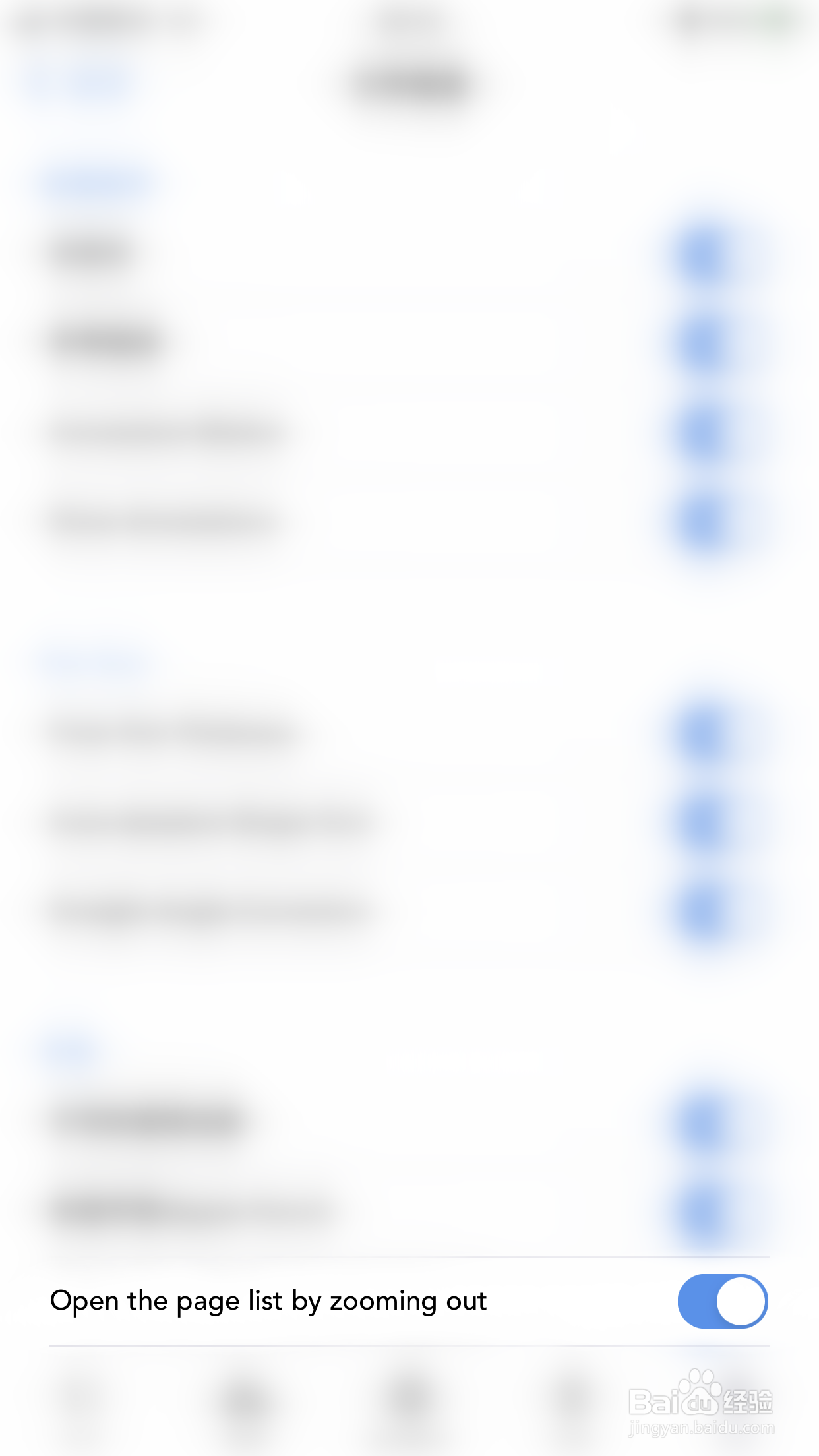
3、文件检查界面点击“Open the page list by zooming out”后面的圆点
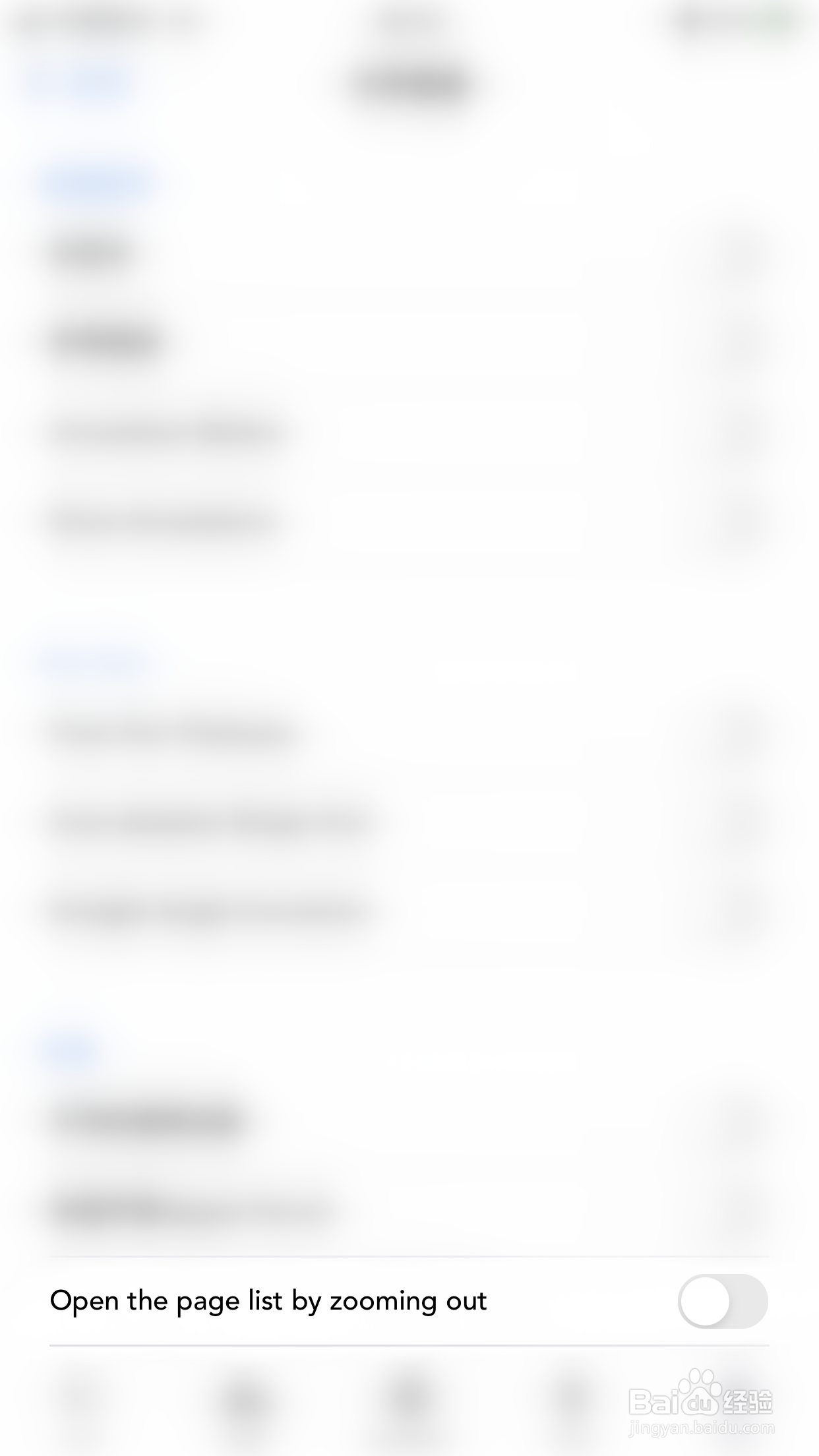
4、“Open the page list by zooming out”后面的圆点变为灰色即表示关闭Flexcil Open the page list by成功
阅读量:156
阅读量:22
阅读量:169
阅读量:92
阅读量:191