win10系统设置Windows照片查看器
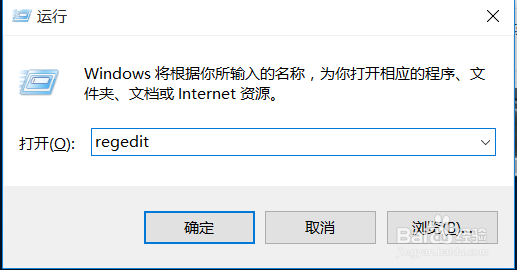
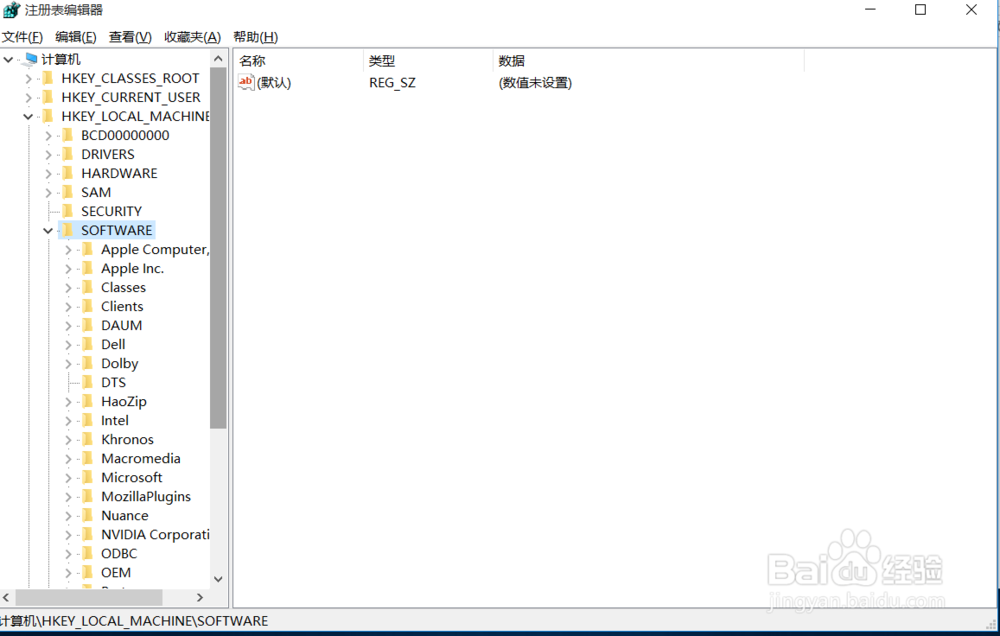
1、win+r打开'运行'菜单,输入regedit,点击确定或者按enter键.
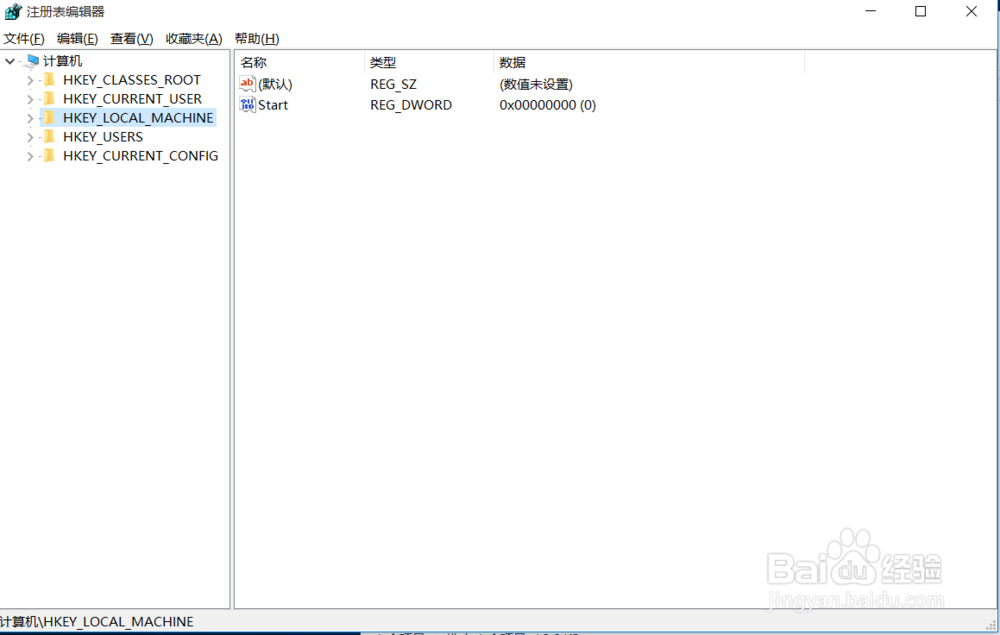
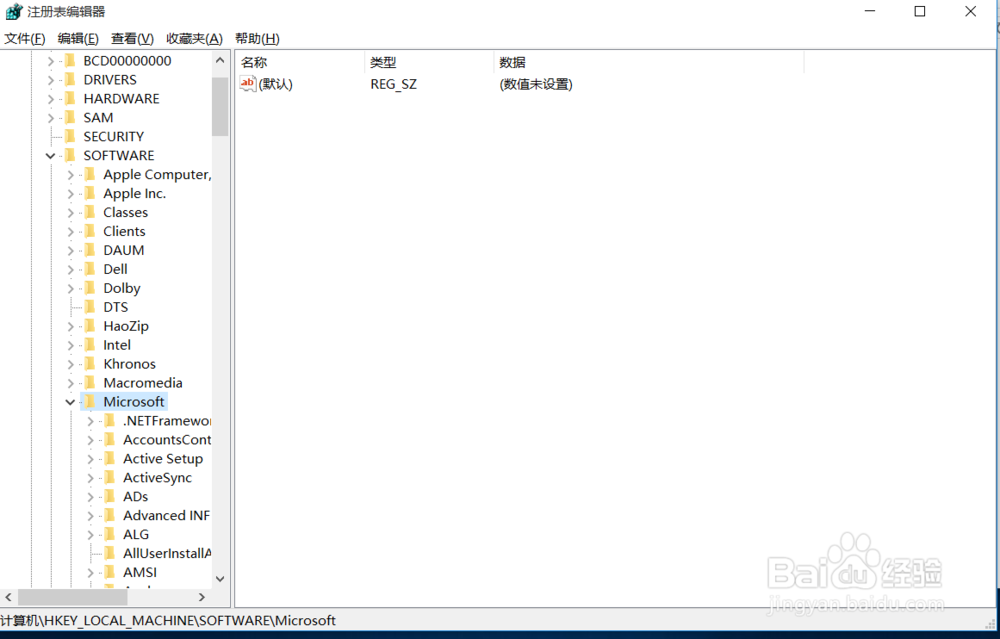
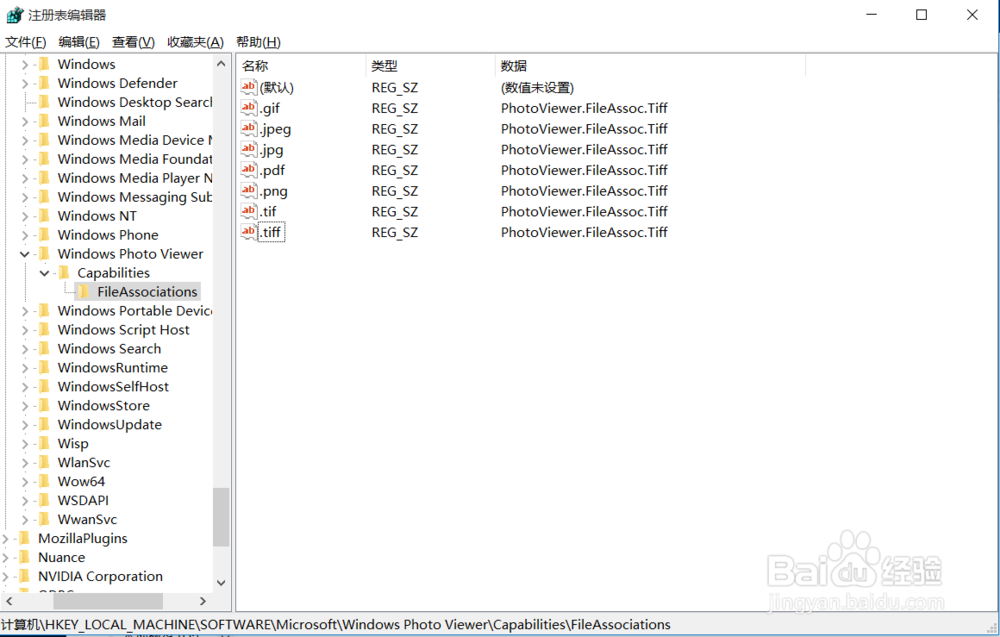
2、依次打开HKEY_LOCAL_MACHINE\SOFTWARE\Microsoft
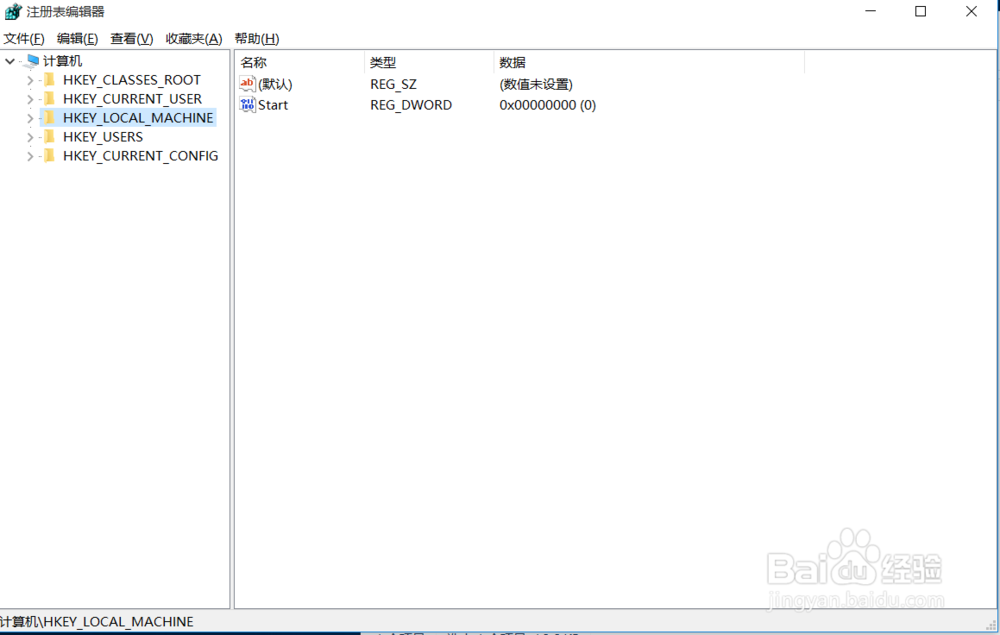
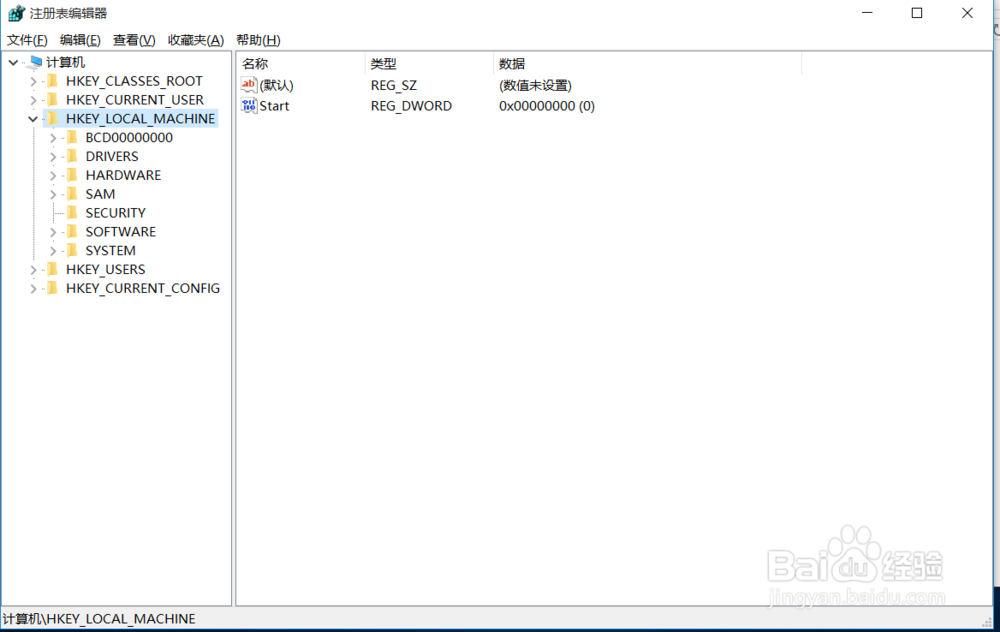
3、\Windows Photo Viewer\Capabilities\FileAssociations
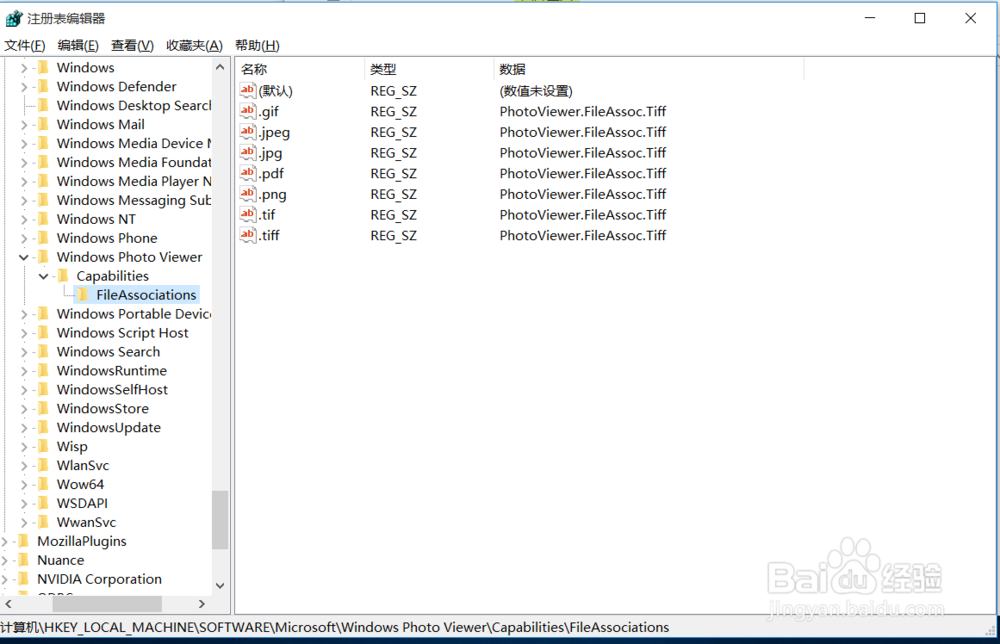
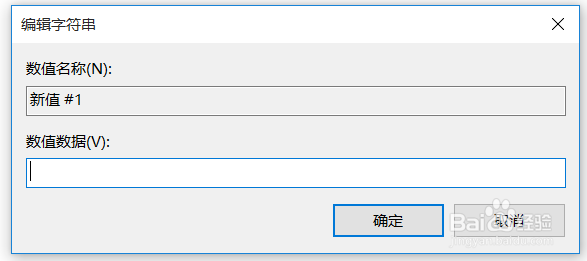
4、在注册表右边空的位置,鼠标右键→新建→字符串值。名称填写 .jpg 数值数据填写 PhotoViewer.FileAssoc.Tiff 然后确定;想打开什么格式的图片就把名称改成 .png 等等
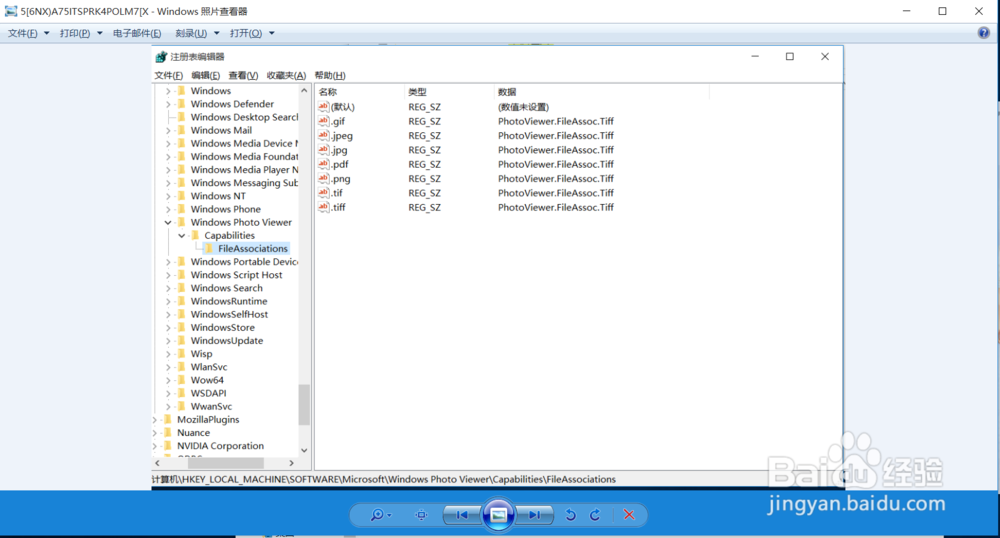
5、注册表弄好后,退出。选择图片,右键→打开方式→Windows照片查看器
阅读量:145
阅读量:111
阅读量:70
阅读量:20
阅读量:195