怎么查看苹果紫色iphone12
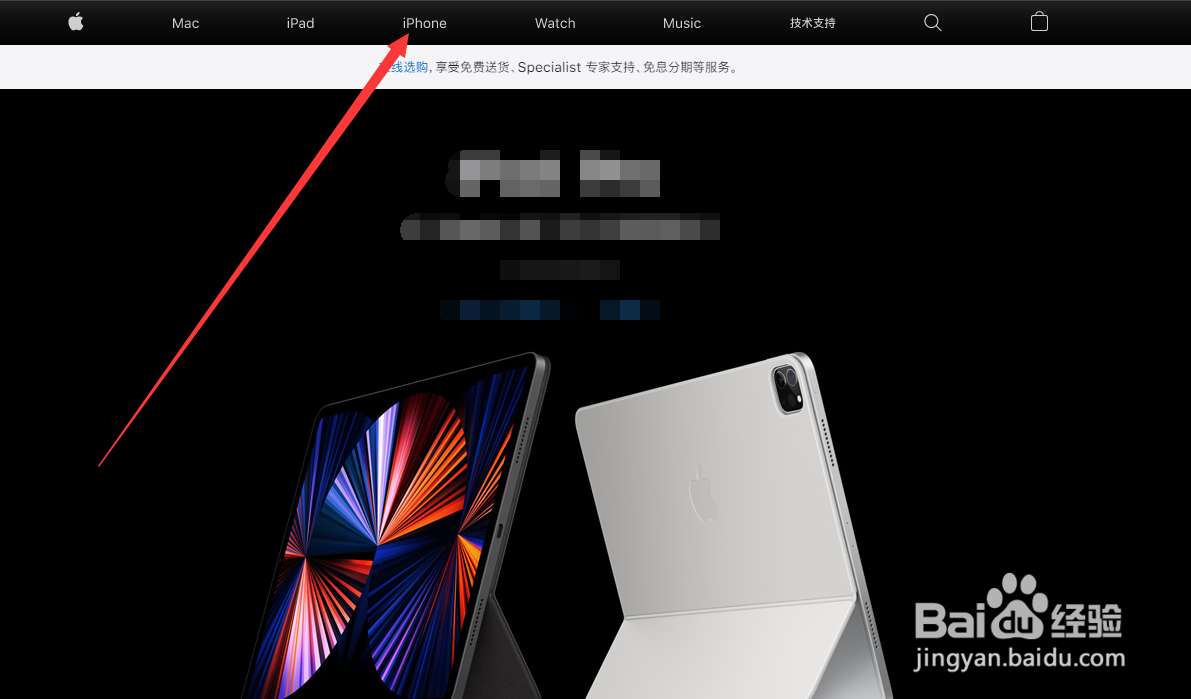
1、打开APPLE官网,如图所示点击【iPhone】。
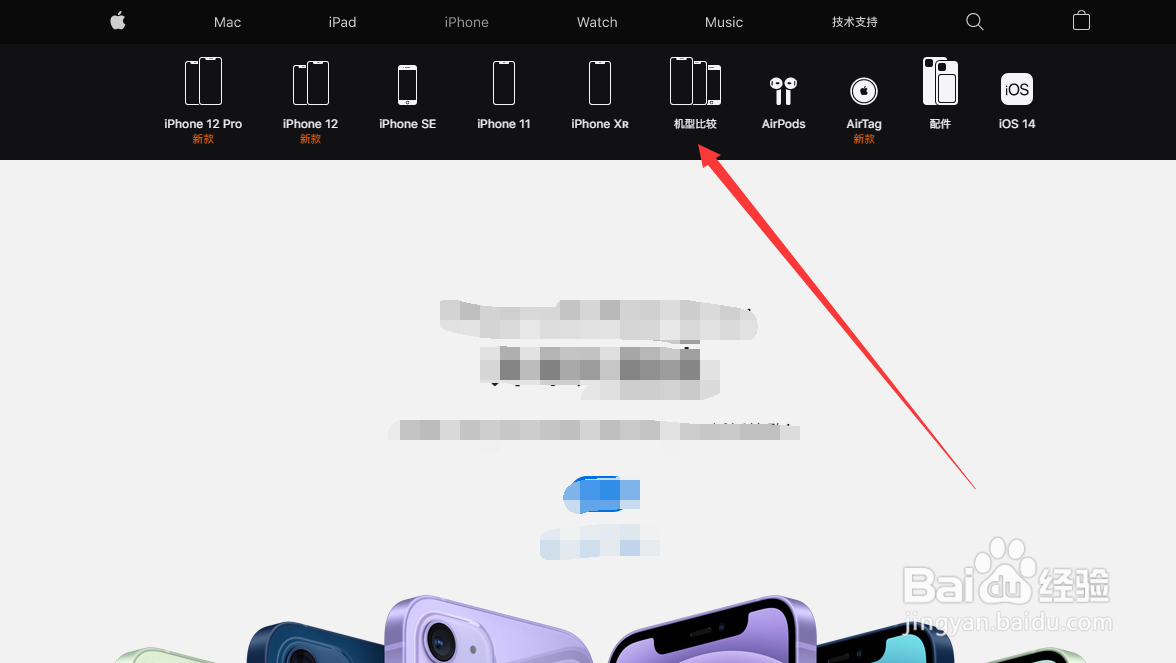
2、如图所示点击【机型比较】
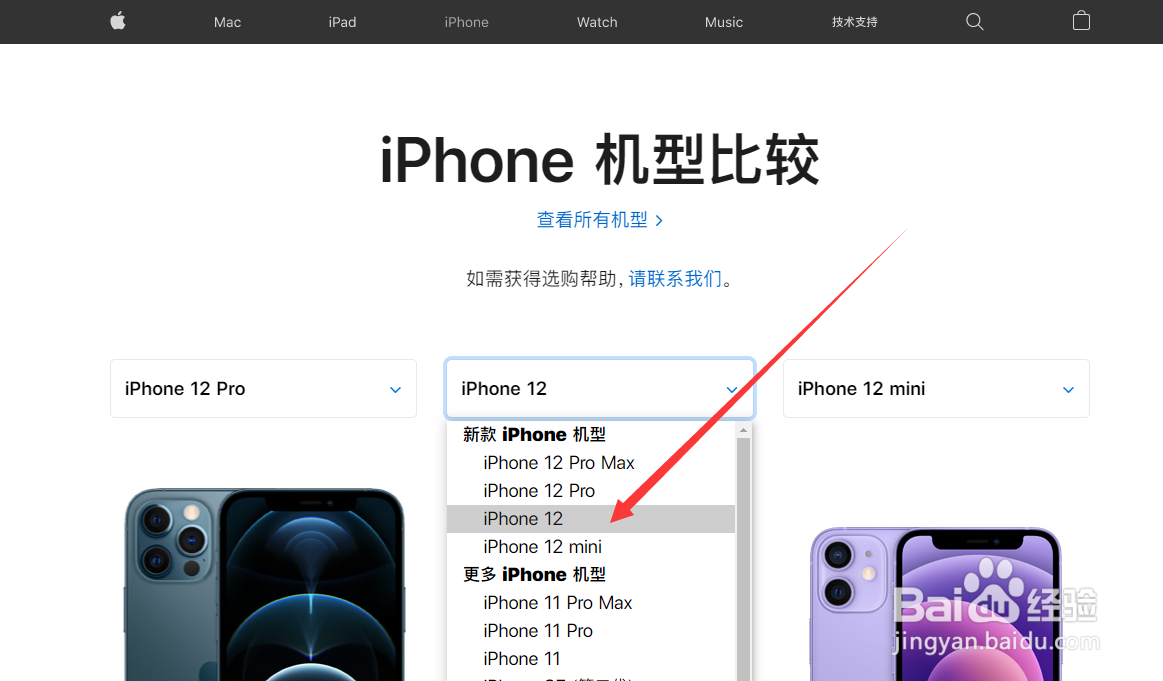
3、如图所示点击选择【iPhone12】
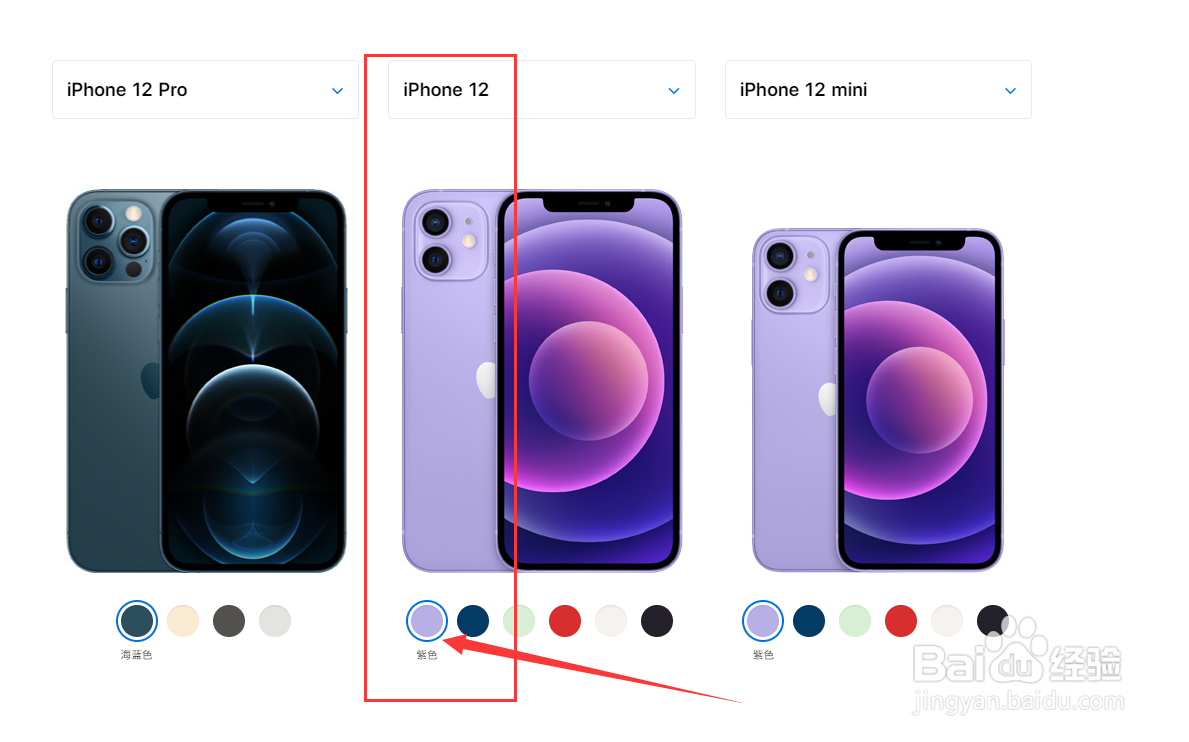
4、如图所示查看到已发布的iPhone12紫色款式
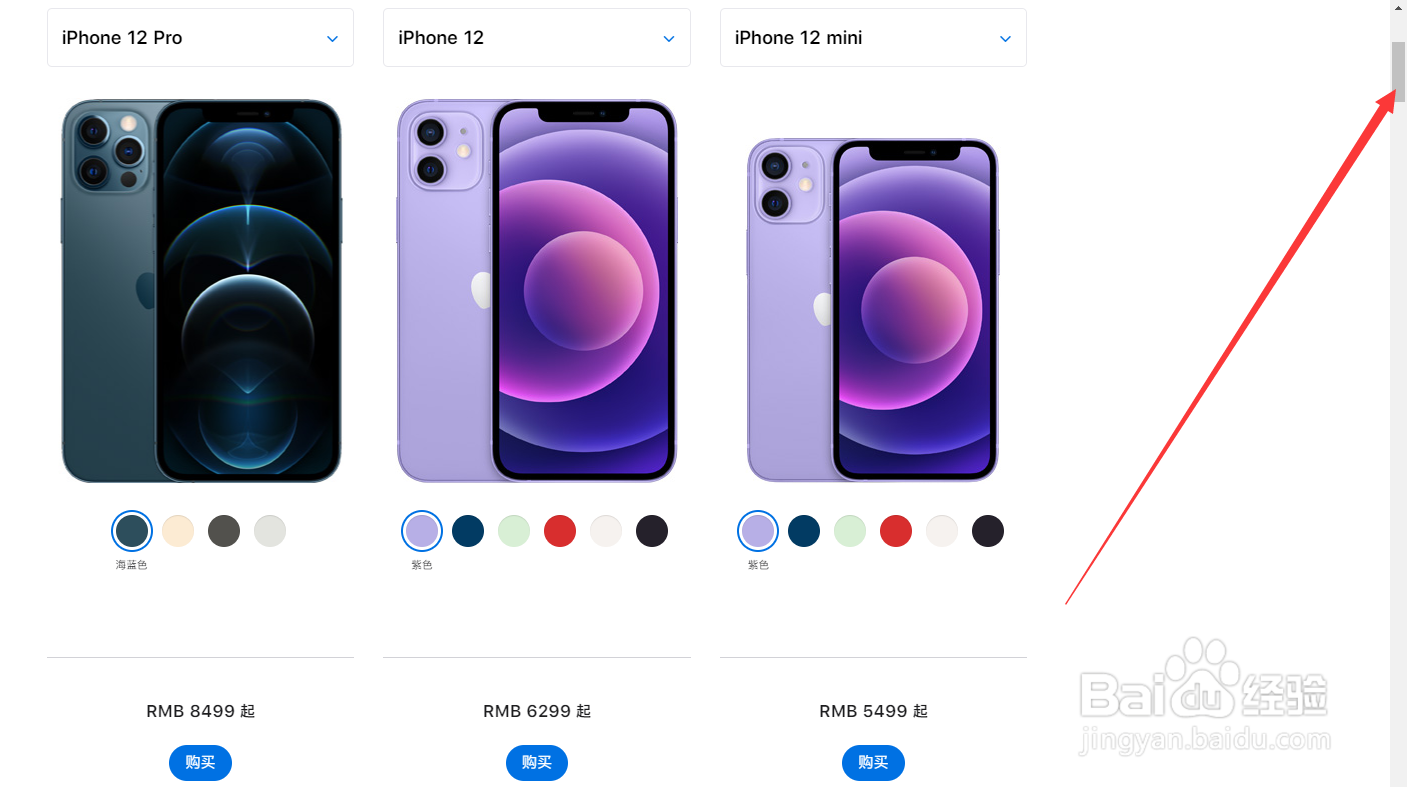
5、如图所示下拉右侧【浮标】查看更多紫色iphone12的配置信息
1、打开APPLE官网,如图所示点击【iPhone】。
2、如图所示点击【机型比较】
3、如图所示点击选择【iPhone12】
4、如图所示查看到已发布的iPhone12紫色款式
5、如图所示下拉右侧【浮标】查看更多紫色iphone12的配置信息