PSPad editor怎么关闭使用扩展鼠标按钮
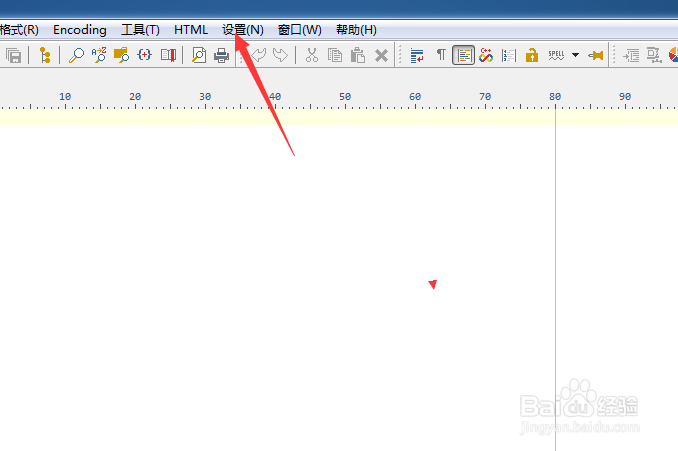
1、点击菜单中的设置菜单
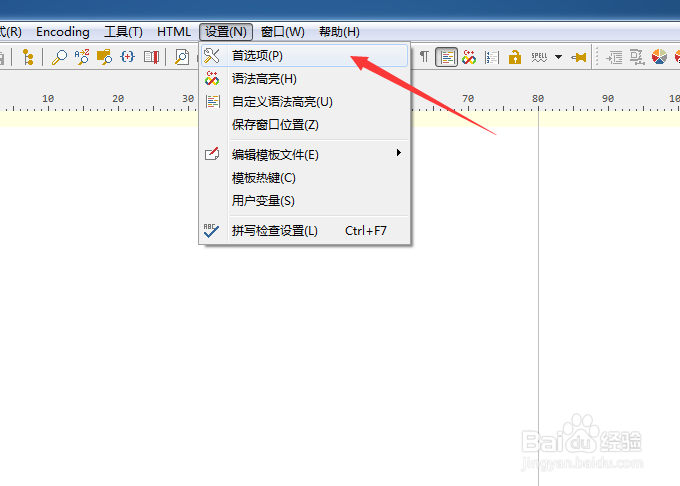
2、弹出了下拉菜单选中为首选项
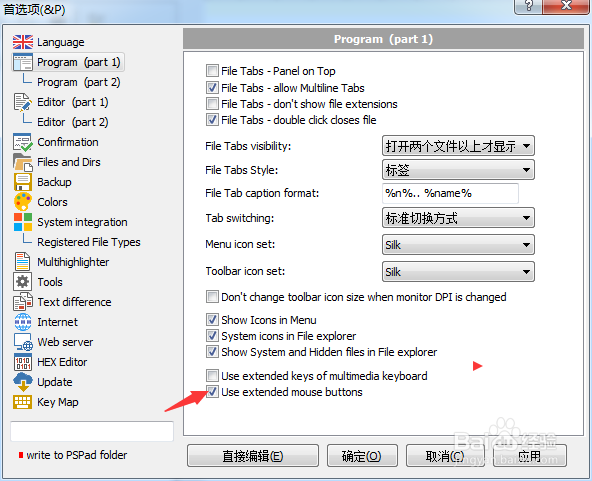
3、去掉勾选上use extended mouse buttons选项
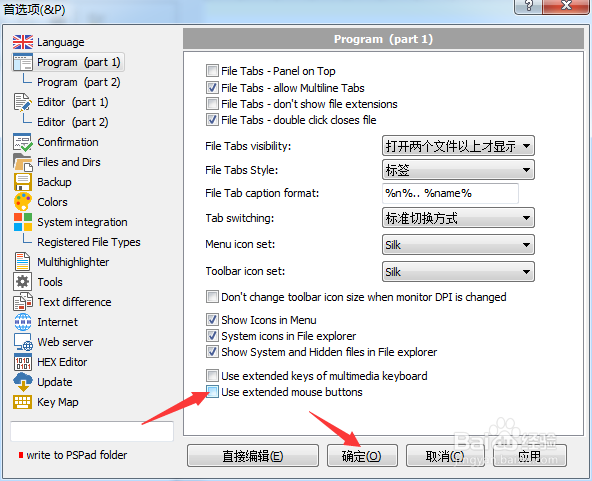
4、去掉勾选上use extended mouse buttons选项之后,点击确定
阅读量:168
阅读量:163
阅读量:73
阅读量:157
阅读量:91
1、点击菜单中的设置菜单
2、弹出了下拉菜单选中为首选项
3、去掉勾选上use extended mouse buttons选项
4、去掉勾选上use extended mouse buttons选项之后,点击确定