Windows 10一周年更新(1607)ISO安装
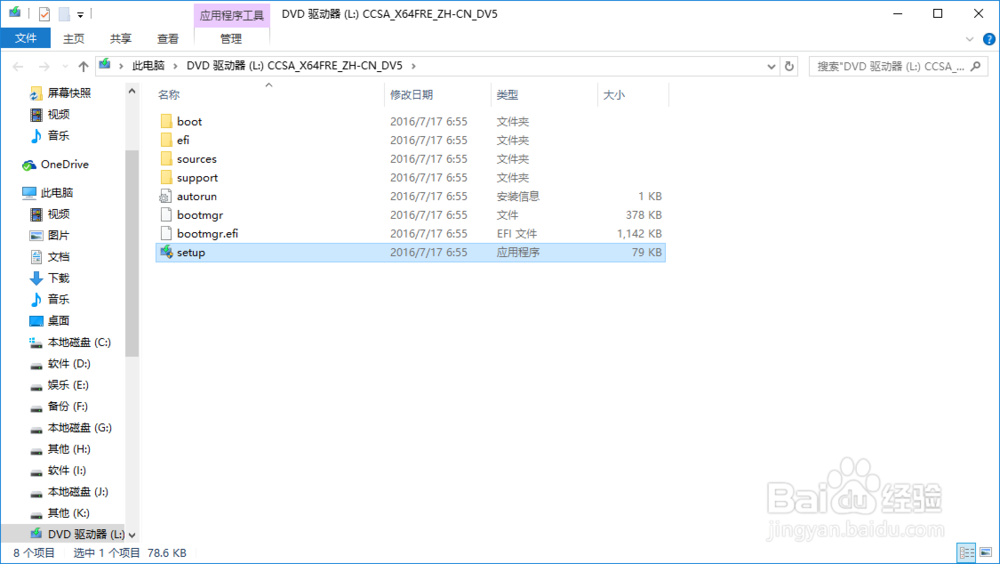
1、双击 setup.exe
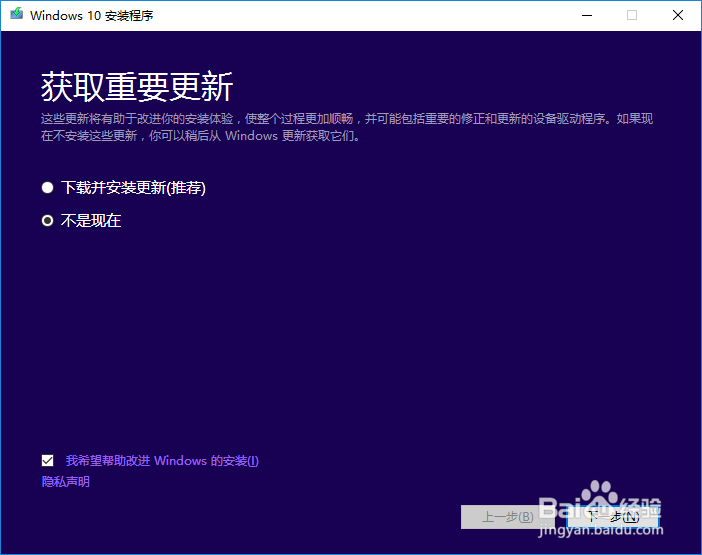
2、点击 不是现在
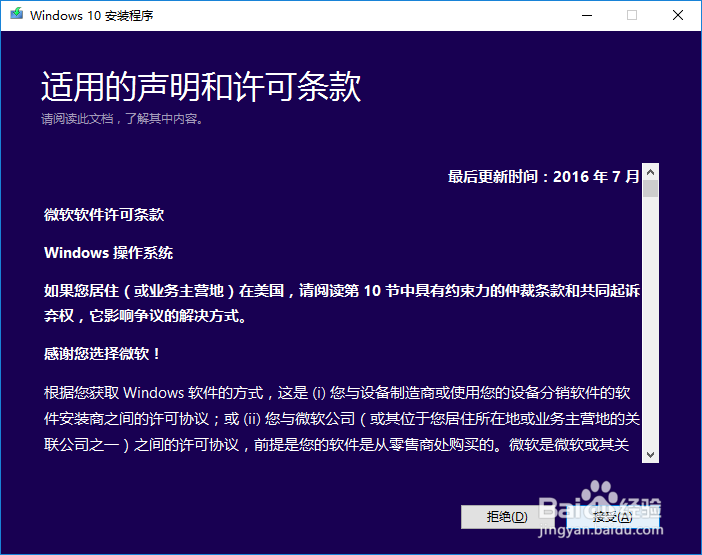
3、点击 接受
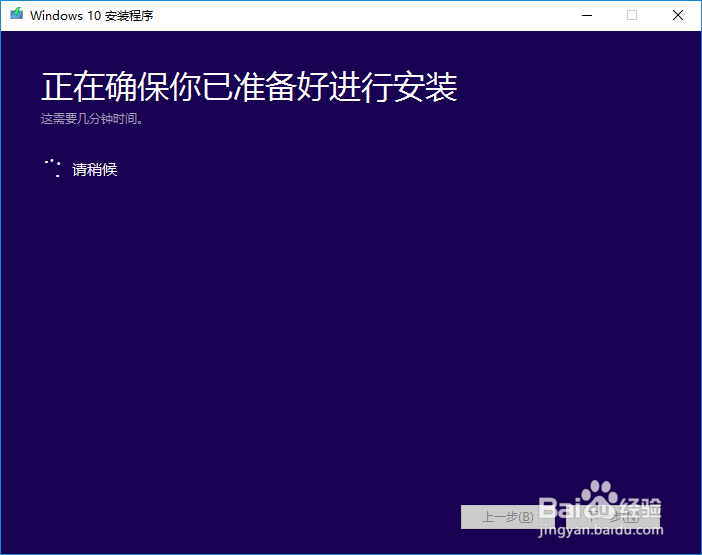
4
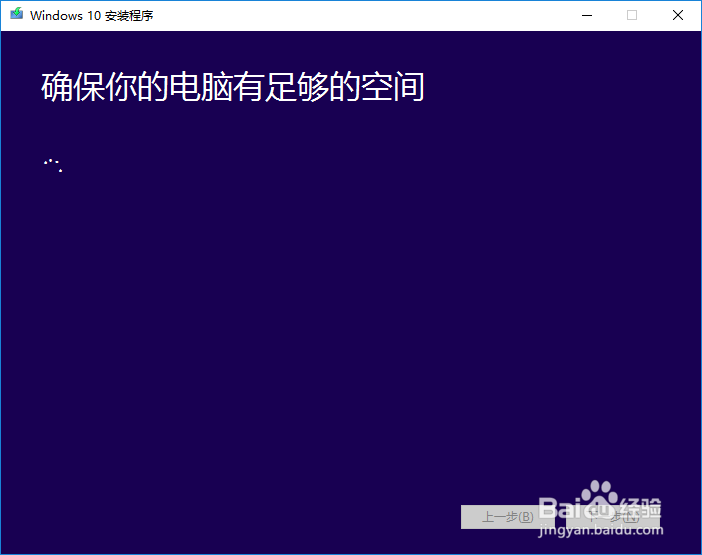
5、点击 安装
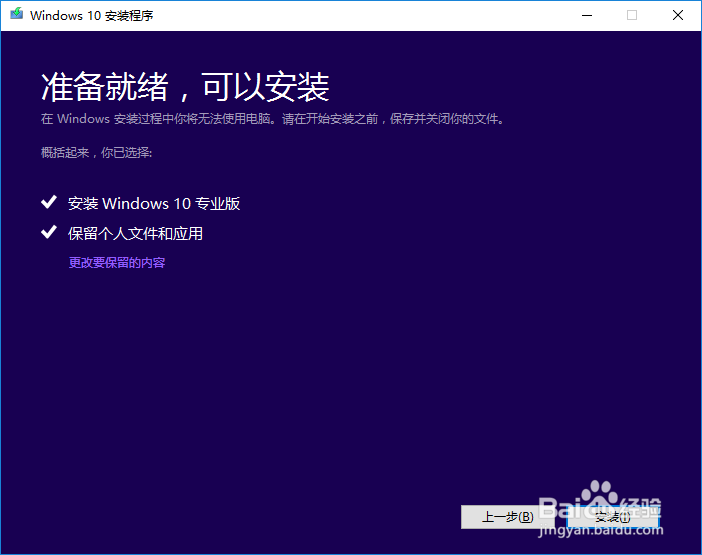
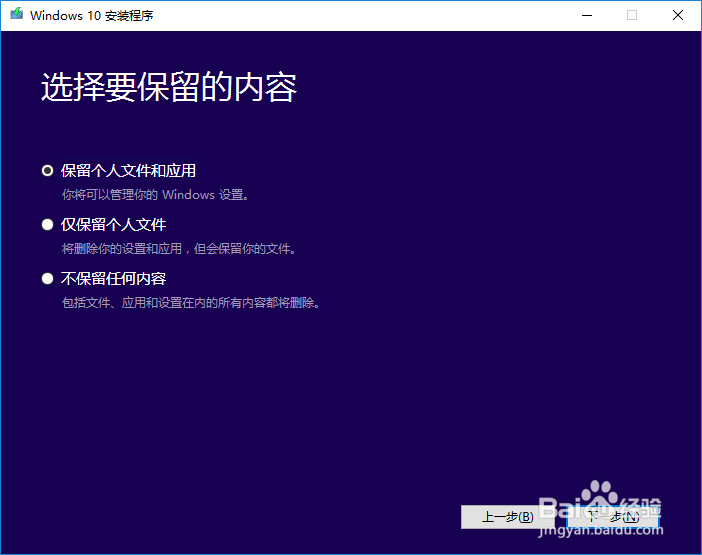
6、也可以根据自己的选择 点击更改要保留的内容
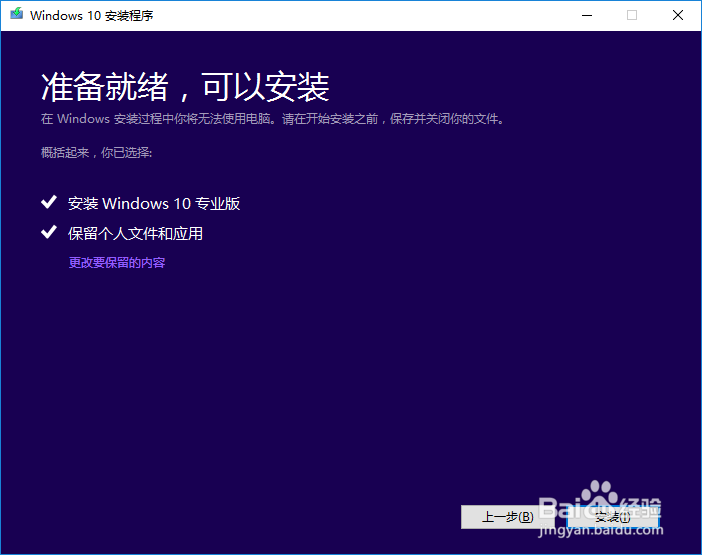
7、更改好之后点击
—下一步
— 安装
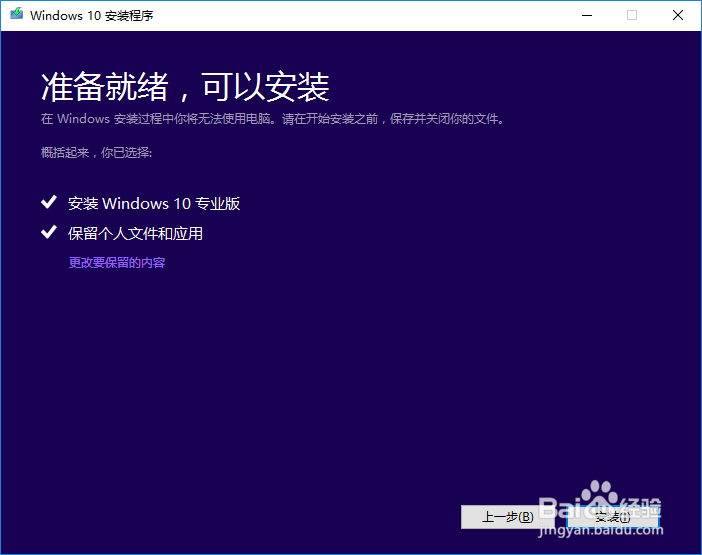
8、接下来的事情交给安装程序即可。
阅读量:195
阅读量:74
阅读量:103
阅读量:99
阅读量:163
1、双击 setup.exe
2、点击 不是现在
3、点击 接受
4
5、点击 安装
6、也可以根据自己的选择 点击更改要保留的内容
7、更改好之后点击
—下一步
— 安装
8、接下来的事情交给安装程序即可。