怎么下载centos系统历史老版本
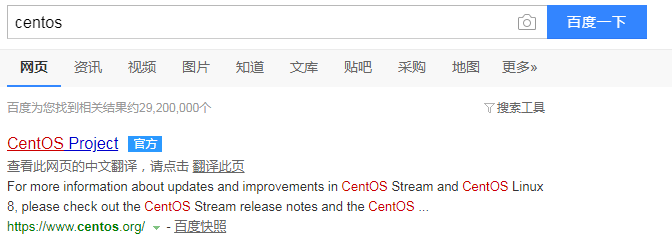
1、百度搜索centos,进入官网
2、点击“Get Centos Now”

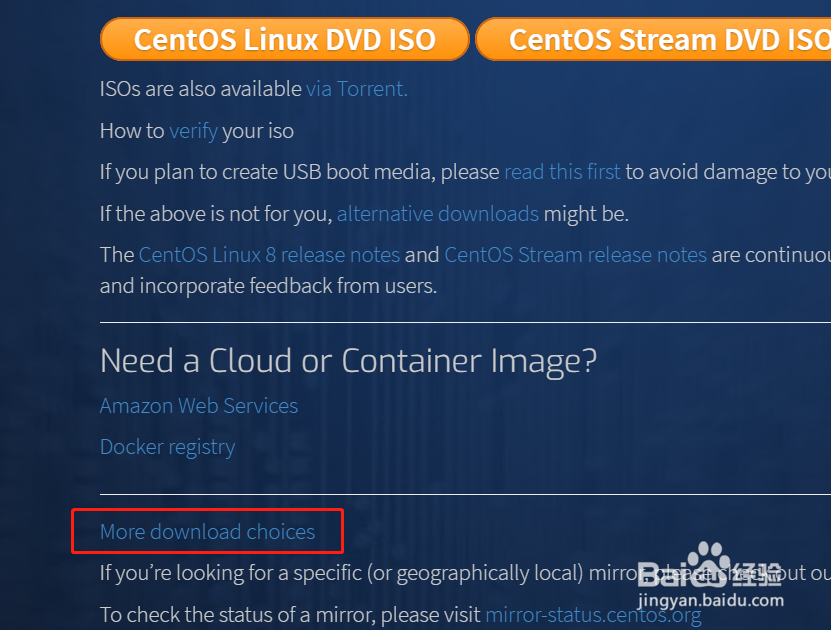
3、页面往下拉,找到“More download choices”,点击进入
4、页面往下拉,找到你要的版本,点击版本右侧“Tree”

5、点击“isos”

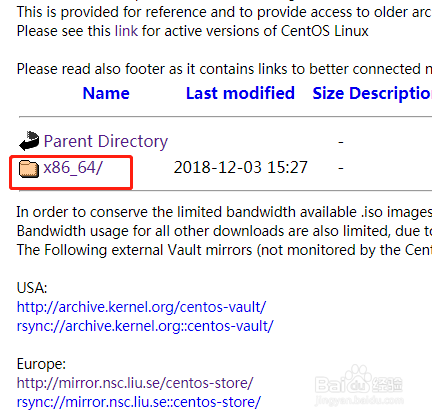
6、点击“Parent Directory”下方的“x86_64”
7、点击你要下载的系统

阅读量:70
阅读量:65
阅读量:169
阅读量:171
阅读量:171
1、百度搜索centos,进入官网
2、点击“Get Centos Now”
3、页面往下拉,找到“More download choices”,点击进入
4、页面往下拉,找到你要的版本,点击版本右侧“Tree”
5、点击“isos”
6、点击“Parent Directory”下方的“x86_64”
7、点击你要下载的系统