Visual Studio 2019创建Python的for 循环语句

2026-04-29 01:12:51

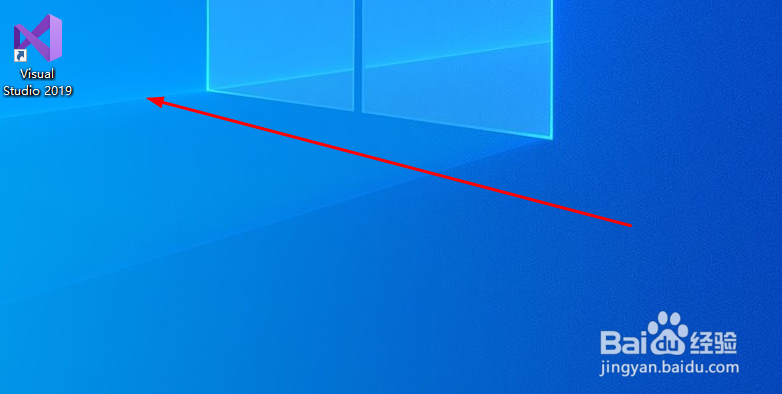
1、双击打开Visual Studio 2019

Visual Studio 2019创建Python的for 循环语句

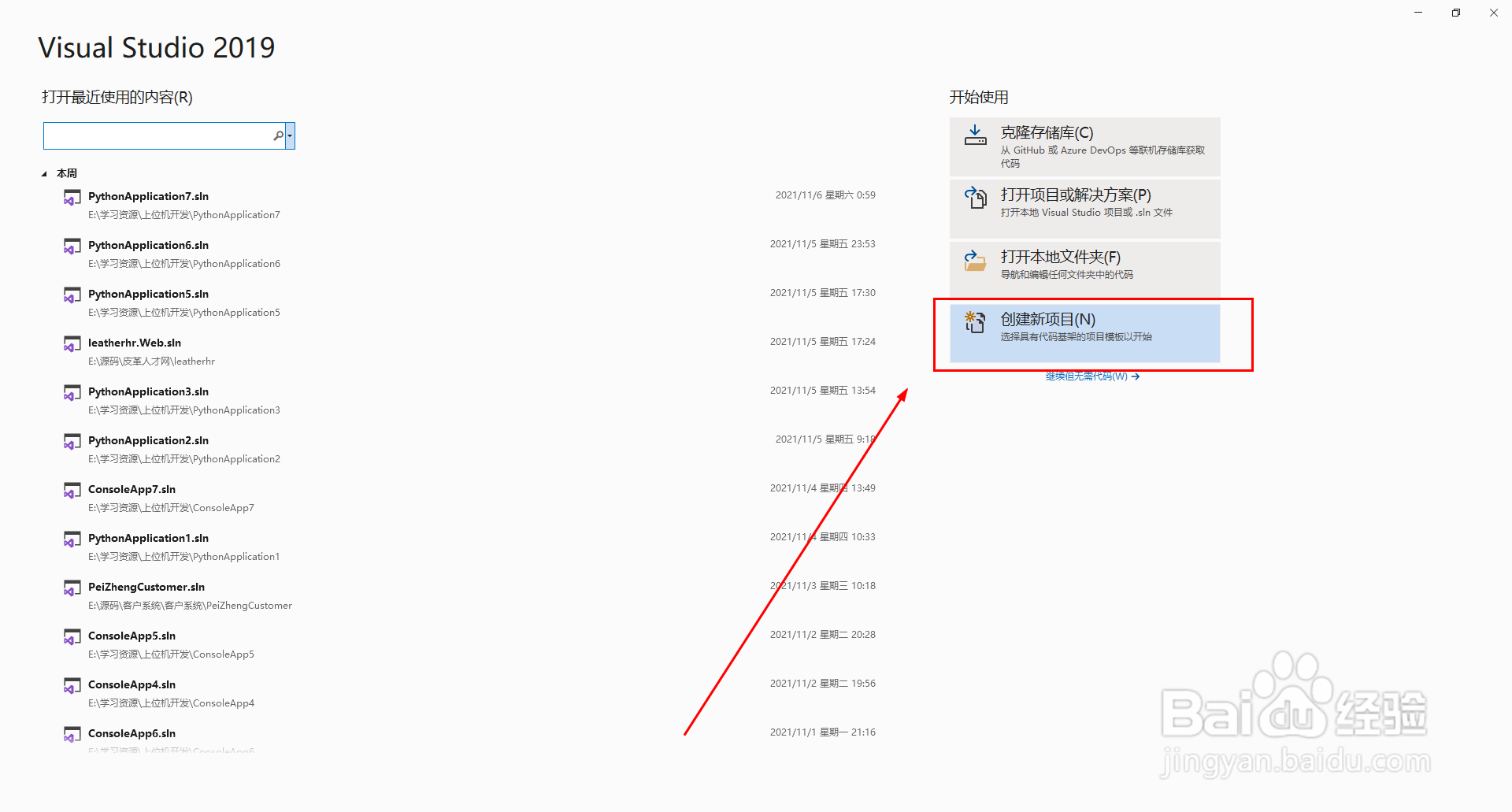
2、创建新项目(N)

Visual Studio 2019创建Python的for 循环语句

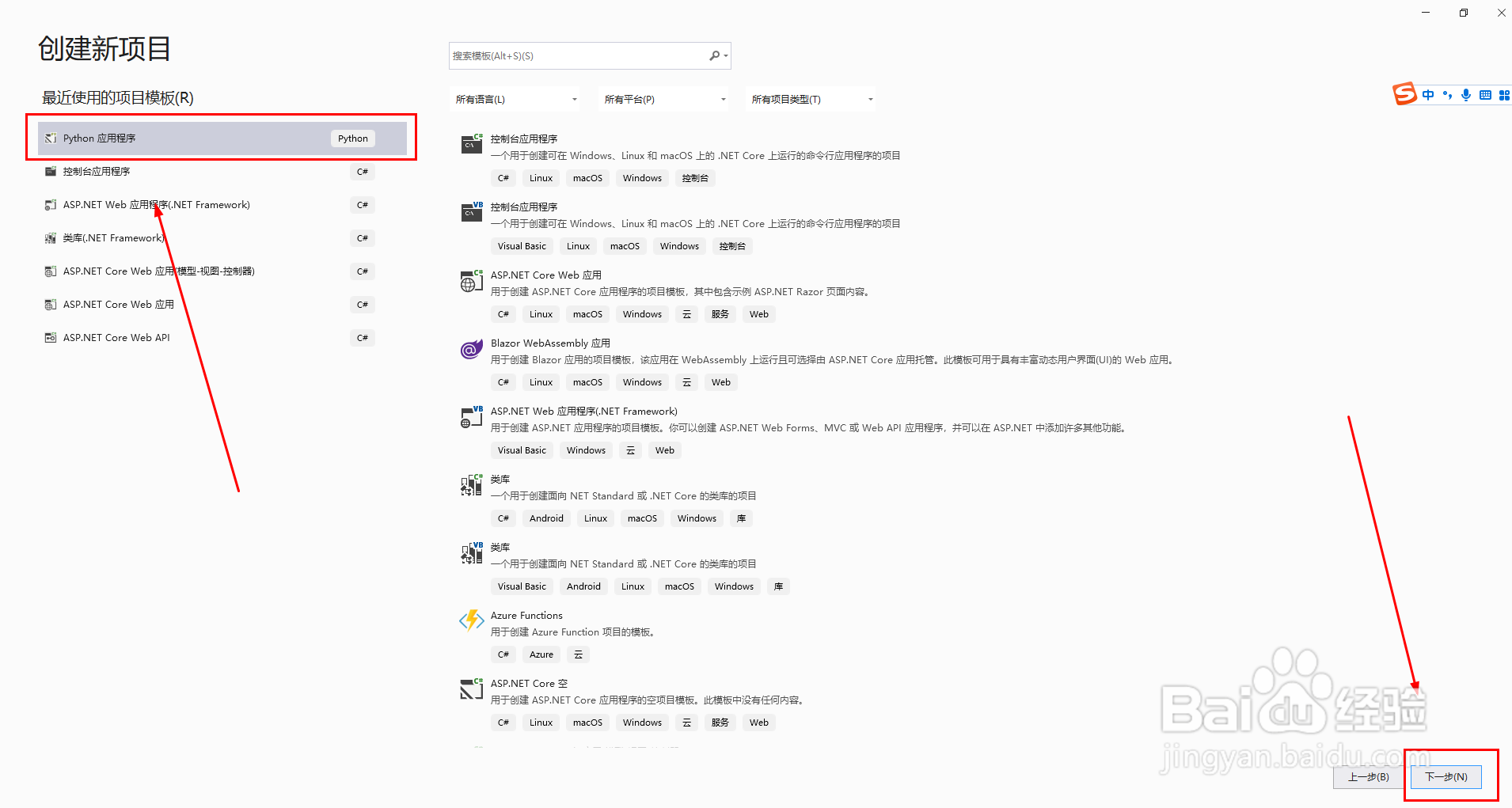
3、创建新项目>>Python应用程序>>下一步

Visual Studio 2019创建Python的for 循环语句

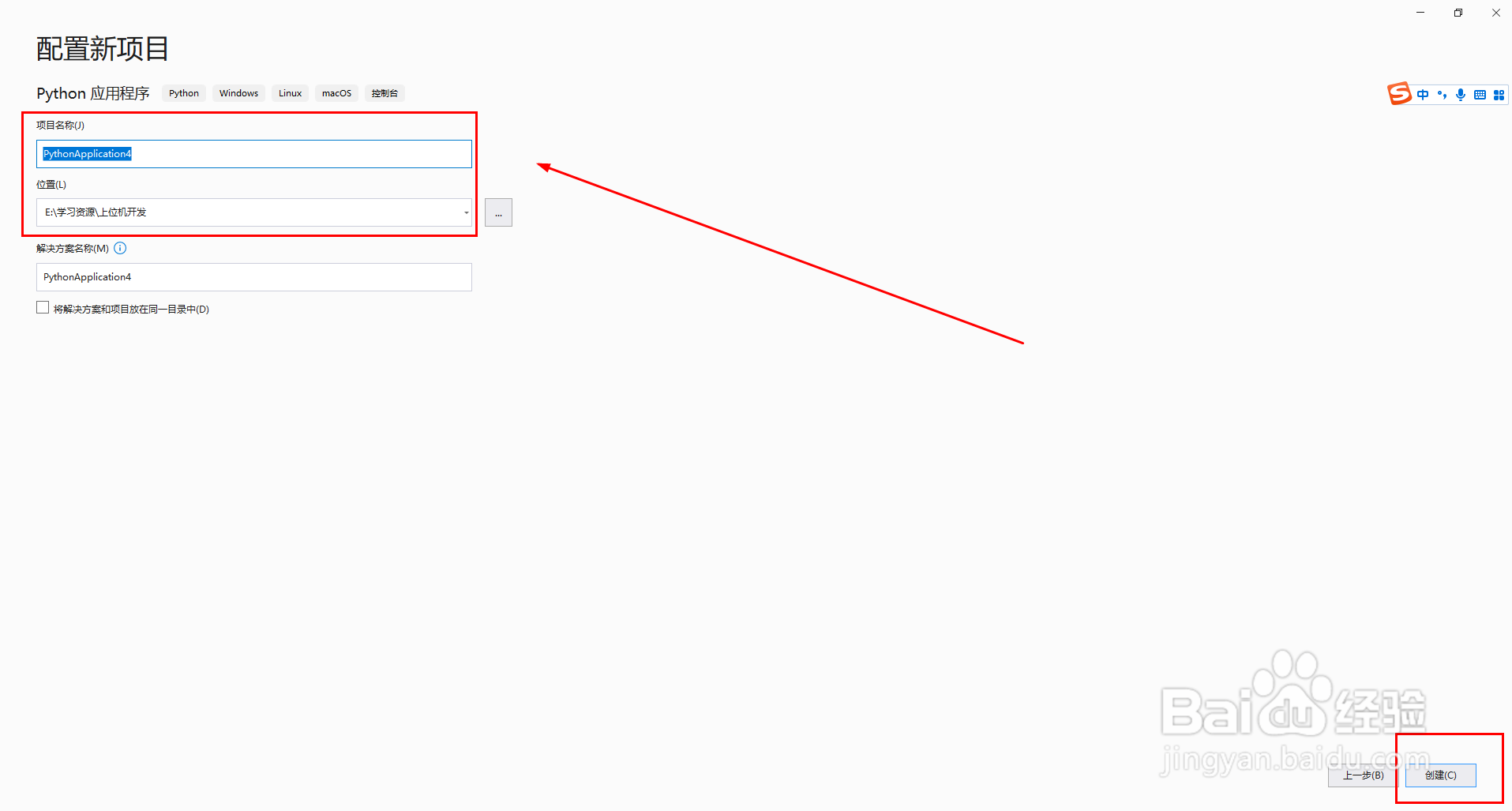
4、配置新项目,修改项目名称,修改位置,最后点击“创建”按钮

Visual Studio 2019创建Python的for 循环语句

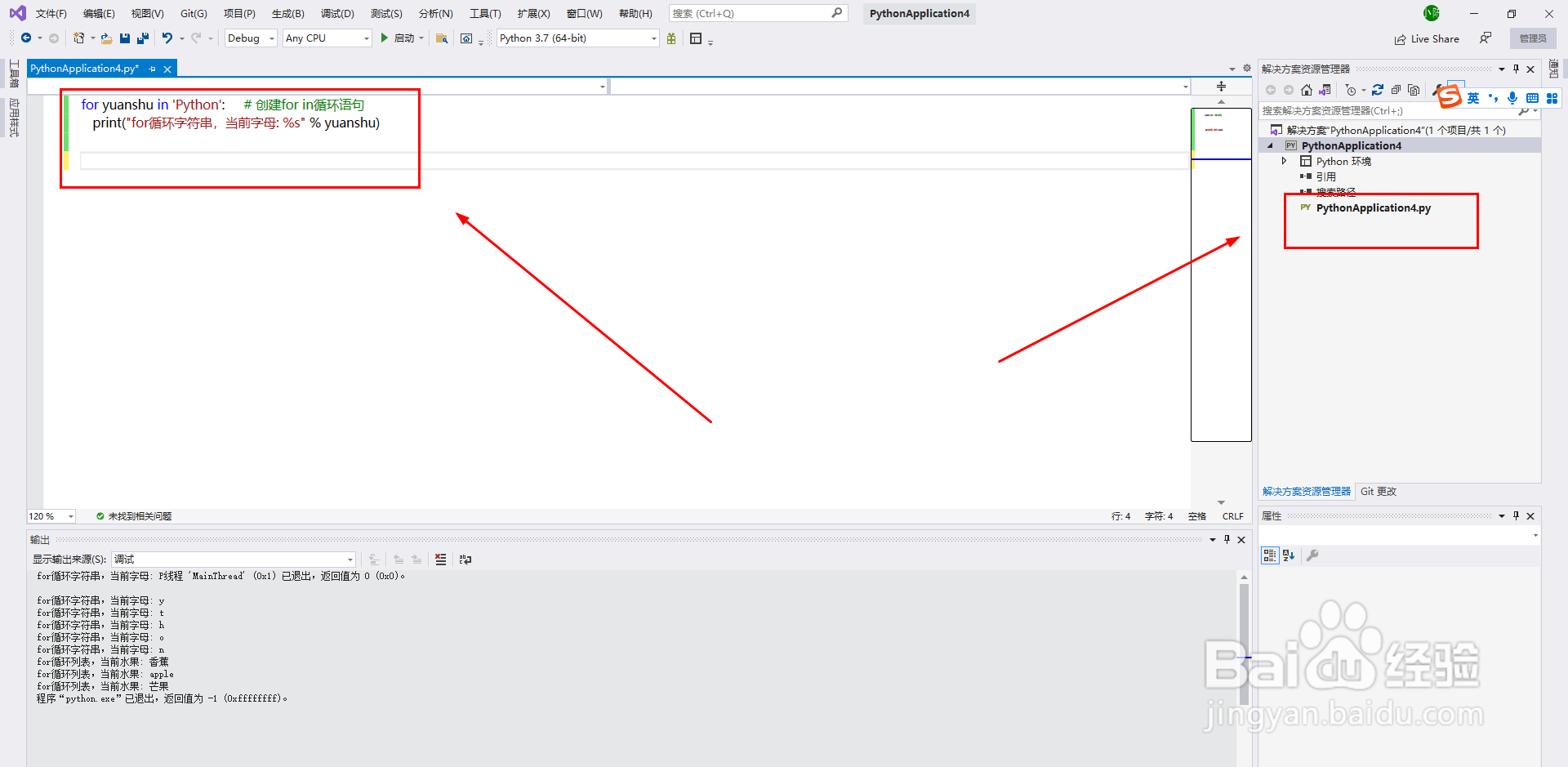
5、创建for in循环语句,循环字符串

代码:

for yuanshu in 'Python':     # 创建for in循环语句

   print("for循环字符串,当前字母: %s" % yuanshu)
Visual Studio 2019创建Python的for 循环语句

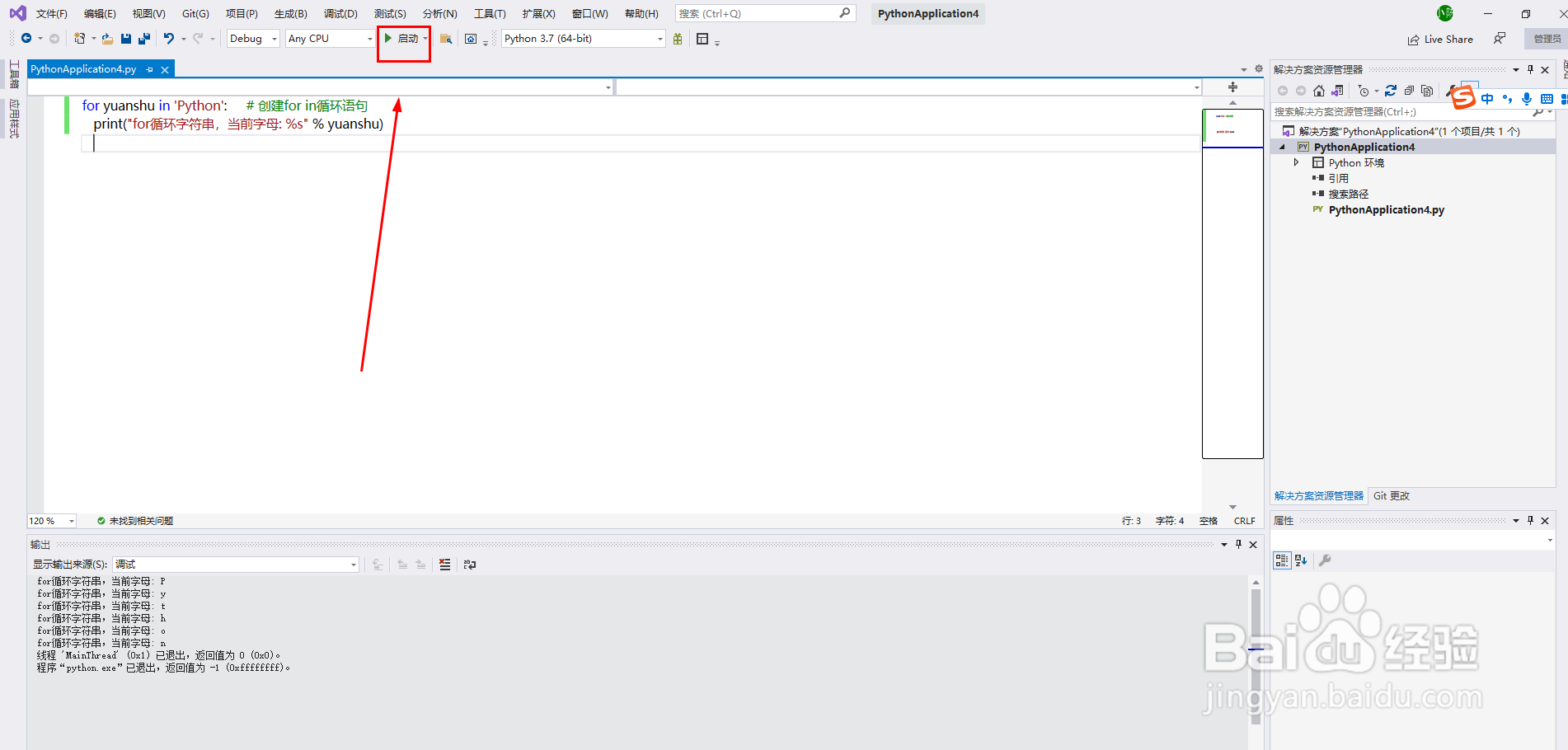
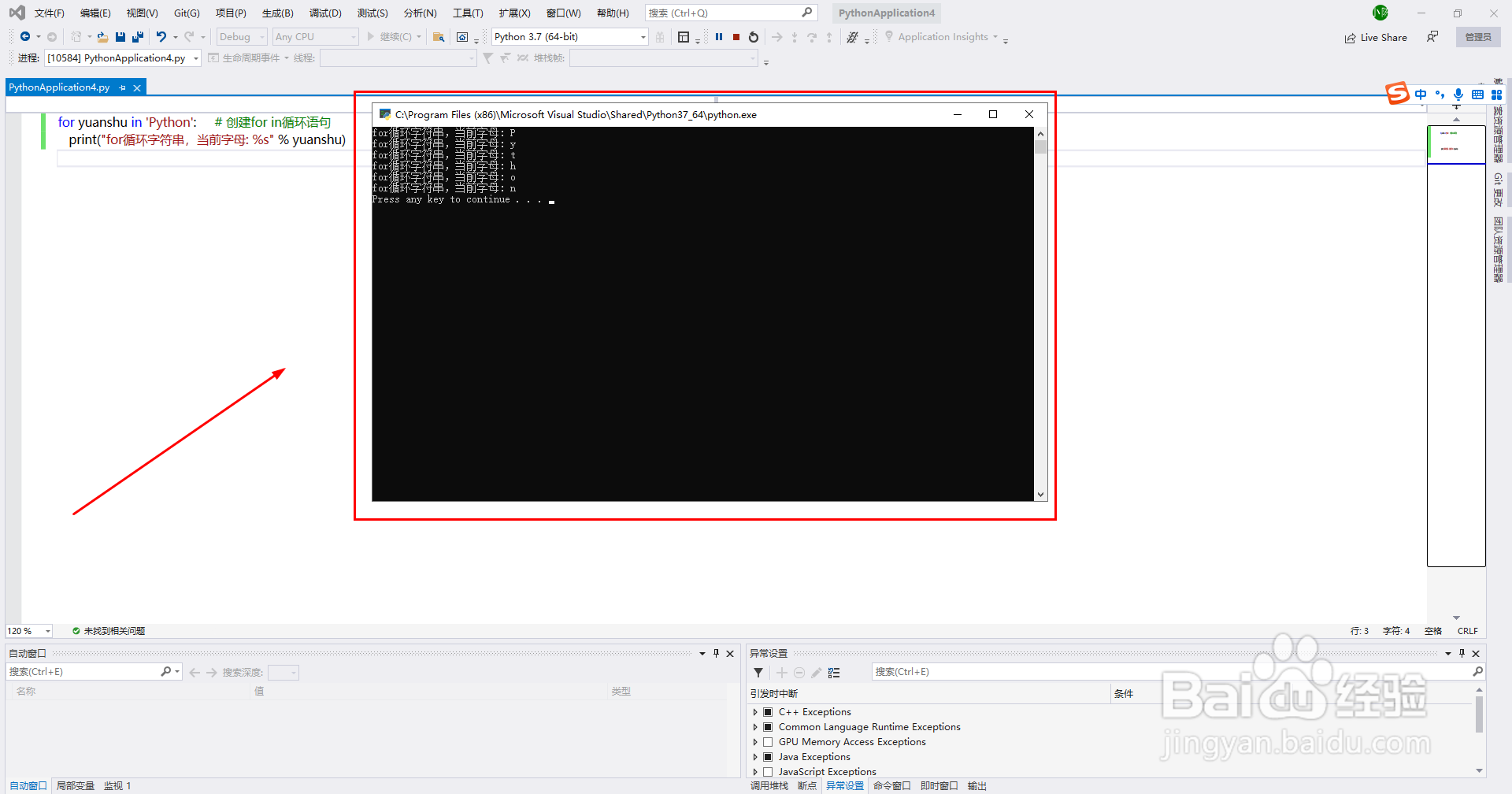
6、点击“启动”按钮,运行代码,预览效果

Visual Studio 2019创建Python的for 循环语句

Visual Studio 2019创建Python的for 循环语句

相关推荐
  • 阅读量:91
  • 阅读量:76
  • 阅读量:159
  • 阅读量:153
  • 阅读量:24
  • 猜你喜欢