word如何压缩图片?
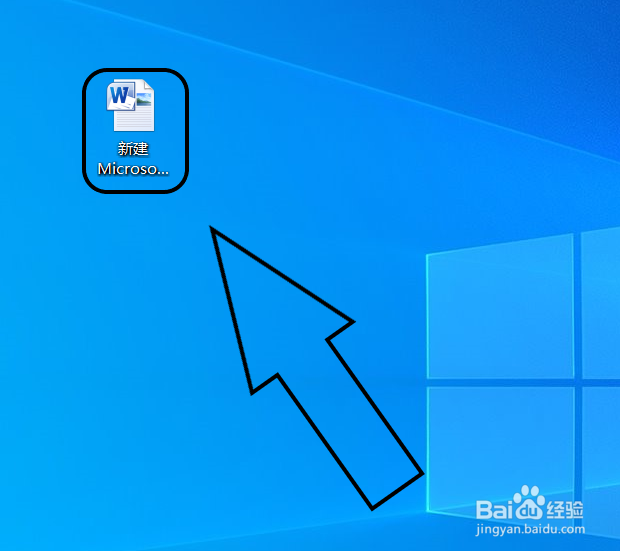
1、在电脑桌面上找到word。

2、双击后选择打开。
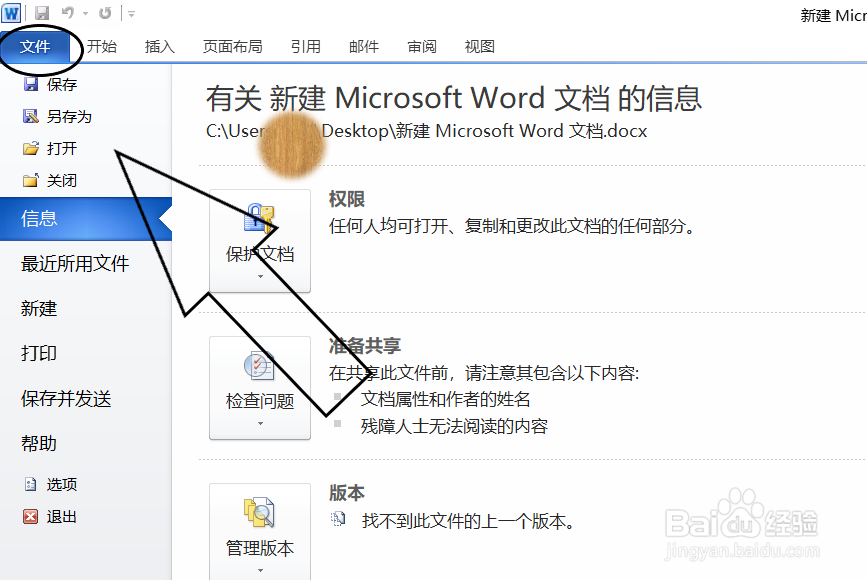
3、在功能组中选择“文件”。
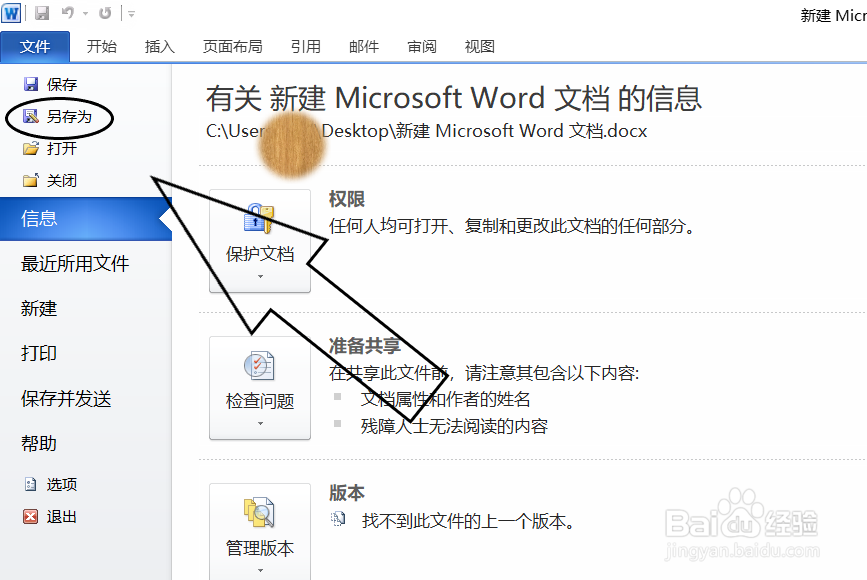
4、在其下拉列表中选择“另存为”。
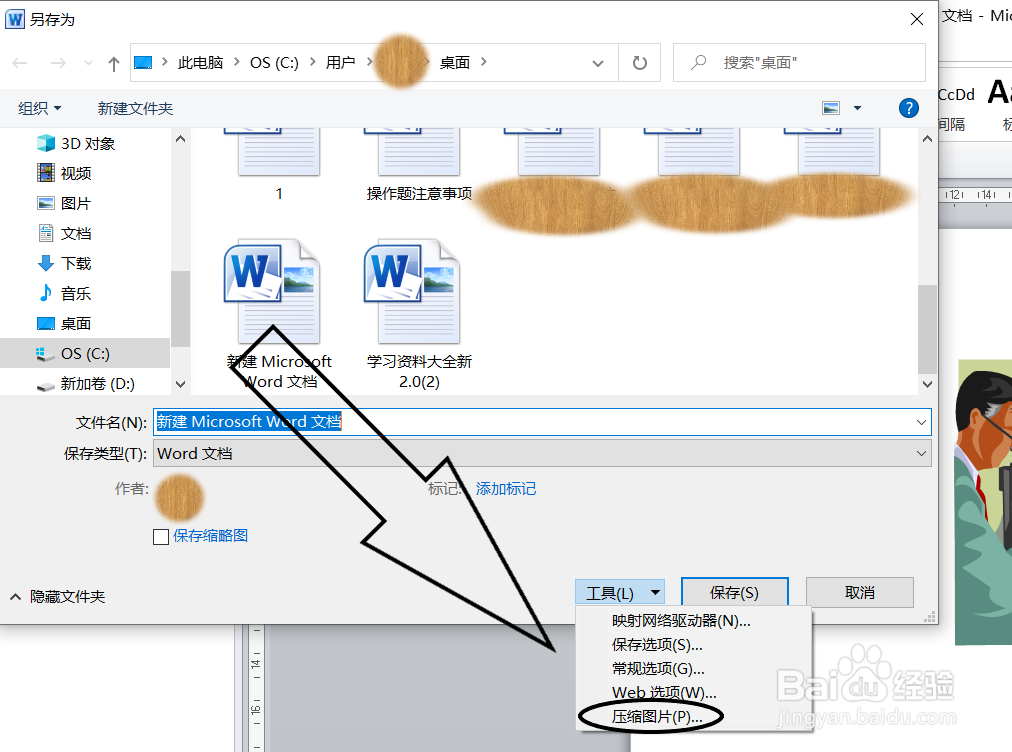
5、在对话框中找到“工具”。
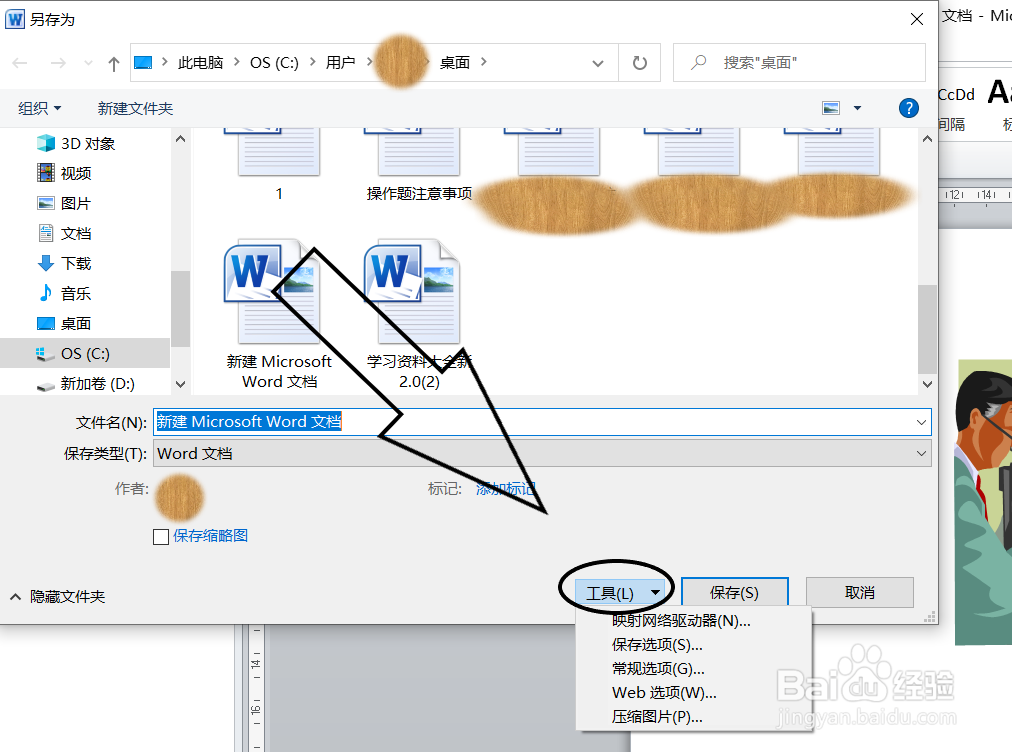
6、在“工具”中选择“压缩图片”。
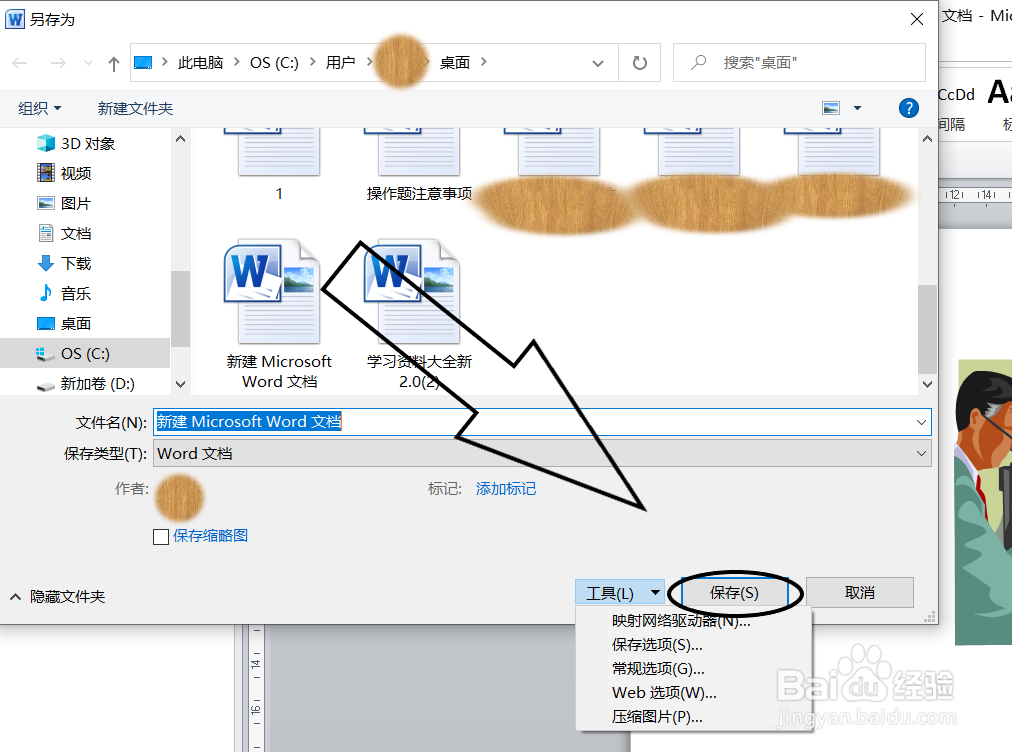
7、点击保存即可。
阅读量:115
阅读量:82
阅读量:86
阅读量:40
阅读量:157
1、在电脑桌面上找到word。
2、双击后选择打开。
3、在功能组中选择“文件”。
4、在其下拉列表中选择“另存为”。
5、在对话框中找到“工具”。
6、在“工具”中选择“压缩图片”。
7、点击保存即可。