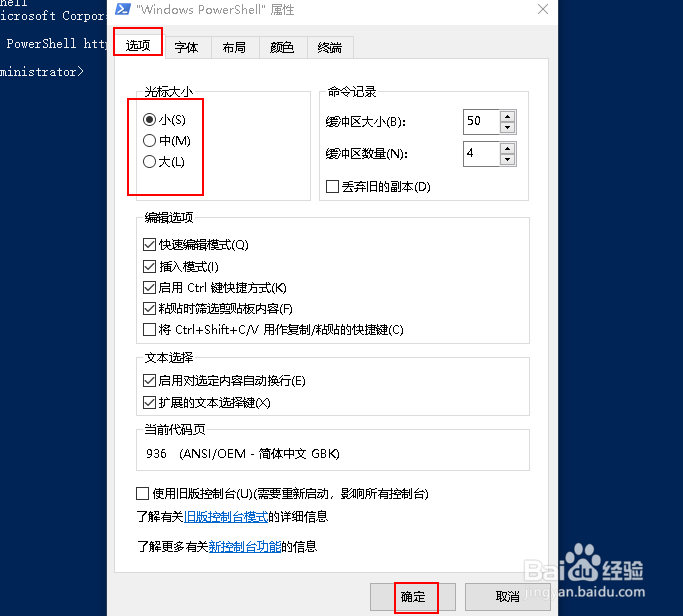
如何更改 Windows PowerShell 光标大小
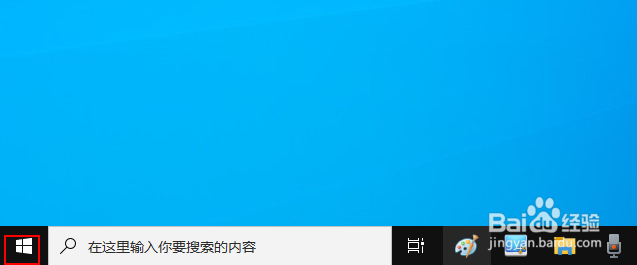
1、右键单击"开始"按钮。
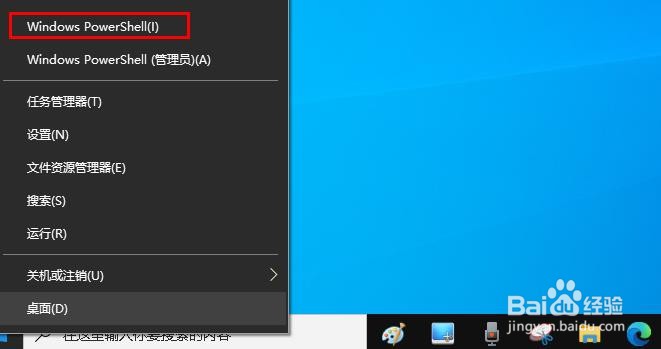
2、点击“Windows PowerShell ”。
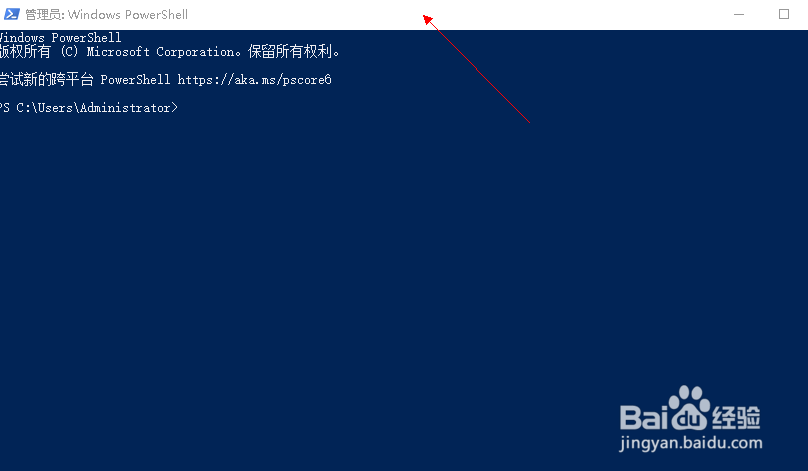
3、右键点击窗口上面白色部分。
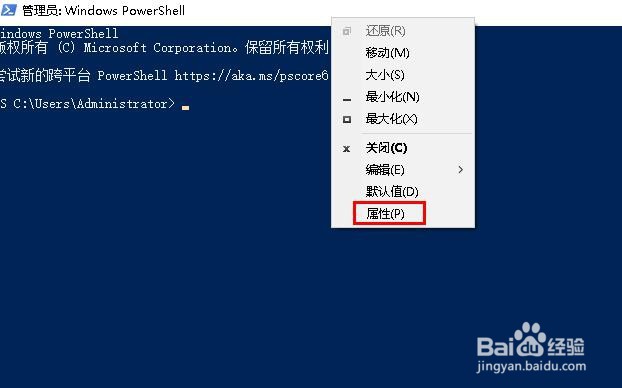
4、选择“属性”。
5、在“光标大小”下,大、中、小任选其一,点击“确定”。
阅读量:184
阅读量:89
阅读量:105
阅读量:95
阅读量:133
1、右键单击"开始"按钮。
2、点击“Windows PowerShell ”。
3、右键点击窗口上面白色部分。
4、选择“属性”。
5、在“光标大小”下,大、中、小任选其一,点击“确定”。