如何在windows10系统下安装ruby on rails
1、在ruby官方网站上下载windows ruby的应用程序安装包 rubyinstaller
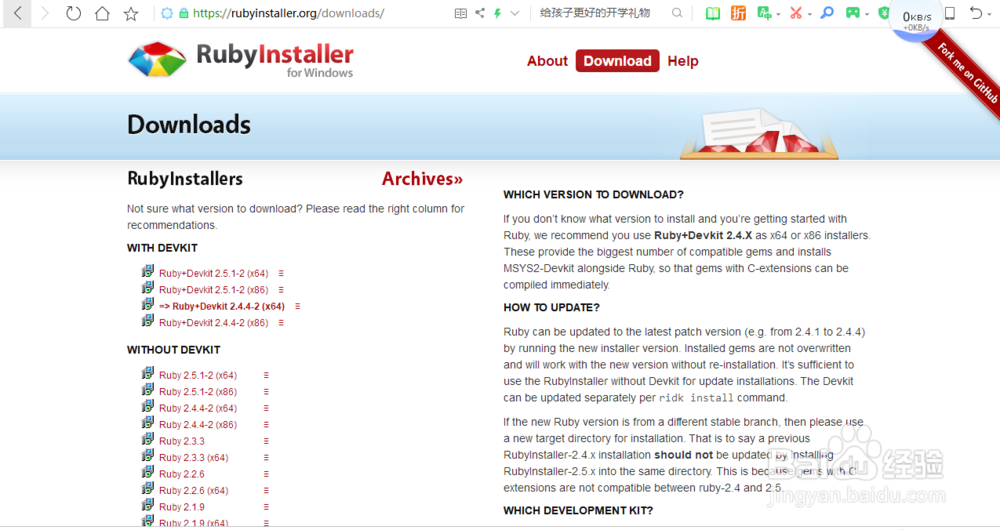

2、运行rubyinstaller-devkit-2.4.4-2-x64.exe应用程序进行安装
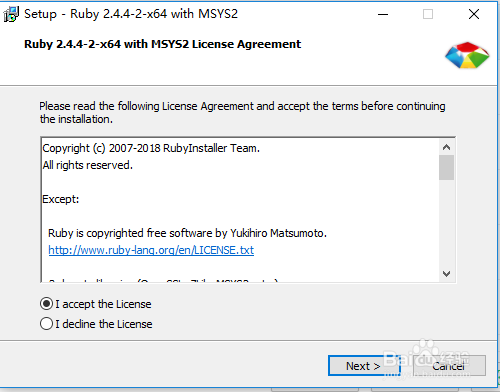
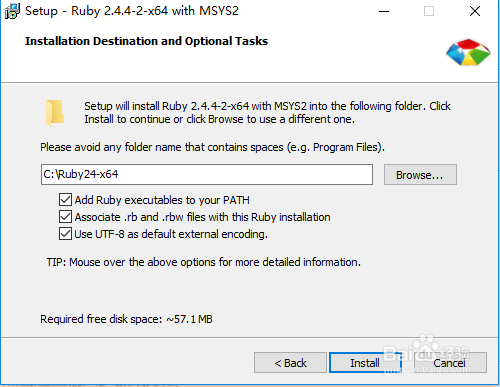
3、安装开发软件组件 :MSYS2 and MINGW development toolchain
在安装组件对话框中输入选项3,回车后进行安装ruby开发组件
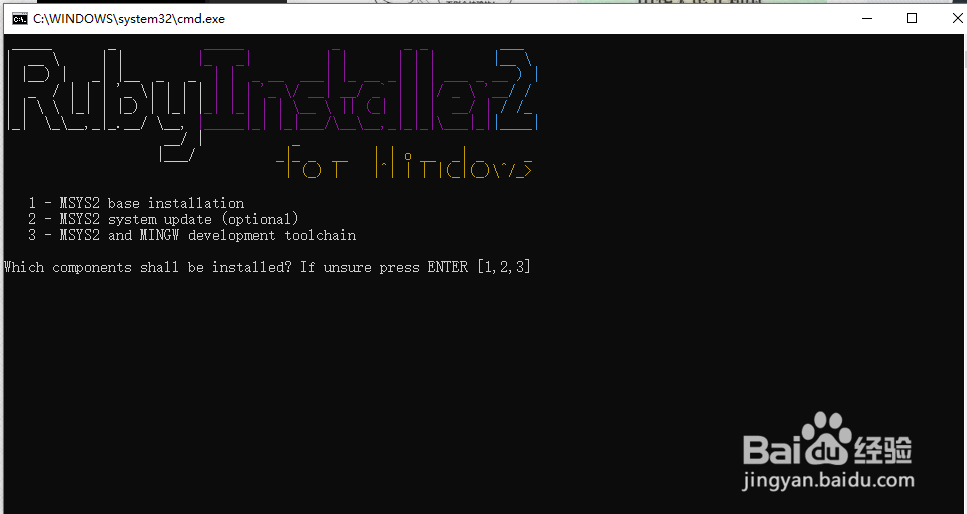
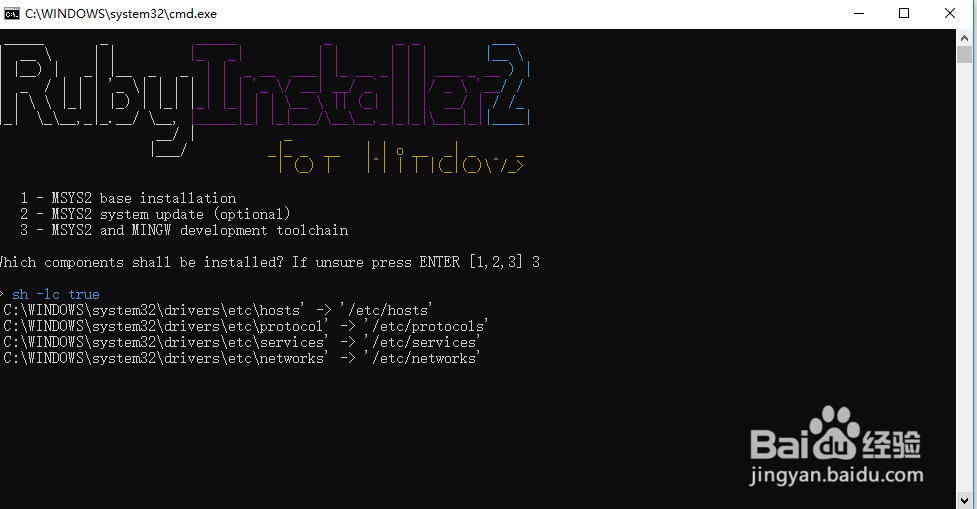
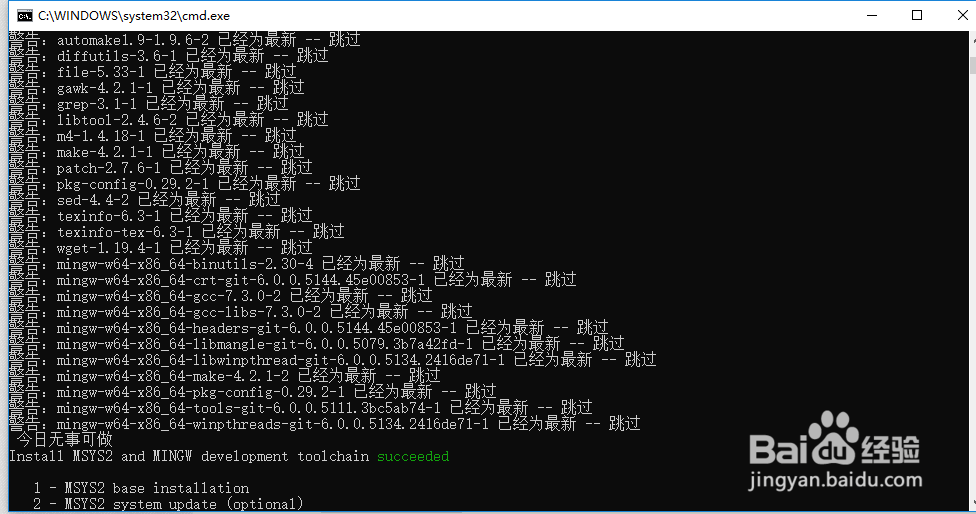
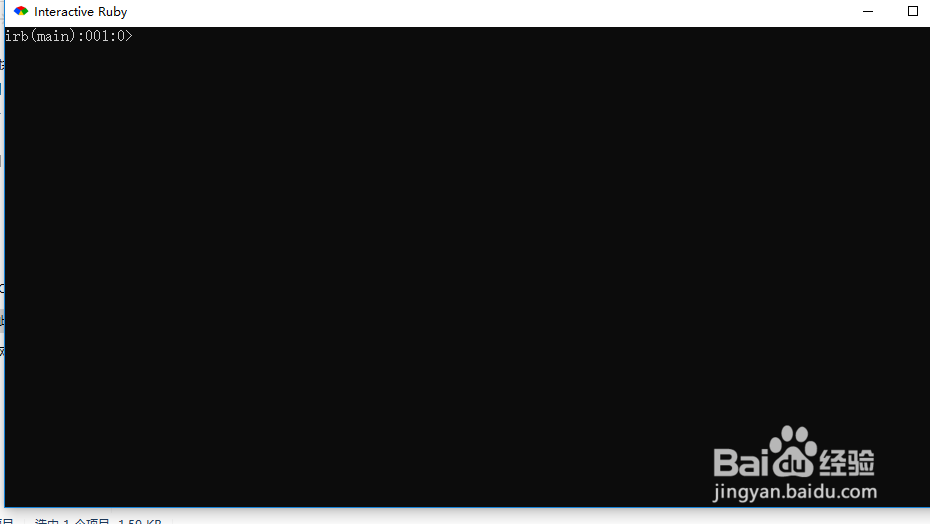
4、在ruby的安装目录下找到Interactive Ruby程序并打开
Interactive Ruby默认安装路径:C:\Users\hxb\AppData\Roaming\Microsoft\Windows\Start Menu\Programs\Ruby 2.4.4-2-x64 with MSYS2
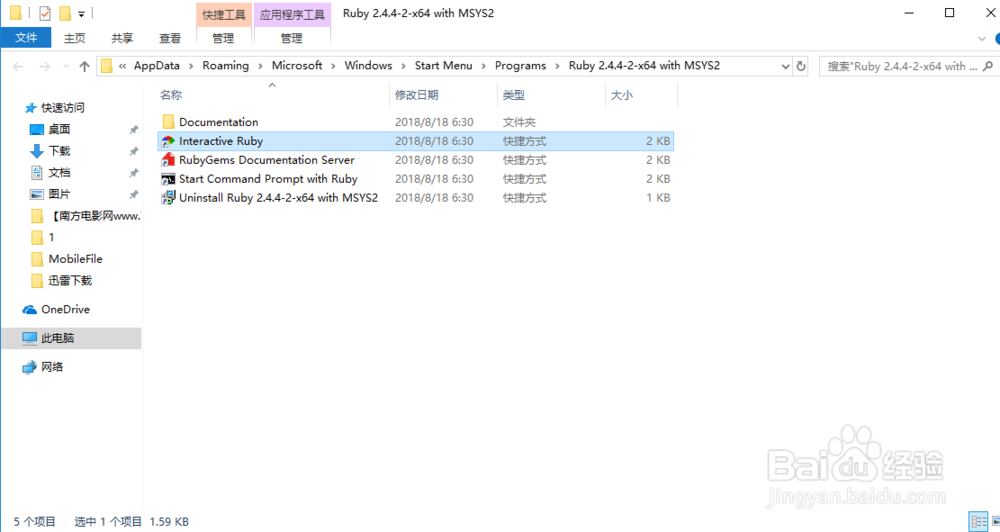
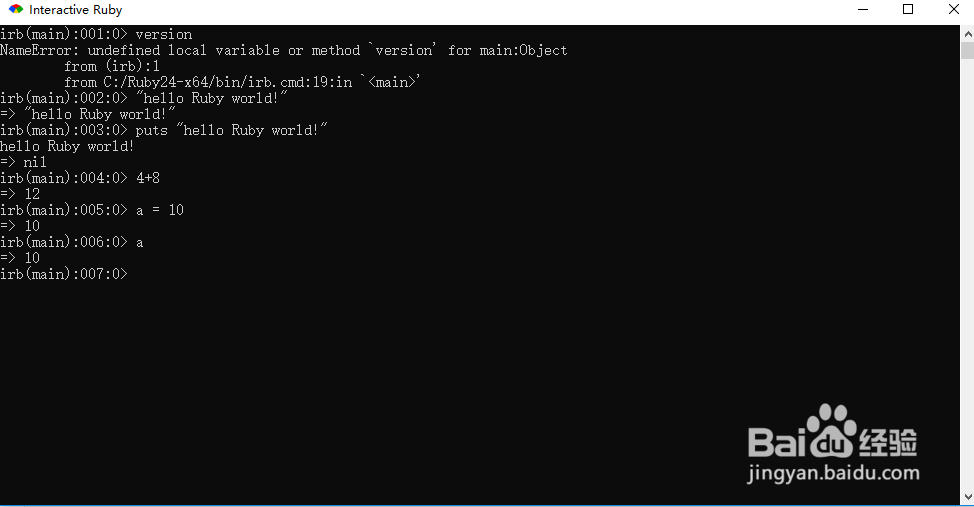
5、测试ruby语句
irb(main):001:0> version
NameError: undefined local variable or method `version' for main:Object
from (irb):1
from C:/Ruby24-x64/bin/irb.cmd:19:in `<main>'
irb(main):002:0> "hello Ruby world!"
=> "hello Ruby world!"
irb(main):003:0> puts "hello Ruby world!"
hello Ruby world!
=> nil
irb(main):004:0> 4+8
=> 12
irb(main):005:0> a = 10
=> 10
irb(main):006:0> a
=> 10
irb(main):007:0>
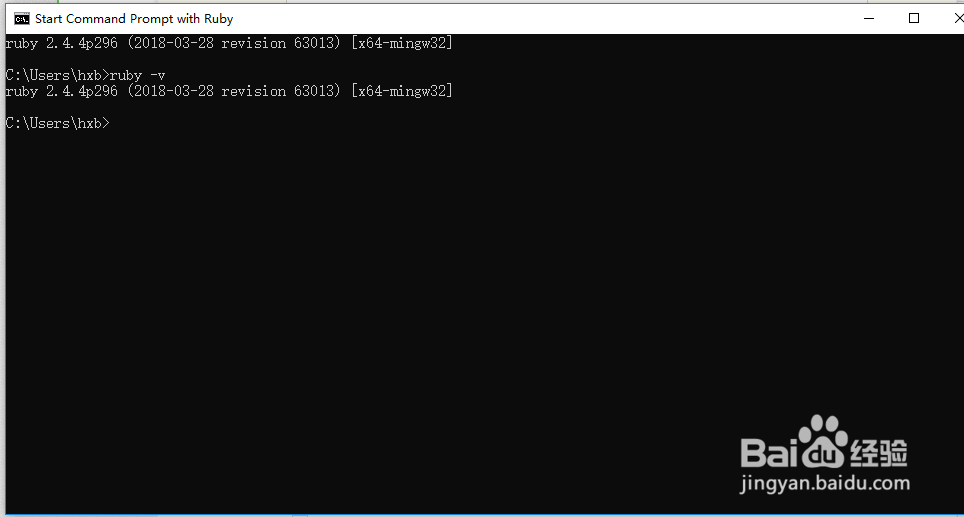
6、查看ruby的版本
C:\Users\hxb>ruby -v
ruby 2.4.4p296 (2018-03-28 revision 63013) [x64-mingw32]
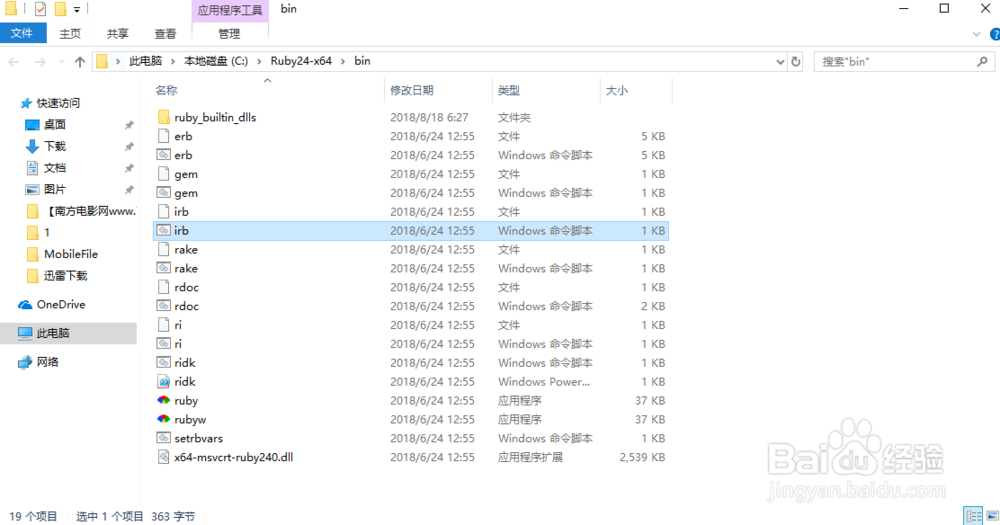
7、ruby默认的安装路径
C:\Ruby24-x64\bin
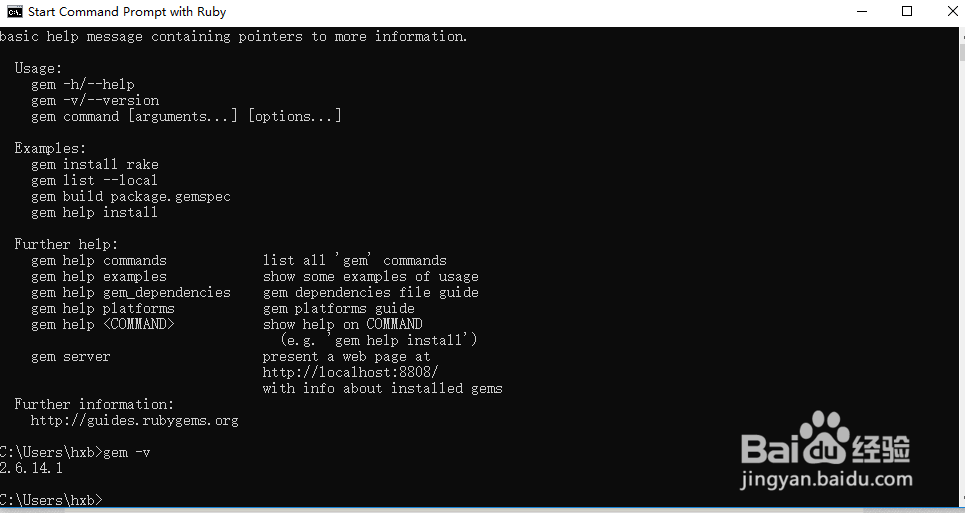
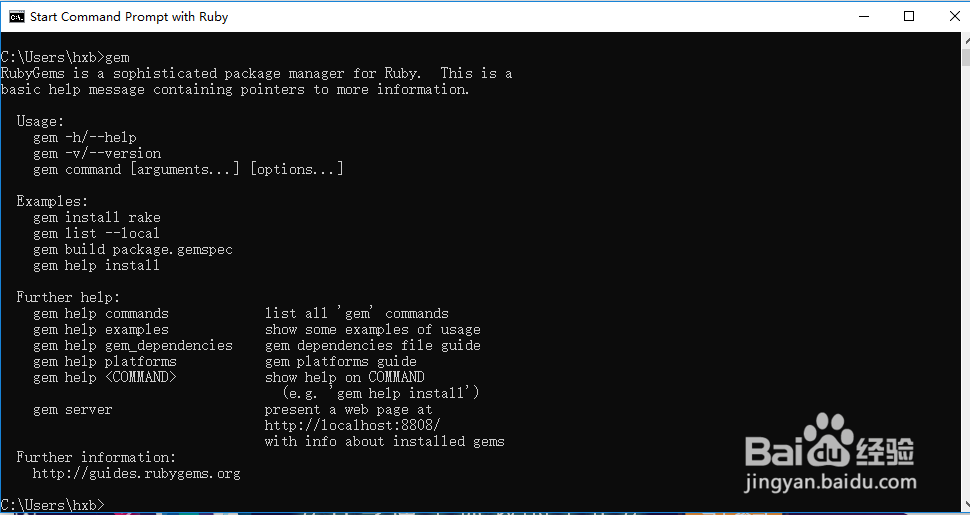
8、测试gem安装是否成功
在命令行输入gem -v可以看到版本号信息
C:\Users\hxb>gem -v
2.6.14.1
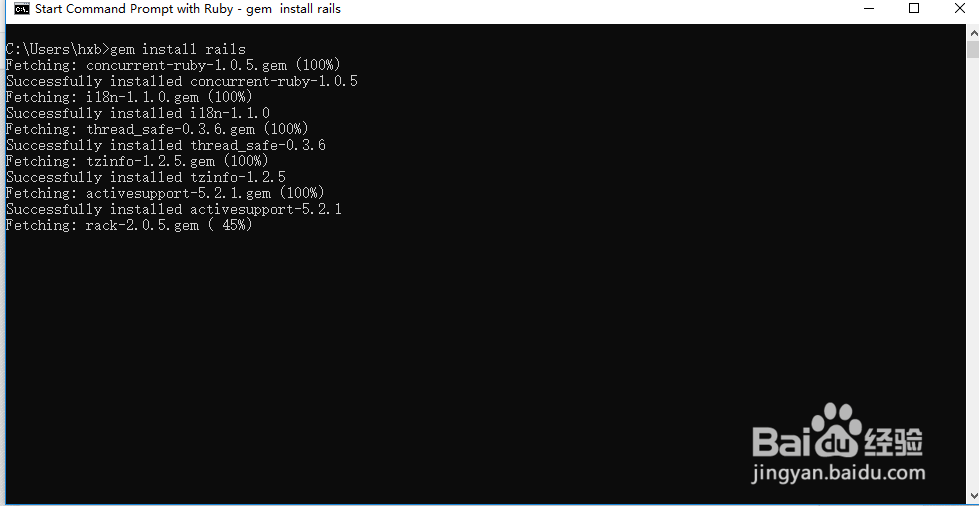
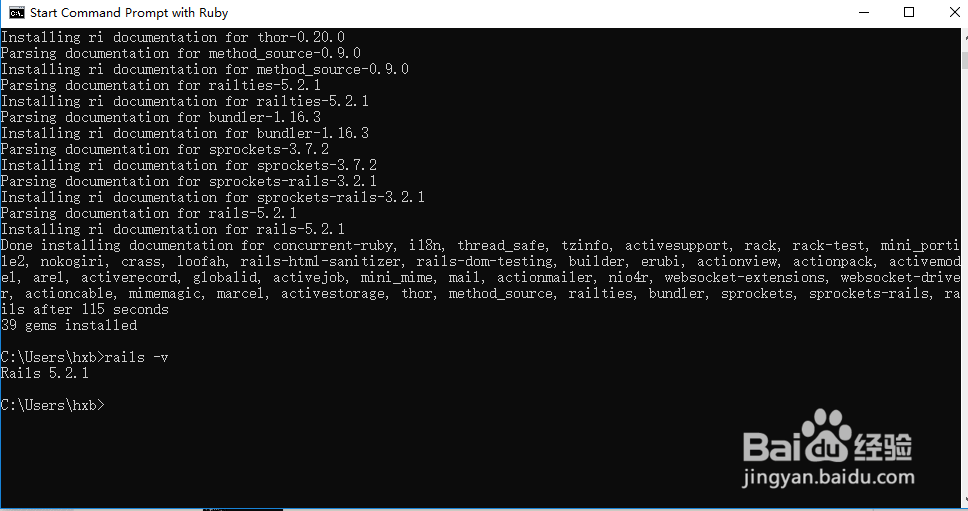
9、安装rails:
C:\Users\hxb>gem install rails
C:\Users\hxb>rails -v
Rails 5.2.1
10、使用rails创建rails web应用helloJack
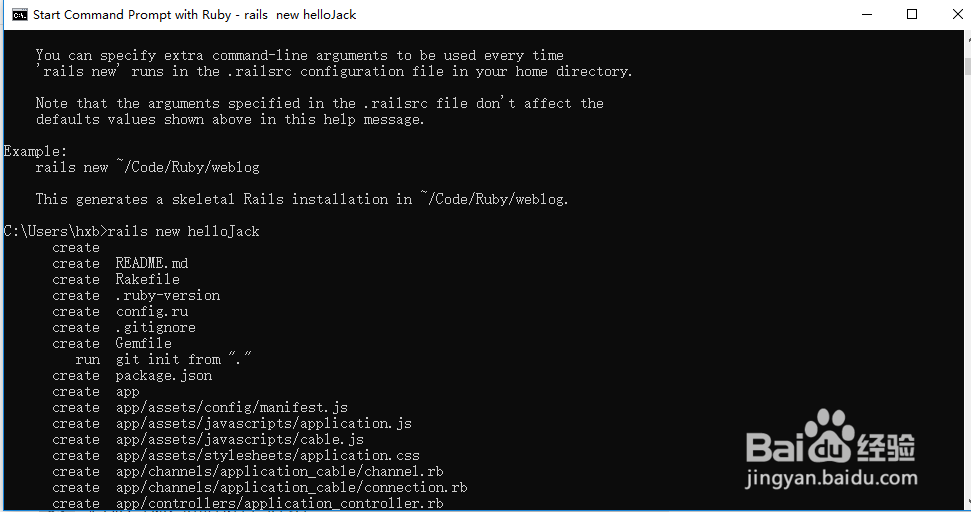
C:\Users\hxb>rails new helloJack
create
create README.md
create Rakefile
create .ruby-version
create config.ru
create .gitignore
create Gemfile
run git init from "."
create package.json
...
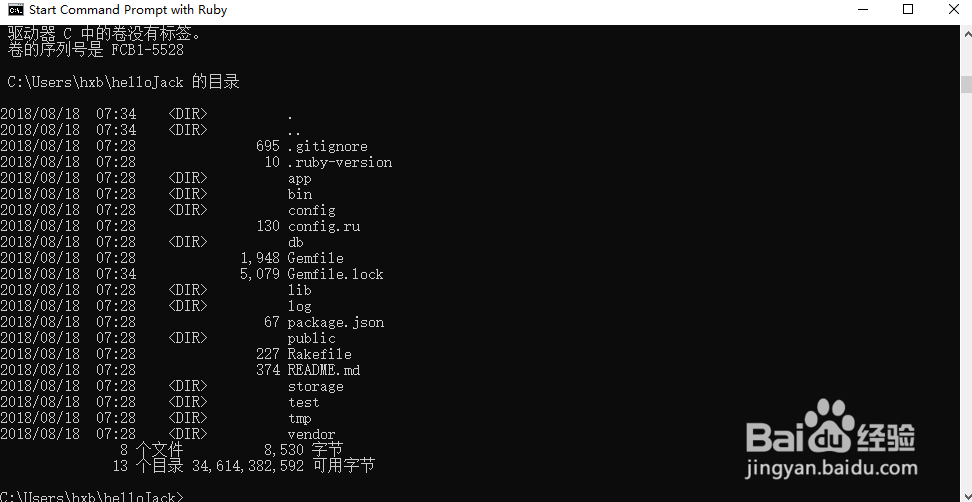
命令执行成功后,会在当前目录下创建helloJack目录以及相关的文件
11、启动rails web服务器
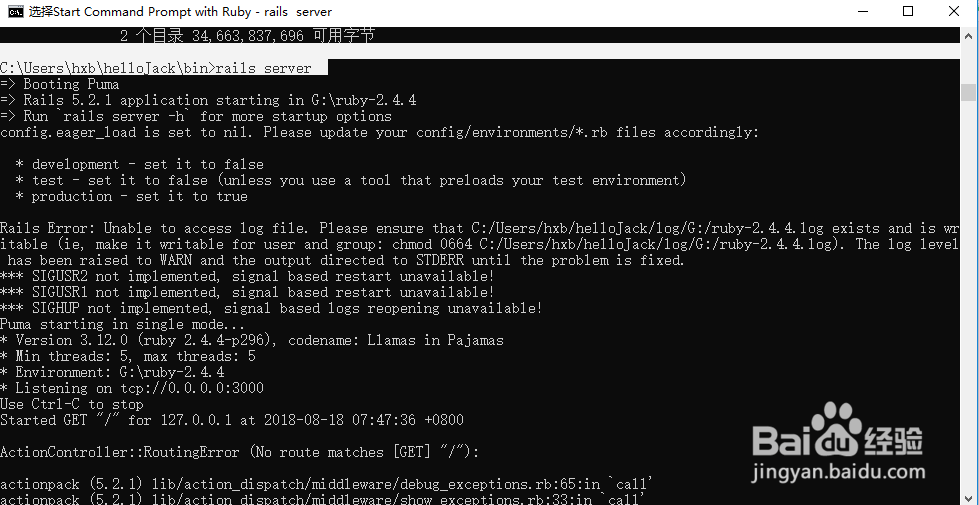
C:\Users\hxb\helloJack\bin>rails server
=> Booting Puma
=> Rails 5.2.1 application starting in G:\ruby-2.4.4
=> Run `rails server -h` for more startup options
config.eager_load is set to nil. Please update your config/environments/*.rb files accordingly:
* development - set it to false
* test - set it to false (unless you use a tool that preloads your test environment)
* production - set it to true
Rails Error: Unable to access log file. Please ensure that C:/Users/hxb/helloJack/log/G:/ruby-2.4.4.log exists and is writable (ie, make it writable for user and group: chmod 0664 C:/Users/hxb/helloJack/log/G:/ruby-2.4.4.log). The log level has been raised to WARN and the output directed to STDERR until the problem is fixed.
*** SIGUSR2 not implemented, signal based restart unavailable!
*** SIGUSR1 not implemented, signal based restart unavailable!
*** SIGHUP not implemented, signal based logs reopening unavailable!
Puma starting in single mode...
* Version 3.12.0 (ruby 2.4.4-p296), codename: Llamas in Pajamas
* Min threads: 5, max threads: 5
* Environment: G:\ruby-2.4.4
* Listening on tcp://0.0.0.0:3000
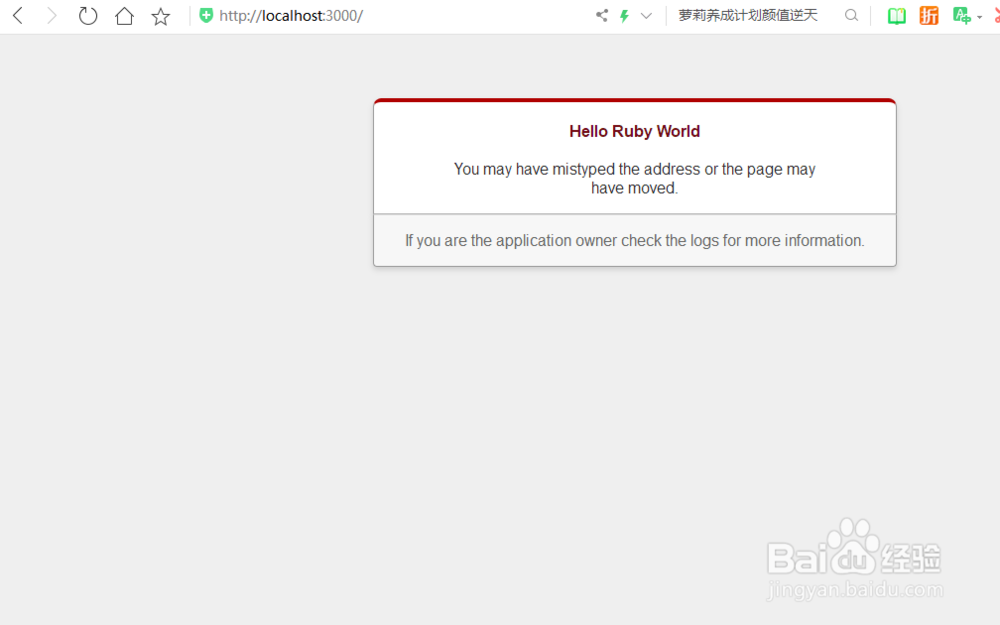
12、在浏览器中输入:http://localhost:3000 就可以看到页面了