steam如何取消订单
1.在steam平台登录自己的steam游戏帐号
2.点击自己的用户名,点击 账户明细
3.点击查看自己的 查看消费历史记录
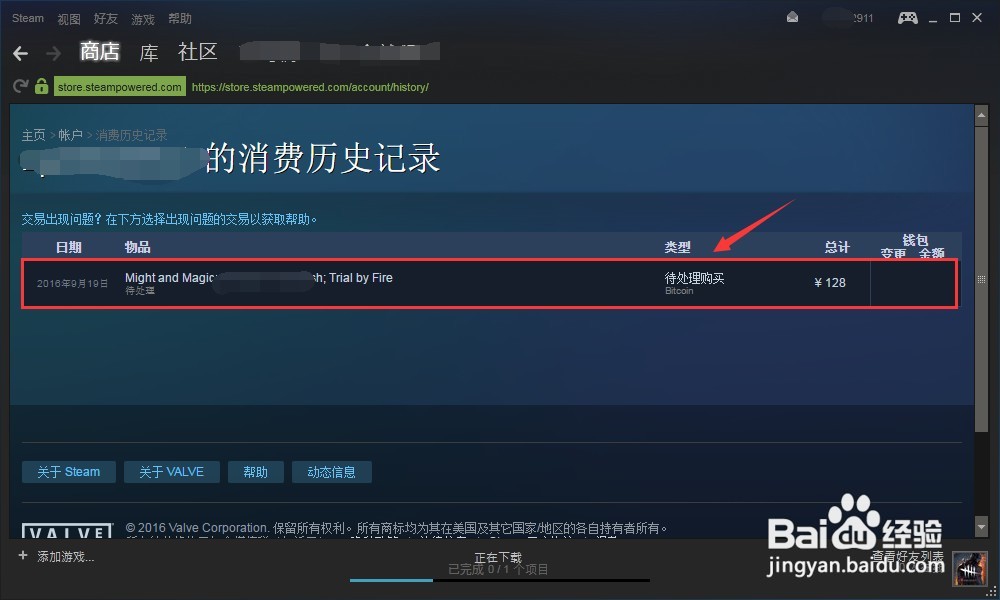
4.此处是你的订单详情,没有付款的信息。点击进入!
5.此页面可以看到你的订单的详细情况,什么时候购买等信息。向下拉找到 取消这项交易 点击
6.点击 此次购买未曾完成过 即可取消本次订单。




1.在steam平台登录自己的steam游戏帐号
2.点击自己的用户名,点击 账户明细
3.点击查看自己的 查看消费历史记录
4.此处是你的订单详情,没有付款的信息。点击进入!
5.此页面可以看到你的订单的详细情况,什么时候购买等信息。向下拉找到 取消这项交易 点击
6.点击 此次购买未曾完成过 即可取消本次订单。