允许Bluetooth设备查找此计算机怎么设置?
1、电脑右下角点击Bluetooth图标。

2、在Bluetooth设置下,点击选项。

3、继续选择连接。
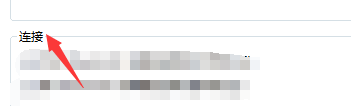
4、将允许Bluetooth设备查找此计算机勾选上。

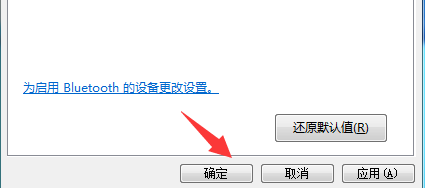
5、界面右下角点击确认按钮。
阅读量:33
阅读量:119
阅读量:65
阅读量:190
阅读量:132
1、电脑右下角点击Bluetooth图标。
2、在Bluetooth设置下,点击选项。
3、继续选择连接。
4、将允许Bluetooth设备查找此计算机勾选上。
5、界面右下角点击确认按钮。