网上要怎么购买高铁票

2026-02-14 04:28:39

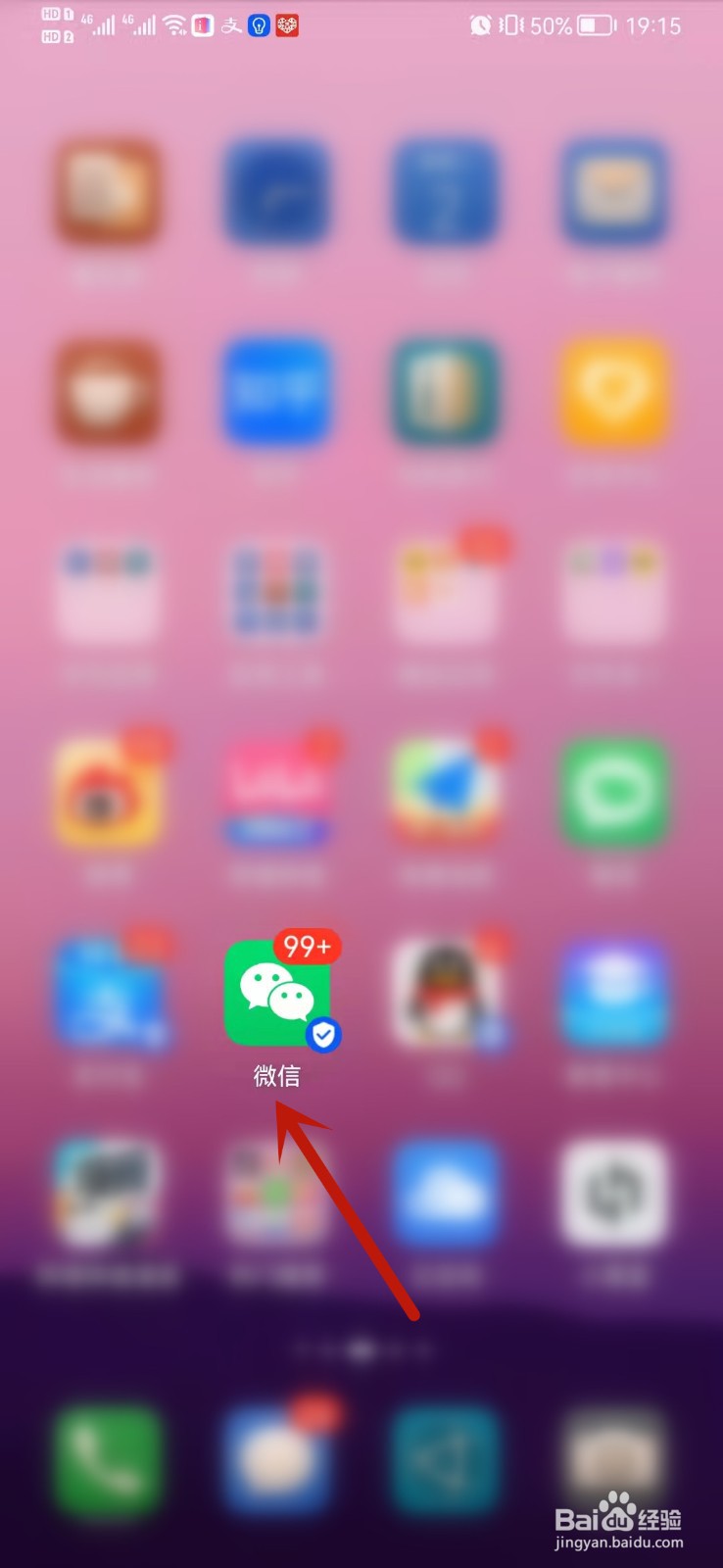
1、在手机中打开微信。

网上要怎么购买高铁票

2、进入支付界面,点击机票火车票。

网上要怎么购买高铁票

3、选择起点终点还有出发时间,然后点击火车票查询。

网上要怎么购买高铁票

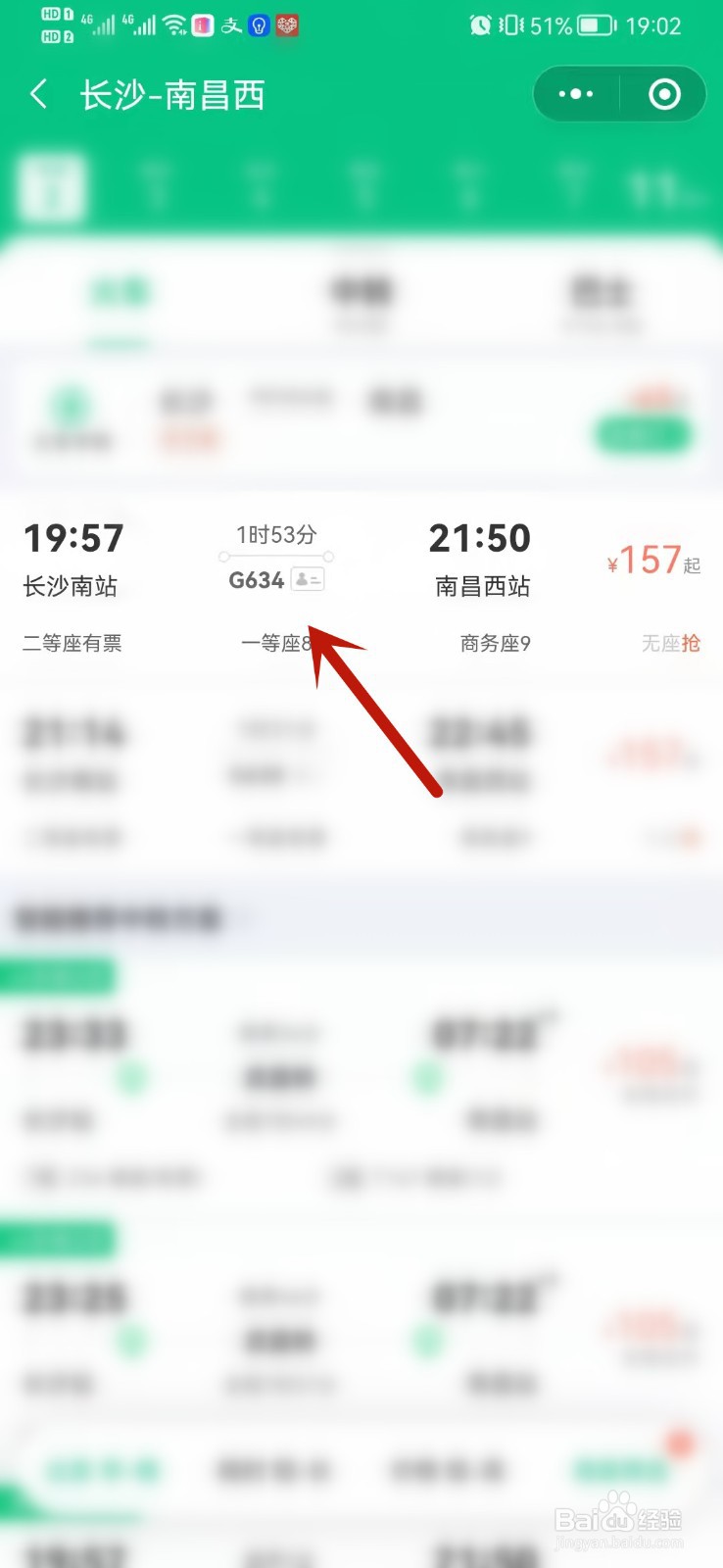
4、点击航次信息。

网上要怎么购买高铁票

5、填写乘客信息,然后点击下一步。

网上要怎么购买高铁票

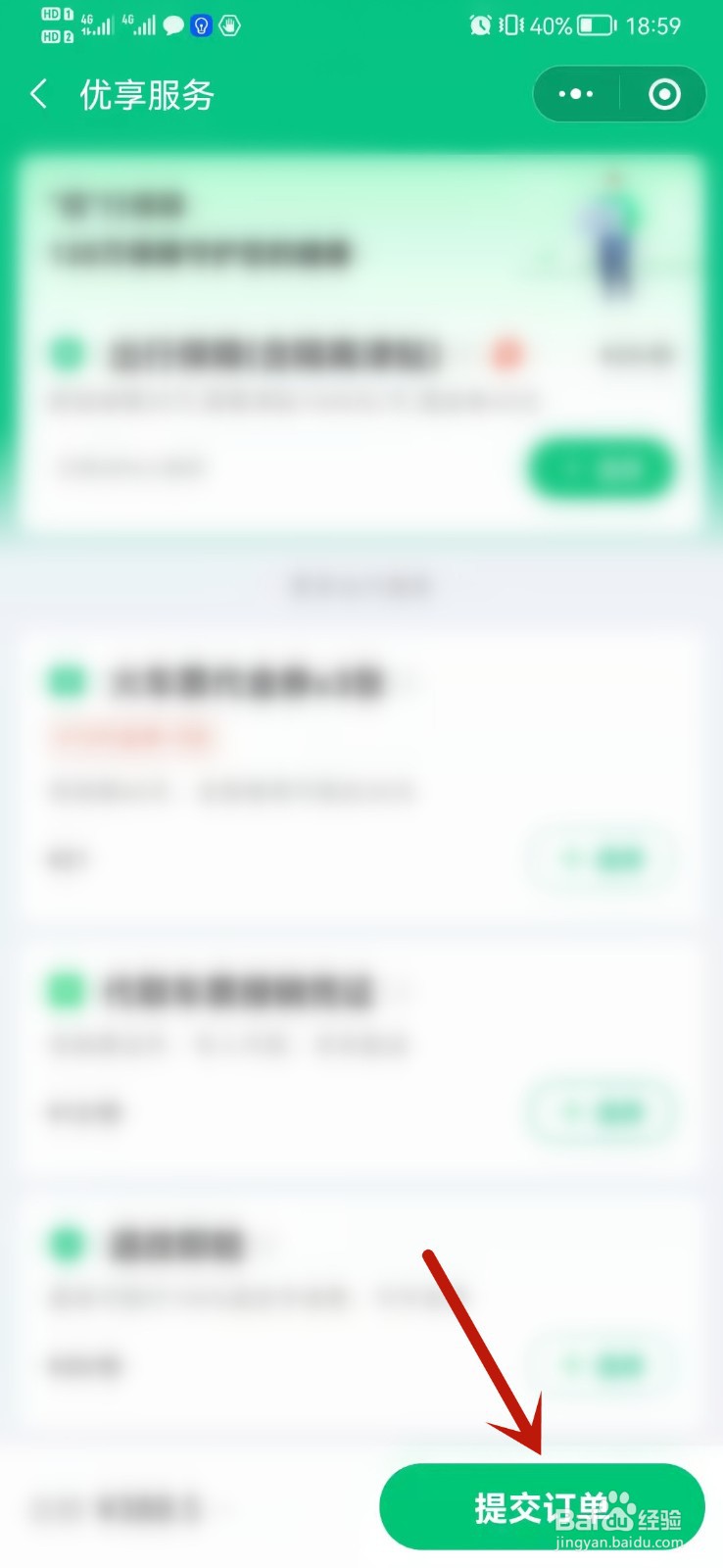
6、点击提交订单。

网上要怎么购买高铁票

7、最后完成支付,购买高铁票即可。

网上要怎么购买高铁票

相关推荐
  • 阅读量:169
  • 阅读量:121
  • 阅读量:22
  • 阅读量:109
  • 阅读量:121
  • 猜你喜欢