Nginx+Tomcat部署并发布Java Web应用(5)
1、基于Nginx+Tomcat部署并发布Java Web应用(5)延续
Nginx+Tomcat部署并发布Java Web应用(6)
<!-- Define an AJP 1.3 Connector on port 8009 -->
<Connector port="8029" protocol="AJP/1.3" redirectPort="8443" />
<!-- An Engine represents the entry point (within Catalina) that processes
every request. The Engine implementation for Tomcat stand alone
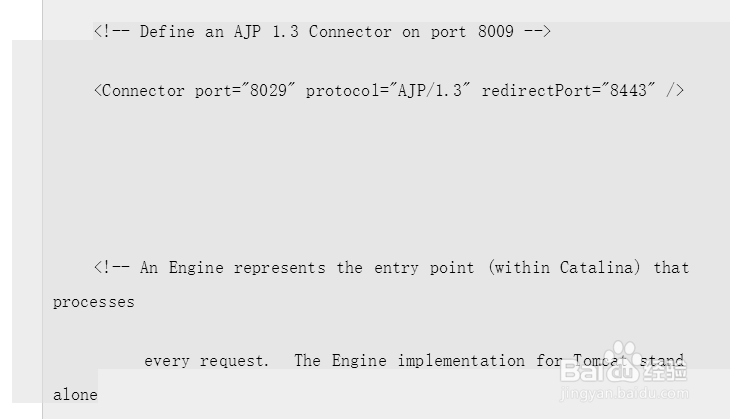
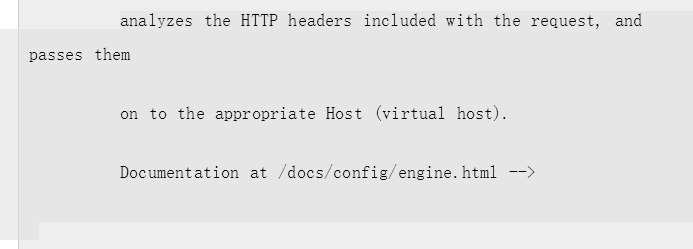
2、analyzes the HTTP headers included with the request, and passes them
on to the appropriate Host (virtual host).
Documentation at /docs/config/engine.html -->
3、<!-- You should set jvmRoute to support load-balancing via AJP ie :
<Engine name="Catalina" defaultHost="localhost" jvmRoute="jvm1">
-->
<Engine name="Catalina" defaultHost="localhost">
<!--For clustering, please take a look at documentation at:
/docs/cluster-howto.html (simple how to)
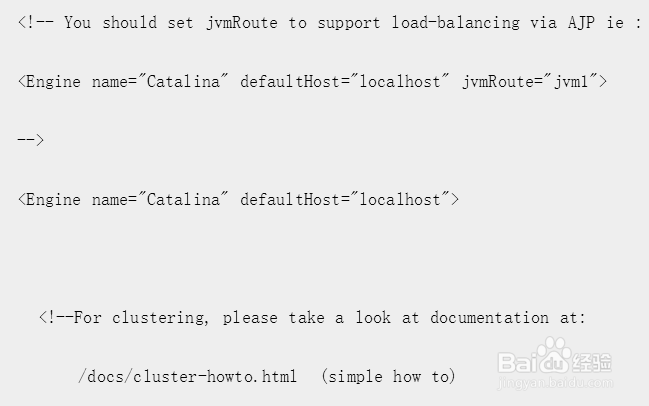
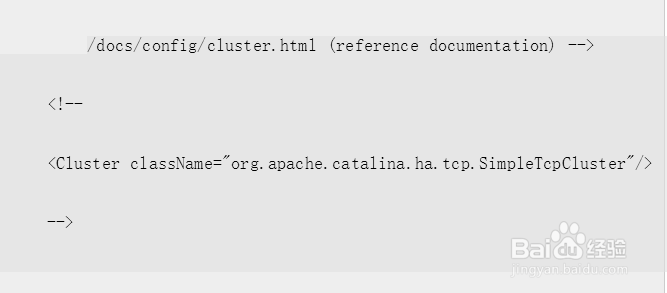
4、/docs/config/cluster.html (reference documentation) -->
<!--
<Cluster className="org.apache.catalina.ha.tcp.SimpleTcpCluster"/>
-->
5、 <!-- Use the LockOutRealm to prevent attempts to guess user passwords
via a brute-force attack -->
<Realm className="org.apache.catalina.realm.LockOutRealm">
<!-- This Realm uses the UserDatabase configured in the global JNDI
resources under the key "UserDatabase". Any edits
that are performed against this UserDatabase are immediately
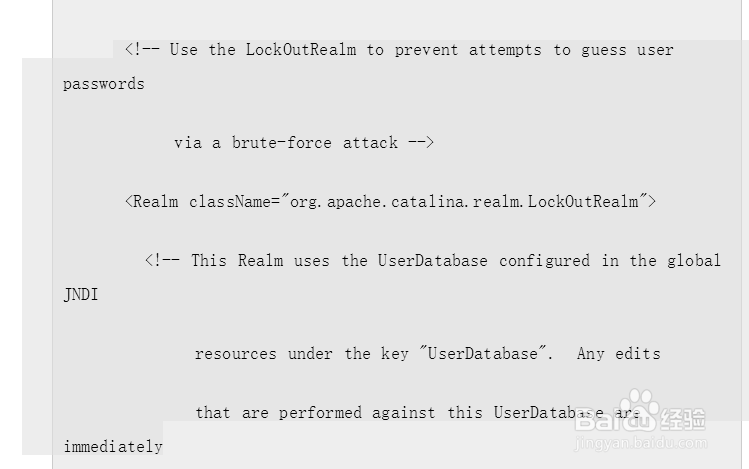
6、available for use by the Realm. -->
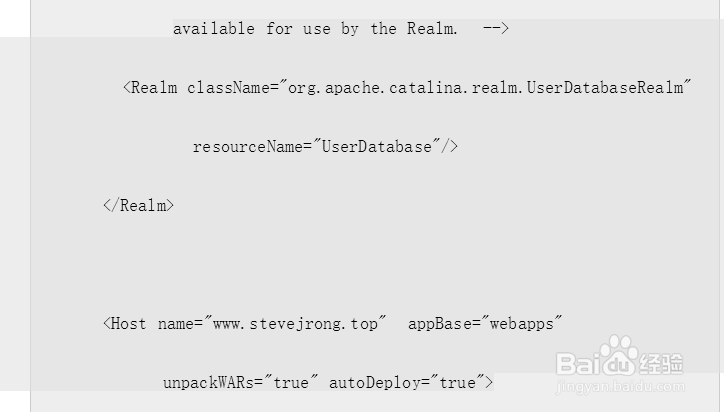
<Realm className="org.apache.catalina.realm.UserDatabaseRealm"
resourceName="UserDatabase"/>
</Realm>
<Host name="www.stevejrong.top" appBase="webapps"
unpackWARs="true" autoDeploy="true">
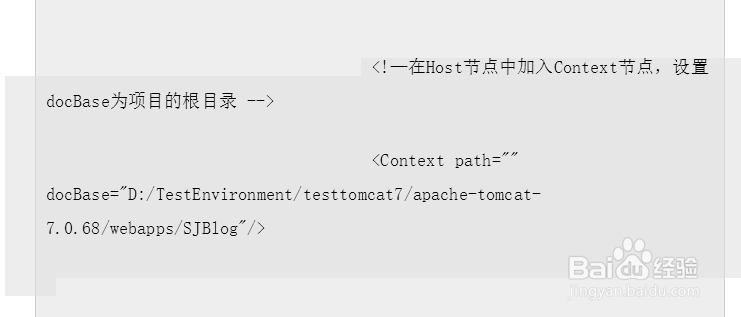
7、 <!—在Host节点中加入Context节点,设置docBase为项目的根目录 -->
<Context path="" docBase="D:/TestEnvironment/testtomcat7/apache-tomcat-7.0.68/webapps/SJBlog"/>
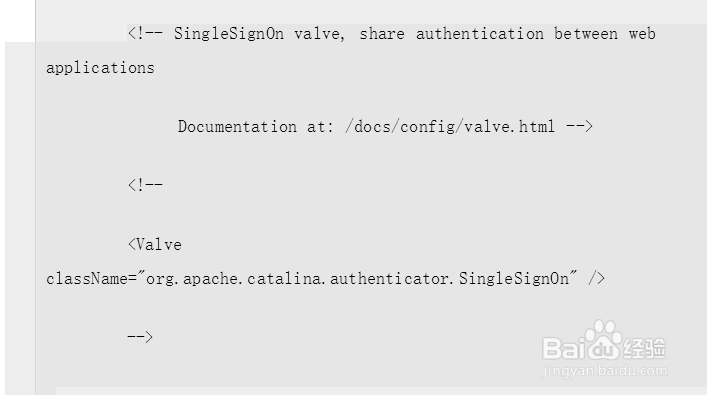
8、<!-- SingleSignOn valve, share authentication between web applications
Documentation at: /docs/config/valve.html -->
<!--
<Valve className="org.apache.catalina.authenticator.SingleSignOn" />
-->
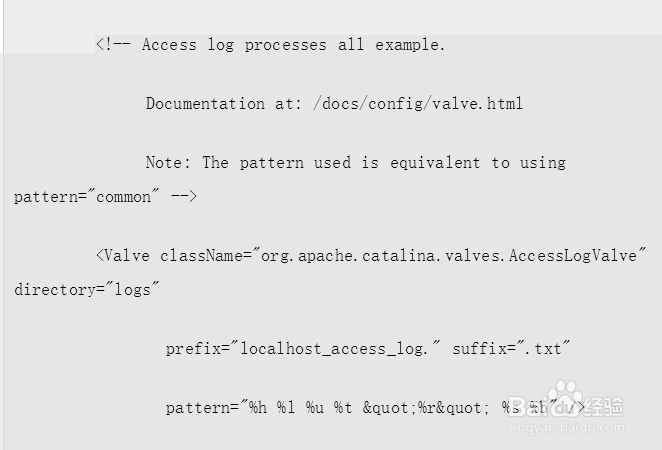
9、<!-- Access log processes all example.
Documentation at: /docs/config/valve.html
Note: The pattern used is equivalent to using pattern="common" -->
<Valve className="org.apache.catalina.valves.AccessLogValve" directory="logs"
prefix="localhost_access_log." suffix=".txt"
pattern="%h %l %u %t "%r" %s %b" />
10、 </Host>
</Engine>
</Service>
</Server>
11、注意:
在设置Tomcat的配置文件时,Host节点下的Context节点中的docBase要设置为项目的根目录,且这个目录要直接可以转到项目的主页。

12、在这里有一个坑:由于项目中使用了UrlRewrite组件,所以在这里直接写伪地址是不管用的,目前的解决方法是在项目中新建一个JSP页面专门用于引导转向这个伪地址然后达到打开主页的目的:
在项目中建立了二级目录和一个页面。

13、然后在页面中编写重定向的代码。

14、最后在web.xml中配置默认的页面即可。
之后将导出的war包直接丢进Tomcat目录下的webapps中即可,Tomcat启动时即会自动将war包解压并部署。

15、效果展示
都启动好之后,访问地址:http://www.stevejrong.top :
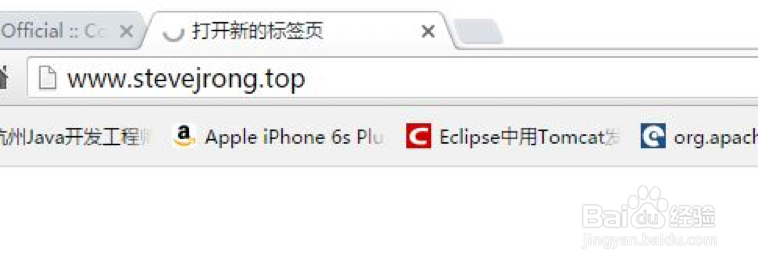
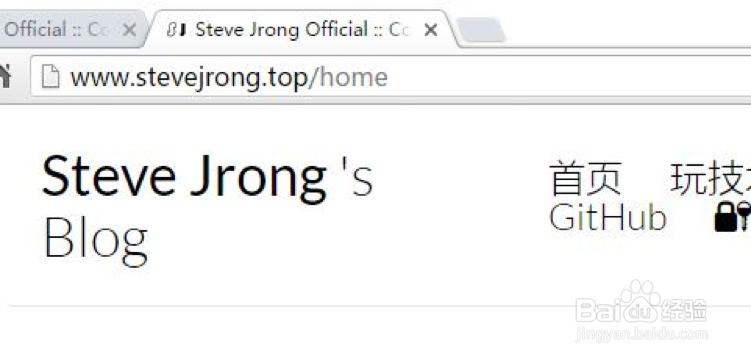
16、之后会自动重定向到http://www.stevejrong.top/home地址:
17、总结
在搞这个的时候遇到很多坑,尤其是Nginx正则表达式和静态资源那里。由于现在的项目静态资源分布的很散,导致目前无法使用Nginx处理静态资源,只是把它作为HTTP代理使用了。