C1900101-30018错误解决方法
1、以管理员身份运行“命令提示符”,可在开始菜单或开始屏幕搜索框中输入CMD,然后在结果中点击右键,选择“以管理员身份运行”。
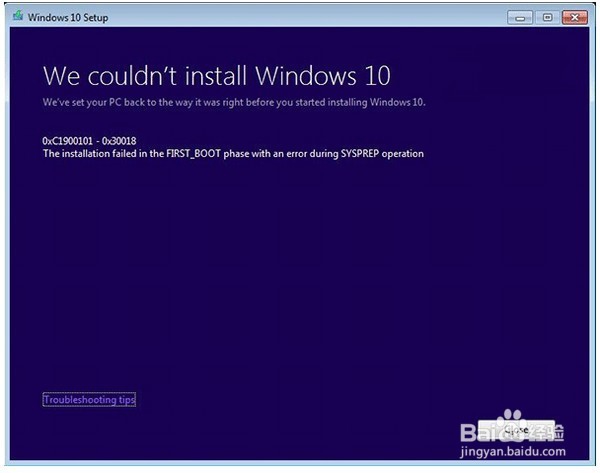
2、关闭 BITS、Cryptographic、MSI Installer 和 Windows 更新四个服务,命令如下(每行命令输入之后都要按回车执行):
net stop wuauserv
net stop cryptSvc
net stop bits
net stop msiserver
3、重命名 SoftwareDistribution 和 Catroot2 文件夹,命令如下(每行命令输入之后都要按回车执行):
ren C:\Windows\SoftwareDistribution SoftwareDistribution.old
ren C:\Windows\System32\catroot2 Catroot2.old
4、重启 BITS、Cryptographic、MSI Installer 和 Windows 更新四个服务,命令如下(每行命令输入之后都要按回车执行):
net start wuauserv
net start cryptSvc
net start bits
net start msiserver
5、执行 exit 命令关闭命令提示符,然后重启电脑。
此时再次尝试升级Windows10,错误可能已经被解决。
阅读量:190
阅读量:63
阅读量:135
阅读量:42
阅读量:68