一点经验网
首页
美食营养
生活百科
知识问答
生活知识
返回
一点经验网
首页
美食营养
游戏数码
手工爱好
生活知识
生活百科
健康养生
运动户外
职场理财
情感交际
母婴教育
时尚美容
知识问答
更多知识
搜索
mac firefox浏览器怎么禁止自动滚屏?
2026-04-22 14:45:01
1、点击打开浏览器。
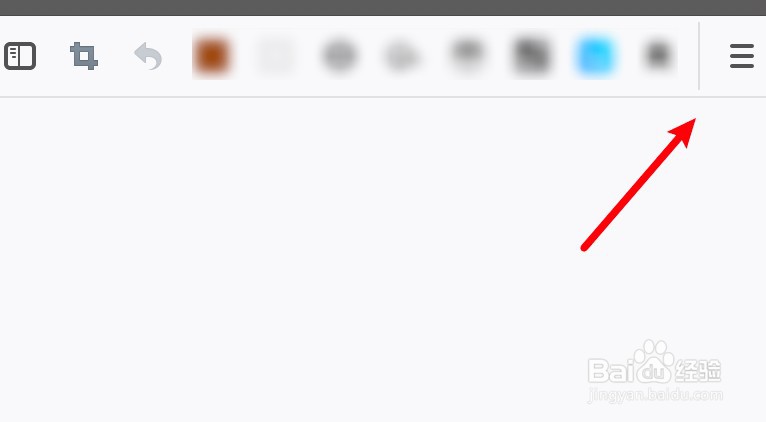
2、点击右边的横线。
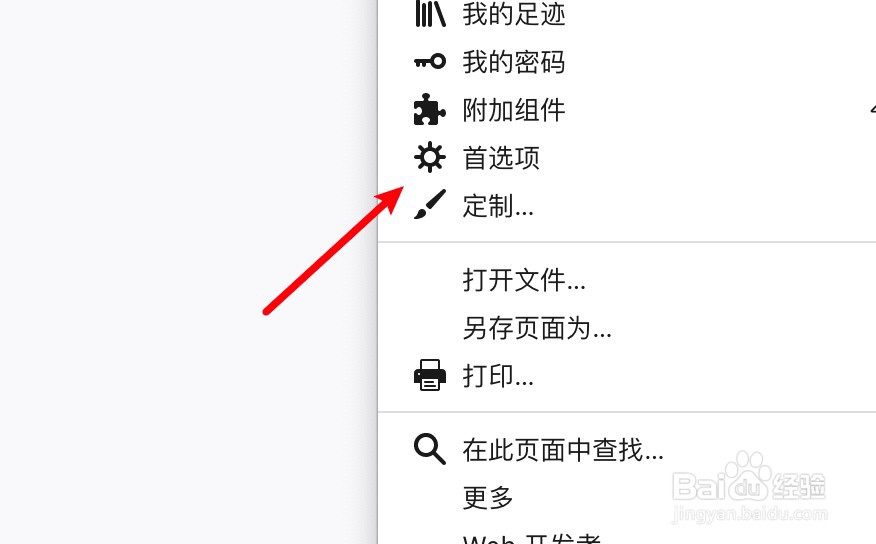
3、点击下拉菜单的首选项。
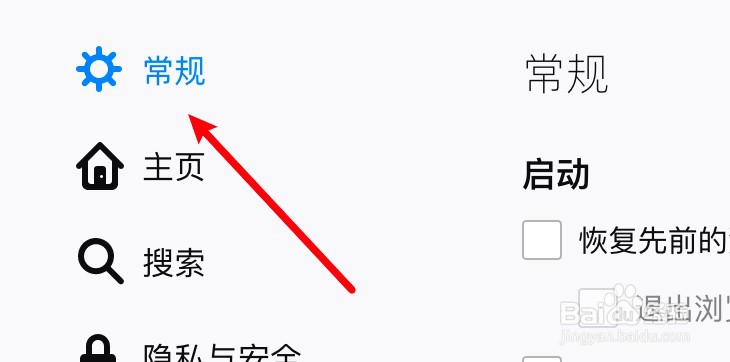
4、点击常规选项。
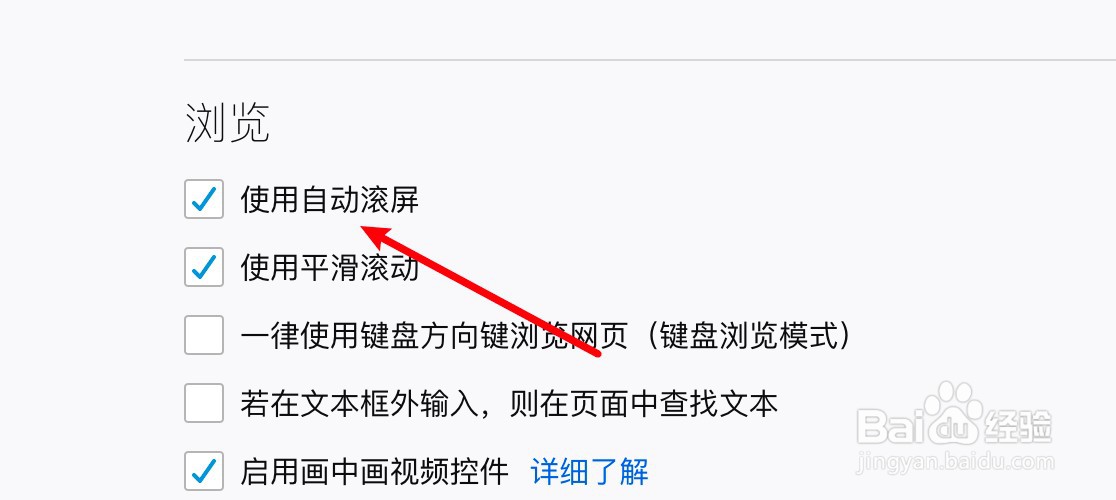
5、取消选中使用自动滚屏的选项就可以了。
相关推荐
摩尔庄园中如何购买特制权杖
阅读量:75
安卓虚拟机文件的共享
阅读量:115
一加9应用使用时如何关闭
阅读量:109
怎样修改手机APP权限
阅读量:171
雪人兄弟怎么获得药水增强武器
阅读量:65
猜你喜欢
痘痕痘印怎么消除
景区标识牌
山东旅游学院
天涯明月刀五毒怎么样
教育背景怎么填
文昌旅游
十渡旅游攻略
保鲜膜可以加热吗
什么软件可以看电视直播
碳素笔怎么洗掉
猜你喜欢
儿童机票网上怎么买
无锡旅游景点
澳大利亚旅游景点
云南普者黑旅游攻略
旅游包
旅游地图
冬瓜木耳香菜汤可以减肥吗
凉拌凉面
孕妇可以吃柚子吗
随州旅游