华为mate50pro导航功能在哪开启
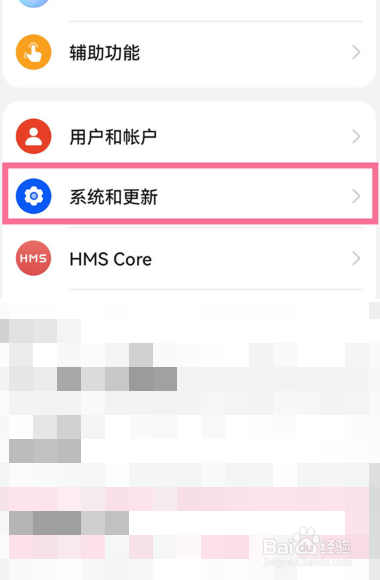
1、在手机设置中点击【系统和更新】。
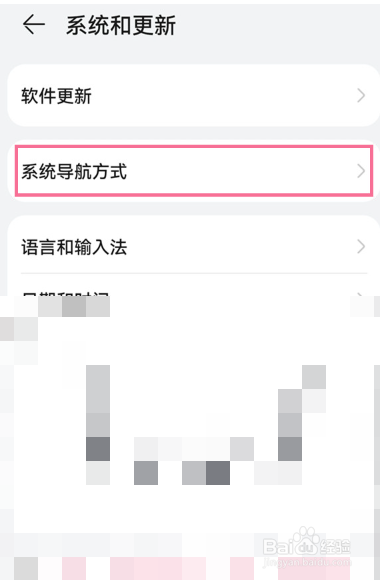
2、点击【系统导航方式】。
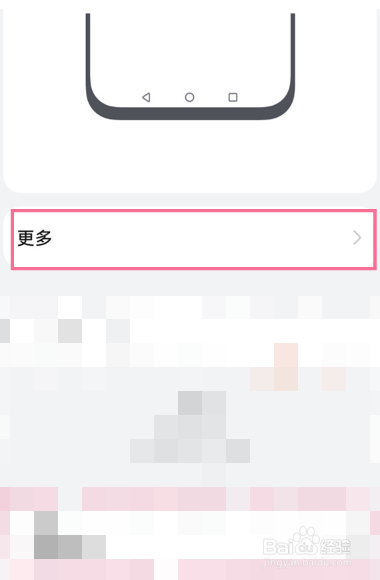
3、点击【更多】。
4、打开【悬浮导航】右侧的开关。

1、在手机设置中点击【系统和更新】。
点击【系统导航方式】。
点击【更多】。
打开【悬浮导航】右侧的开关。
阅读量:146
阅读量:127
阅读量:63
阅读量:96
阅读量:29
1、在手机设置中点击【系统和更新】。
2、点击【系统导航方式】。
3、点击【更多】。
4、打开【悬浮导航】右侧的开关。
1、在手机设置中点击【系统和更新】。
点击【系统导航方式】。
点击【更多】。
打开【悬浮导航】右侧的开关。