如何安装office2010/ office2010安装方法
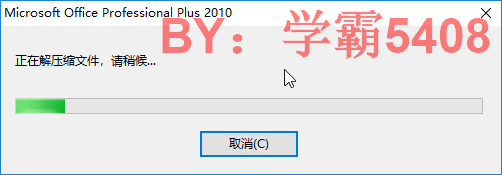
1、打开运行安装程序

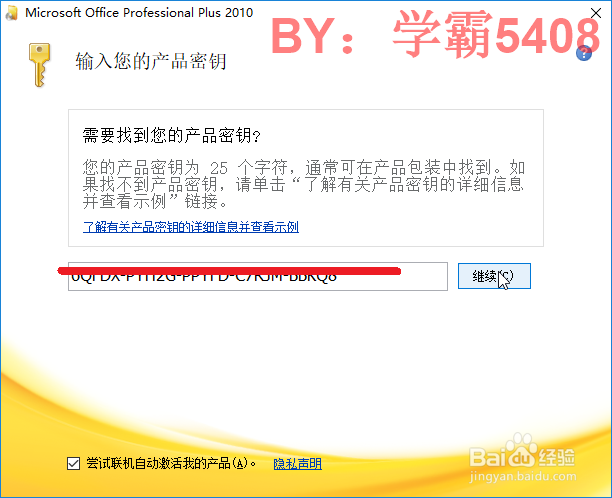
2、输入产品密钥,点击继续
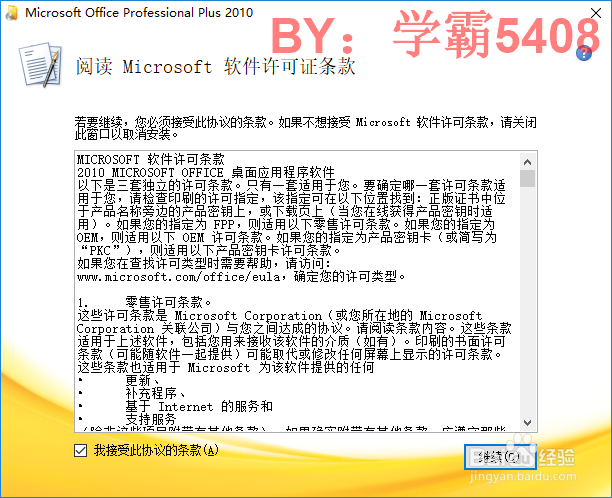
3、接受协议条款,点击继续
后点击自定义(也可以直接立即安装)
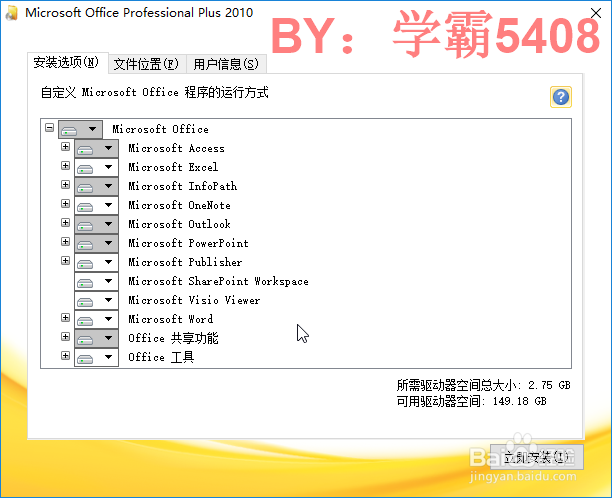
4、选择要的插件和安装位置及用户名
点击立即安装
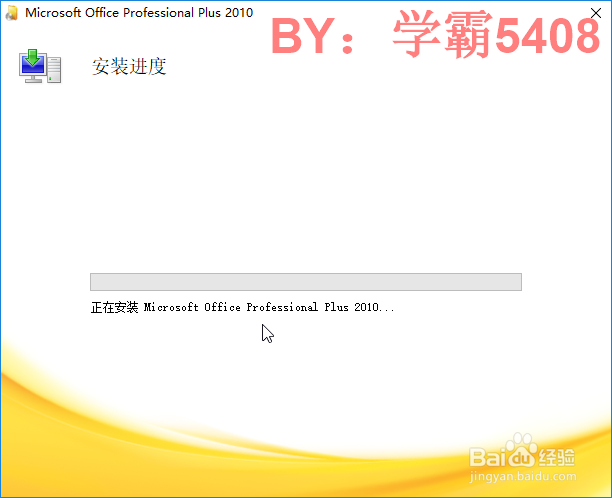
5、安装完成在开始中打开

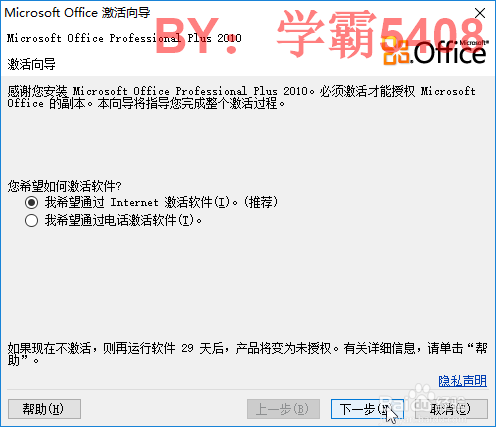
6、安装后出现激活,点击联网激活
如果没用,再用工具
阅读量:77
阅读量:50
阅读量:65
阅读量:140
阅读量:73
1、打开运行安装程序
2、输入产品密钥,点击继续
3、接受协议条款,点击继续
后点击自定义(也可以直接立即安装)
4、选择要的插件和安装位置及用户名
点击立即安装
5、安装完成在开始中打开
6、安装后出现激活,点击联网激活
如果没用,再用工具