一点经验网
首页
美食营养
生活百科
知识问答
生活知识
返回
一点经验网
首页
美食营养
游戏数码
手工爱好
生活知识
生活百科
健康养生
运动户外
职场理财
情感交际
母婴教育
时尚美容
知识问答
更多知识
搜索
京喜怎么设置消息接收?
2026-04-24 21:11:29
1、打开手机,点击‘京喜’应用,
2、在我的页面,点击设置按钮,
3、打开设置页面,点击【通用】,
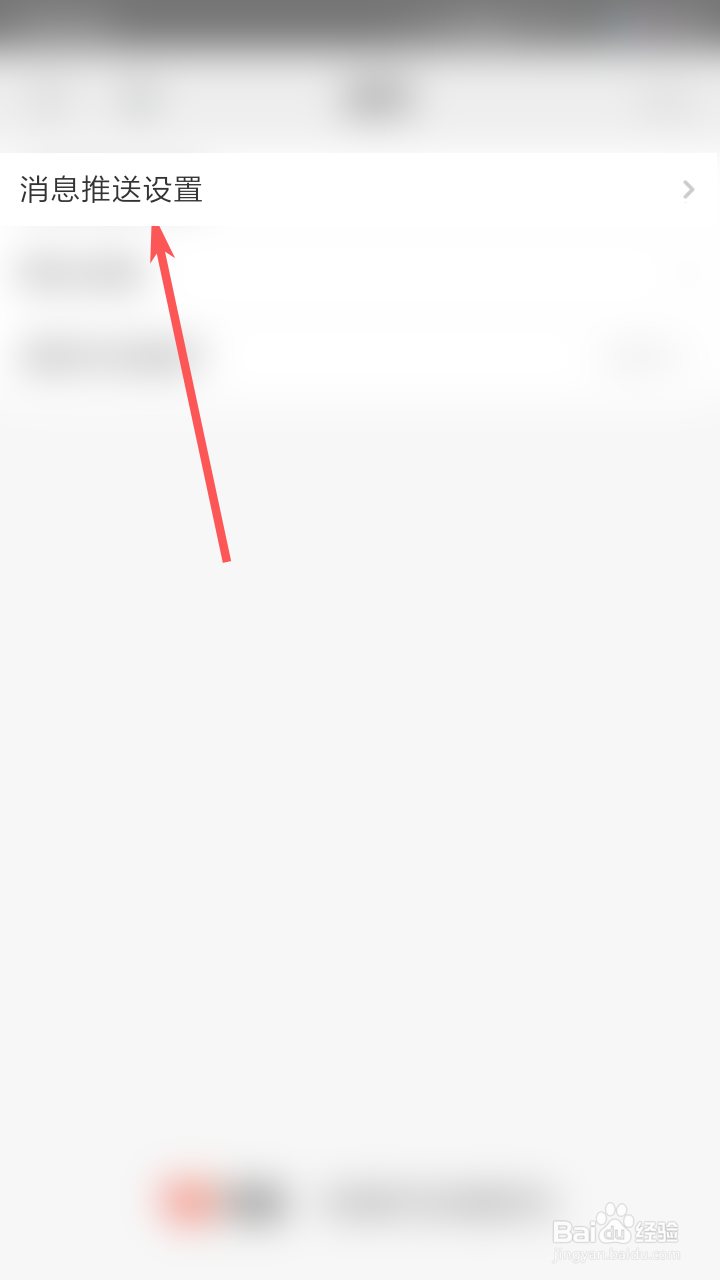
4、接着点击【消息推送设置】,
5、然后点击“消息接收设置”,
6、打开或者关闭其中的消息通知。
相关推荐
京喜怎么开启订单物流消息接收功能
阅读量:118
京喜怎么设置支付密码
阅读量:174
京喜如何屏蔽推送消息
阅读量:37
京喜怎么设置消息接收?
阅读量:133
京喜,怎么开启程序化广告设置?
阅读量:133
猜你喜欢
怀孕一个月怎么避孕
单眼皮怎么画眼线
双侧乳腺增生怎么办
联通积分怎么获得
目标顾客描述怎么写
我的世界摩天轮怎么做
起亚k2怎么样
怎么录制游戏视频
emperor怎么读
电脑连不上网怎么解决
猜你喜欢
龙文教育怎么样
怎么做动态图
怎么屏蔽垃圾短信
钙片吃多了会怎么样
抽筋是怎么回事
眼屎多怎么办
美利达自行车怎么样
乳晕大怎么回事
cad矩形怎么画
皮肤晒伤怎么处理