SketchBook关闭笔模式?
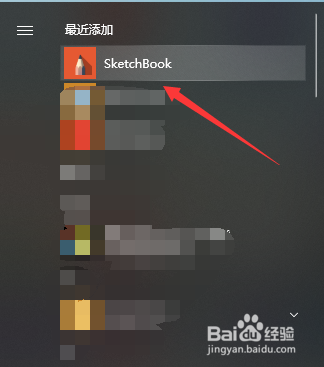
1、打开“SketchBook”软件。
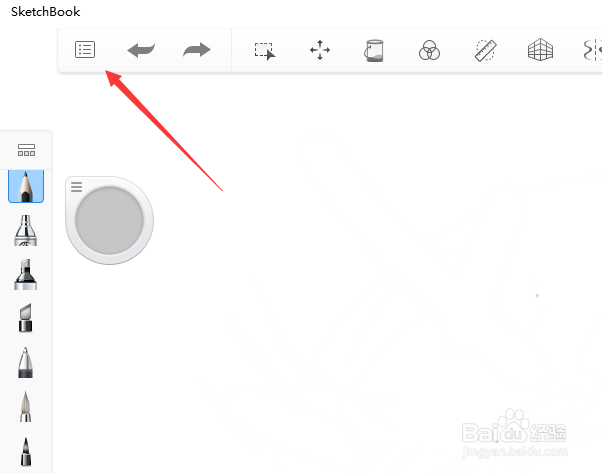
2、点击“主菜单”。
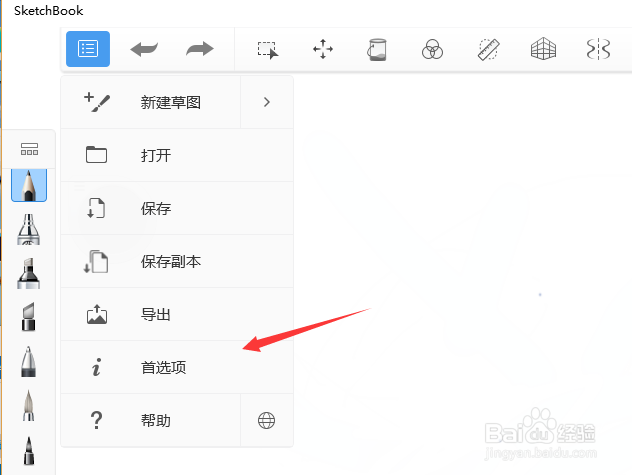
3、点击“首选项”。
4、点击“常规”。
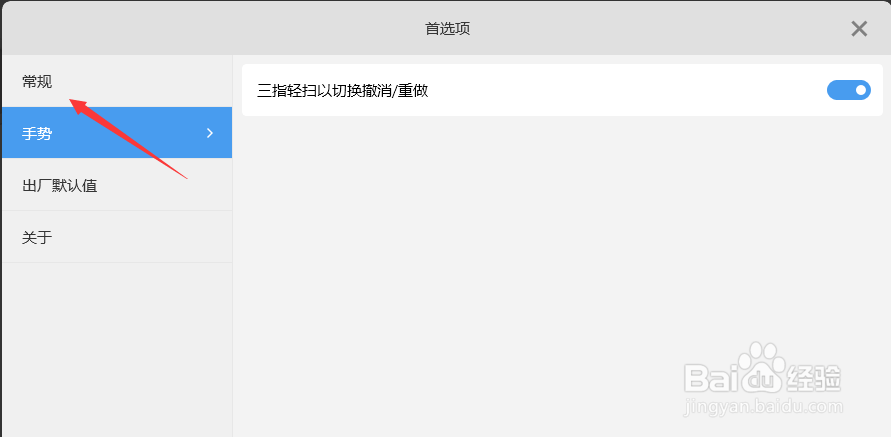
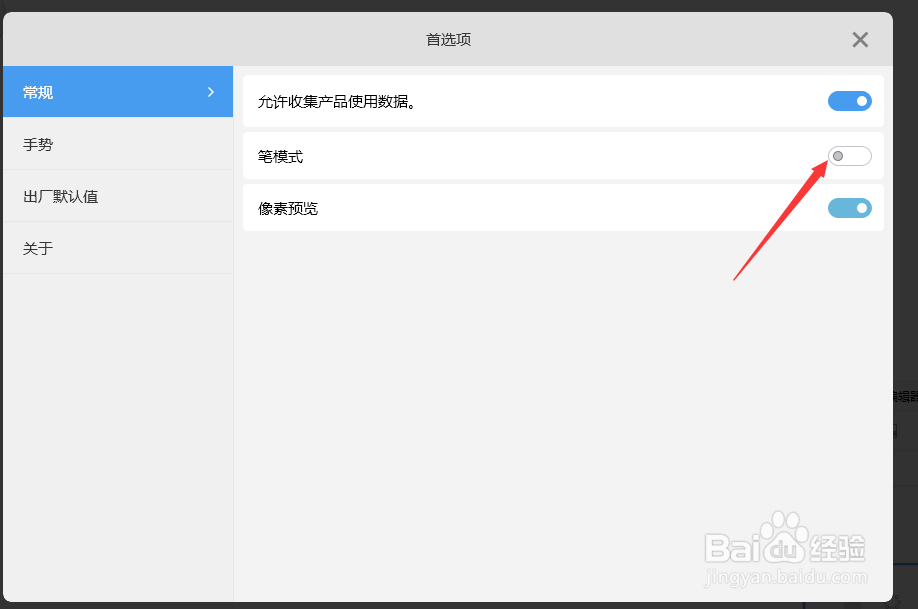
5、关闭“笔模式”。
6、总结:
1、打开“SketchBook”软件。
2、点击“主菜单”。
3、点击“首选项”。
4、点击“常规”。
5、关闭“笔模式”。
阅读量:60
阅读量:51
阅读量:150
阅读量:45
阅读量:102
1、打开“SketchBook”软件。
2、点击“主菜单”。
3、点击“首选项”。
4、点击“常规”。
5、关闭“笔模式”。
6、总结:
1、打开“SketchBook”软件。
2、点击“主菜单”。
3、点击“首选项”。
4、点击“常规”。
5、关闭“笔模式”。