一点经验网
首页
美食营养
生活百科
知识问答
生活知识
返回
一点经验网
首页
美食营养
游戏数码
手工爱好
生活知识
生活百科
健康养生
运动户外
职场理财
情感交际
母婴教育
时尚美容
知识问答
更多知识
搜索
mac Edge浏览器怎么设置不允许发禁止跟踪请求?
2026-04-24 01:00:01
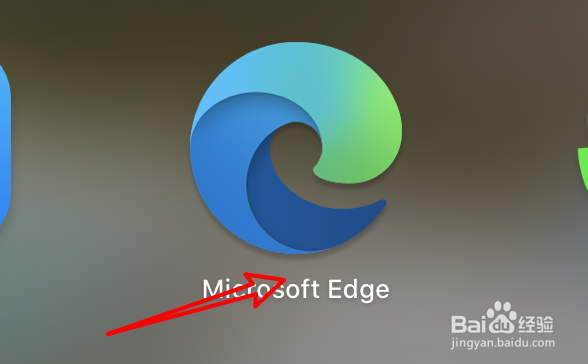
1、打开浏览器。
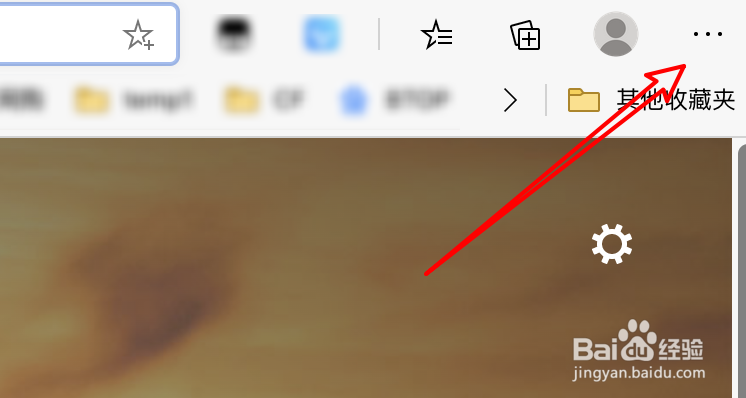
2、点击上方小圆点。
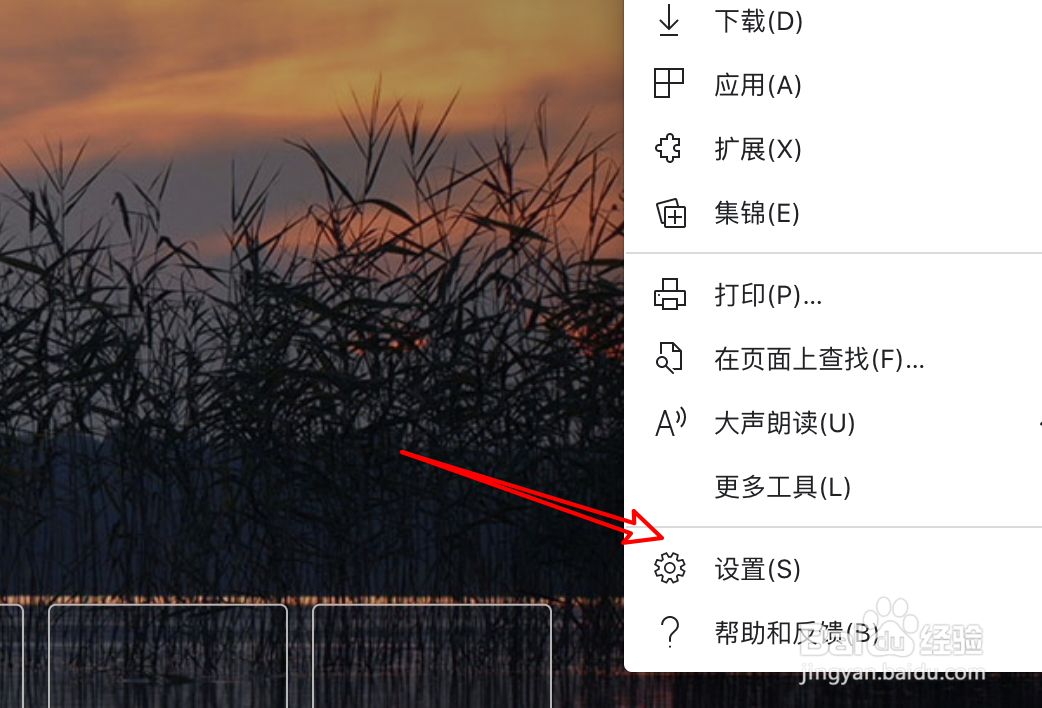
3、点击下拉菜单上的设置。
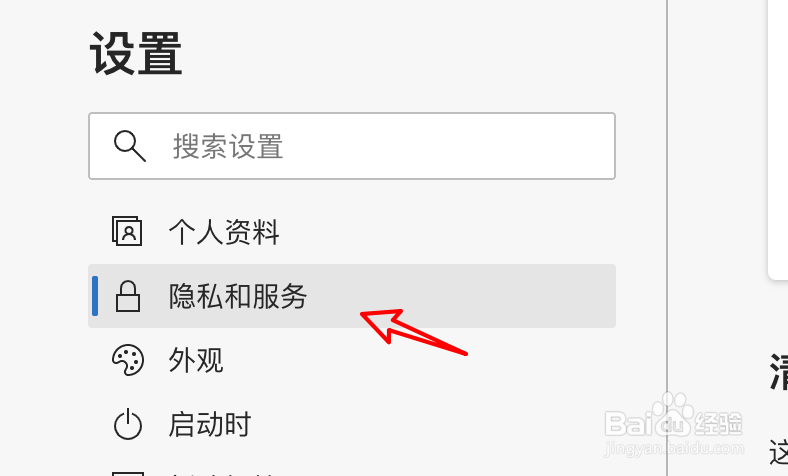
4、点击隐私和服务。
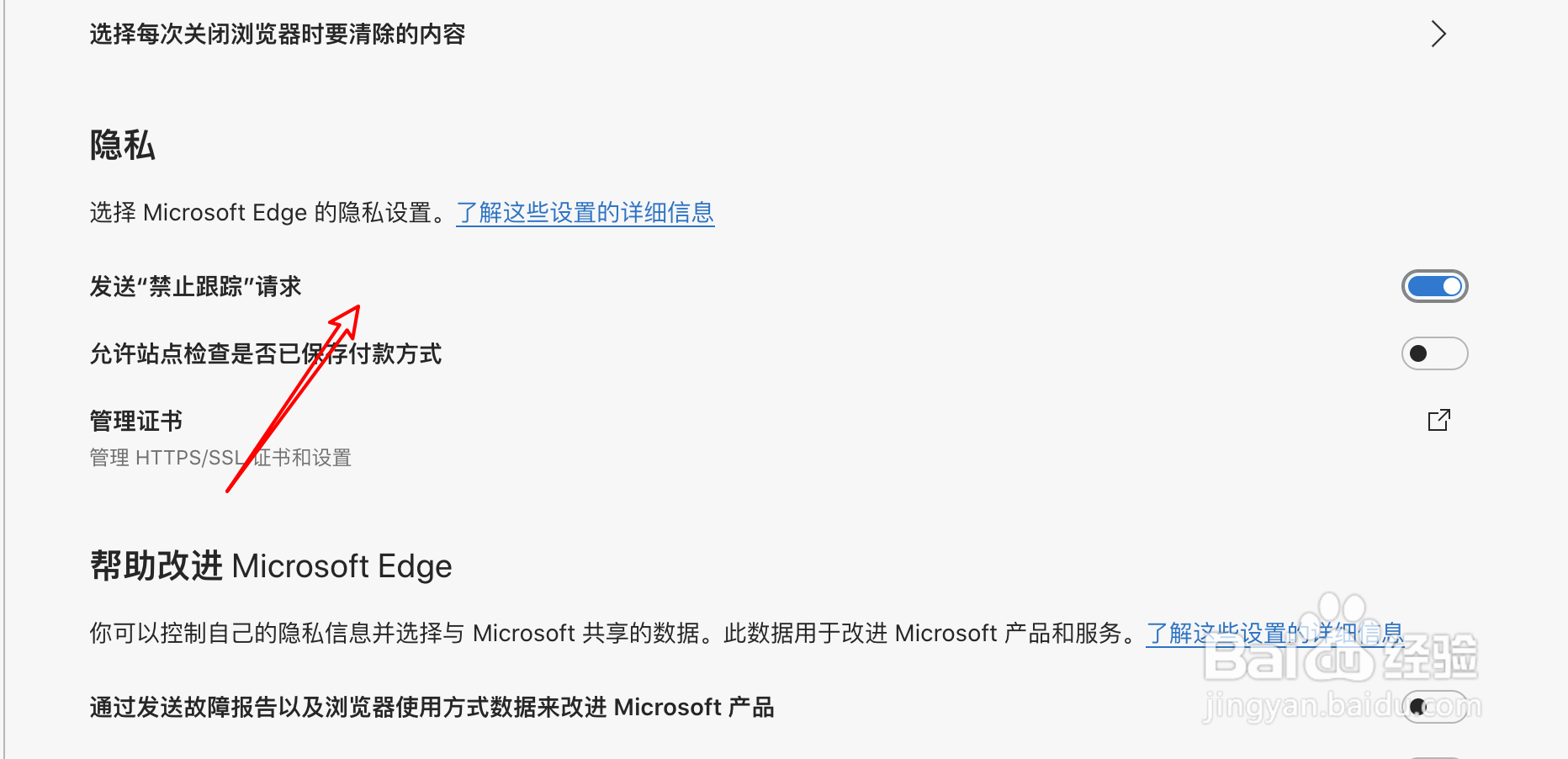
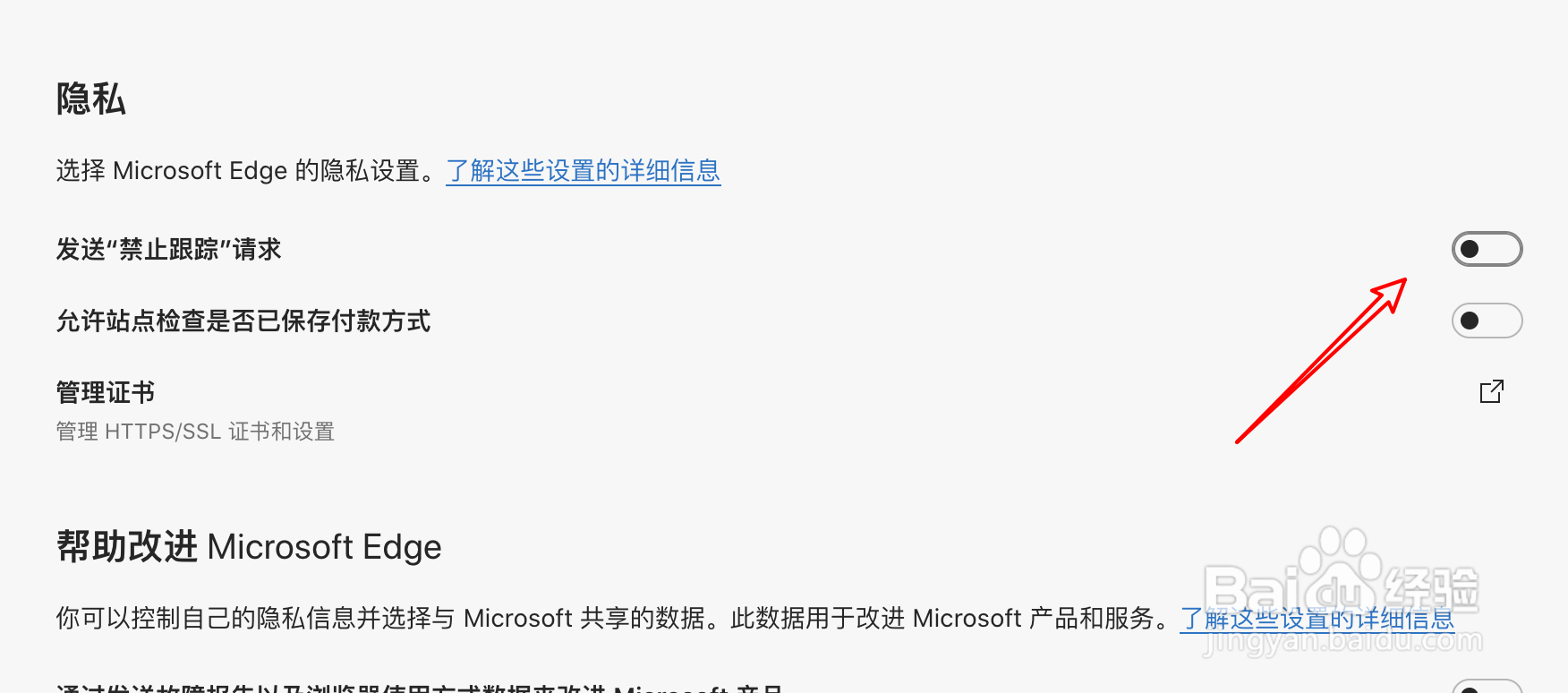
5、点击发送禁止跟踪请求的选项开关。
6、关闭这个开关后,就不可以发送禁止跟踪的请求了。
相关推荐
mac Edge浏览器怎么删除浏览数据?
阅读量:195
mac edge浏览器如何查看浏览器保存的密码?
阅读量:174
mac版edge浏览器变成黑漆漆的怎么办?
阅读量:133
edge浏览器怎么添加跟踪防护例外?
阅读量:154
mac版edge浏览器怎么设置使用深色主题?
阅读量:54
猜你喜欢
脚本大全
耍流氓视频大全
怎么才能让鼻子变小
邵兵个人资料简介
运动会加油稿大全
魏巍简介
身份证号大全和姓名
剪贴板怎么打开
北京语言大学怎么样
填空题的横线怎么打
猜你喜欢
水肿是怎么回事
cad缩放怎么用
开罗游戏大全
象棋残局大全
榨汁机食谱大全
脚垫怎么治疗
沙盒游戏大全
奥拓怎么样
结巴怎么治
文化公司名称大全